Build a Digital Playbook for Contract Review
If you’ve successfully moved your legacy data and integrated your tech stack, you’re likely facing the next big hurdle: the daily grind of contract intake.
You might be wondering how to standardize your reviews so that the contract review software does the first pass for you, without missing the critical nuances that protect the business.
If that’s you, you’re not alone.
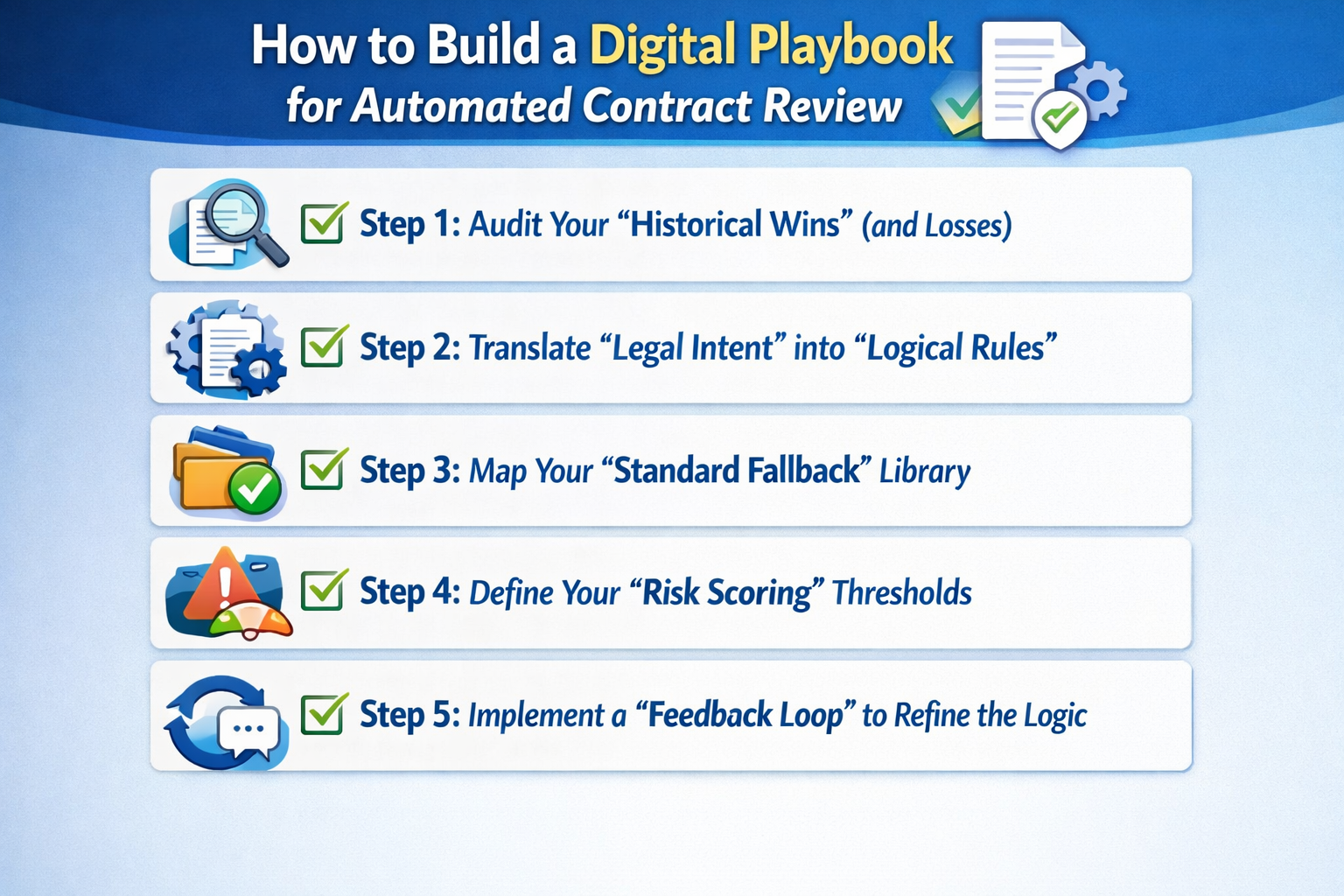
Here are the 5 steps to building your digital review playbook:
Step 1: Audit Your “Historical Wins” (and Losses)
The best playbook isn’t built from scratch; it’s built from your past negotiations. Before you start defining “Standard Clauses,” look at the last 50 contracts you actually signed. What did you really concede on? What was a “hard no”?
Identify these three categories in your history:
- The “Must-Haves”: Clauses you never budge on (e.g., Data Privacy, IP Ownership).
- The “Give-and-Takes”: Clauses where you have 2-3 pre-approved fallback positions (e.g., Indemnity caps, Net-payment terms).
- The “Noise”: Clauses that legal usually spends time on, but ultimately signs as-is 90% of the time.
Step 2: Translate “Legal Intent” into “Logical Rules”
Software doesn’t understand “reasonable effort.” It understands “if/then” logic. To automate your review, you need to translate your subjective legal standards into objective rules that an AI can follow.
Instead of saying “Check the Limitation of Liability,” define it like this:
- The Rule: “Acceptable if Liability is capped at 1x Annual Fees. Flag if Liability is uncapped or includes consequential damages.”
- The Action: “If flagged, insert ‘Standard Fallback Clause B’ and route to the CFO for approval.”
Step 3: Map Your “Standard Fallback” Library
A review playbook that only tells you what is “wrong” is only half-helpful. A high-velocity playbook provides the solution immediately. For every “Non-Standard” clause identified, you should have a “Pre-Approved Fallback” ready to be swapped in.
Organize your fallback library by risk level:
- Level 1 (Aggressive): Your ideal position.
- Level 2 (Middle Ground): Your standard compromise.
- Level 3 (Walk-away): The furthest you are willing to go before requiring a General Counsel’s signature.
Step 4: Define Your “Risk Scoring” Thresholds
Not every “Non-Standard” clause is a deal-breaker. To avoid manual review on everything, assign a “Risk Score” to your rules. This allows the system to automatically approve low-risk variations while stopping the “Red-Hot” issues for human eyes.
Try this scoring logic:
- Green (Score 1-3): Minor phrasing change. No human review needed.
- Yellow (Score 4-7): Deviation within pre-approved limits. Route to Sales Manager for awareness.
- Red (Score 8-10): Critical risk (e.g., No Indemnity). Immediate stop and route to Legal.
Step 5: Implement a “Feedback Loop” to Refine the Logic
A digital playbook is not a “set it and forget it” tool. If your team is constantly overriding the software’s suggestions, your playbook is out of sync with your actual business needs.
We suggest a monthly “Playbook Sync”:
- Analyze Overrides: Why did Legal manually change a clause that the AI marked as “Acceptable”?
- Update the Standard: If you’re consistently accepting a specific third-party clause, it’s time to move that clause from “Yellow” to “Green” in your playbook.
Conclusion
And there you have it!
By codifying your expertise into a digital format, you’re ensuring that your contract reviews are consistent, fast, and, most importantly, scalable.
If you’re struggling to translate your complex legal standards into digital rules and want to see how we help teams build their first playbook, feel free to book a demo with us.
Otherwise, check out our next article on automating redlines on external contract templates.
See it in action
Turn contract chaos into a streamlined workflow
Join legal teams who cut contract turnaround time by 60%. Book a 15-minute demo to see how.