1
Open the CRF email
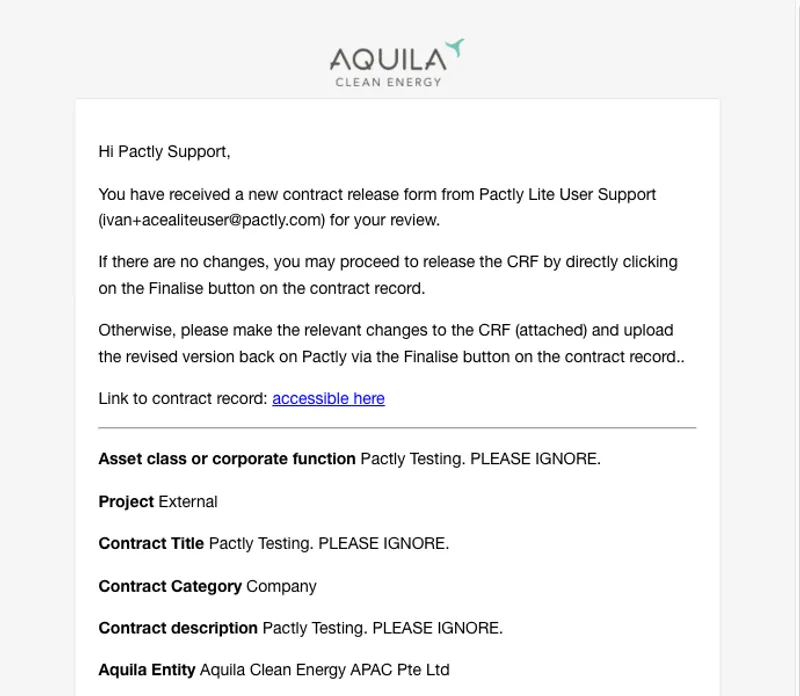
You receive an email titled New contract release form submitted. It lists every answer the requester gave, attaches the generated CRF as a Word document, and links to the contract record.
A guide for the Aquila Clean Energy APAC legal team. When a requester submits a Contract Release Form for a contract other than an NDA, you release it as generated or upload a corrected version, and Pactly sends it back to the requester.
A standalone Contract Release Form (CRF) is one a requester submits for a contract that is not an NDA, such as a consultancy agreement. Pactly generates the CRF as a Word document and sends it to the legal team member the requester selected. You either release it as generated, or correct it and upload your version. Either way, the requester is sent a link to the final CRF.
You receive an email titled New contract release form submitted. It lists every answer the requester gave, attaches the generated CRF as a Word document, and links to the contract record.
Read the answers in the email or open the attached CRF. If everything is correct, release it as generated. If something needs changing, correct it first.
Select the link in the email. Log in if Pactly asks you to.
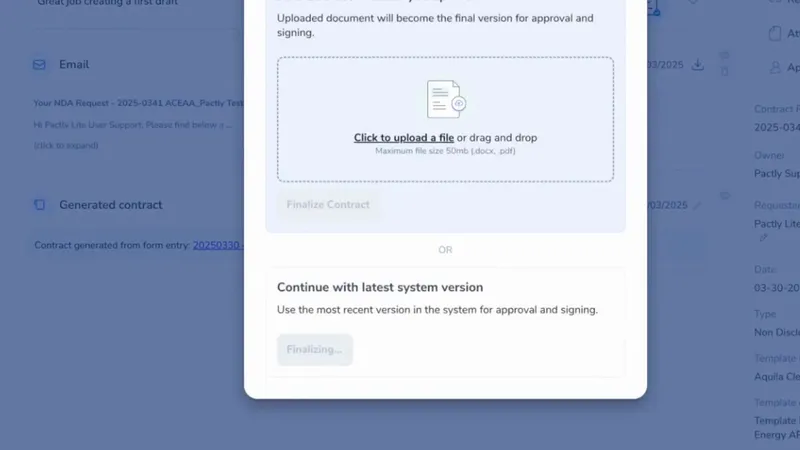
Select Finalize, then Continue with latest system version. This releases the CRF exactly as Pactly generated it.
Open the Word document attached to the email and make your changes.
Open the contract record from the email link, select Finalize, and upload your corrected document in the upload area. The uploaded document becomes the final version.
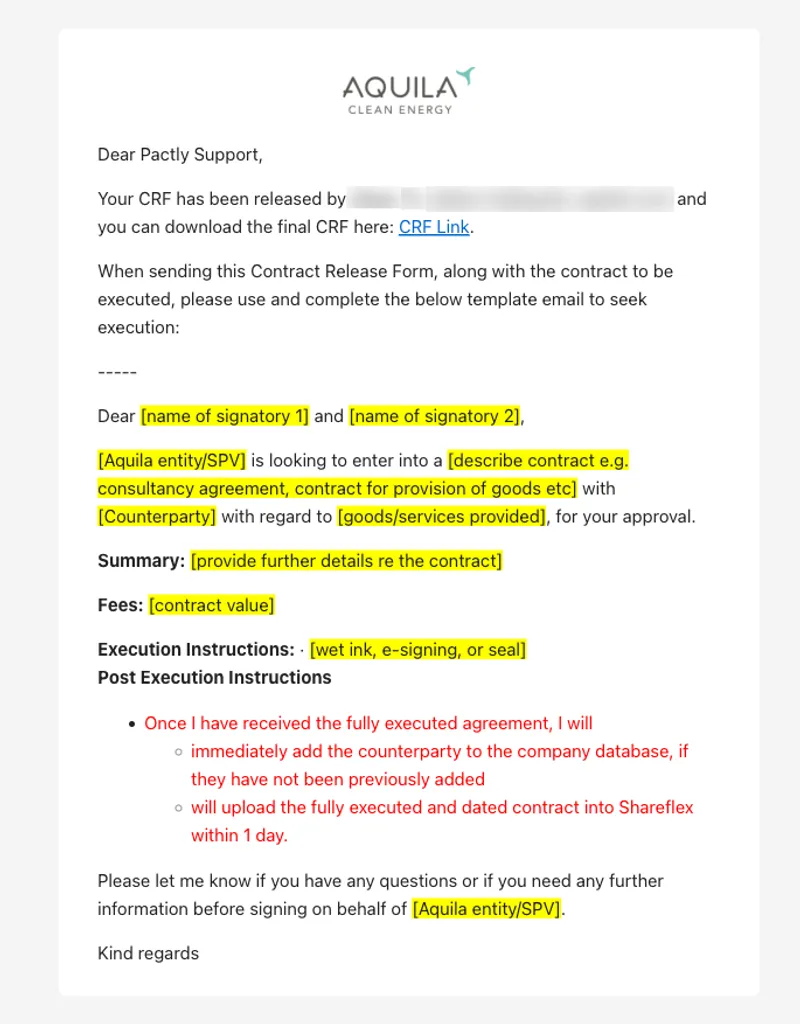
In both cases the requester receives an email titled Contract Release Form - Execution Instructions. It tells them who released the CRF, gives them a link to download the final version, and includes the template email to send to the signers with the contract. They do not need a Pactly login to download the CRF.