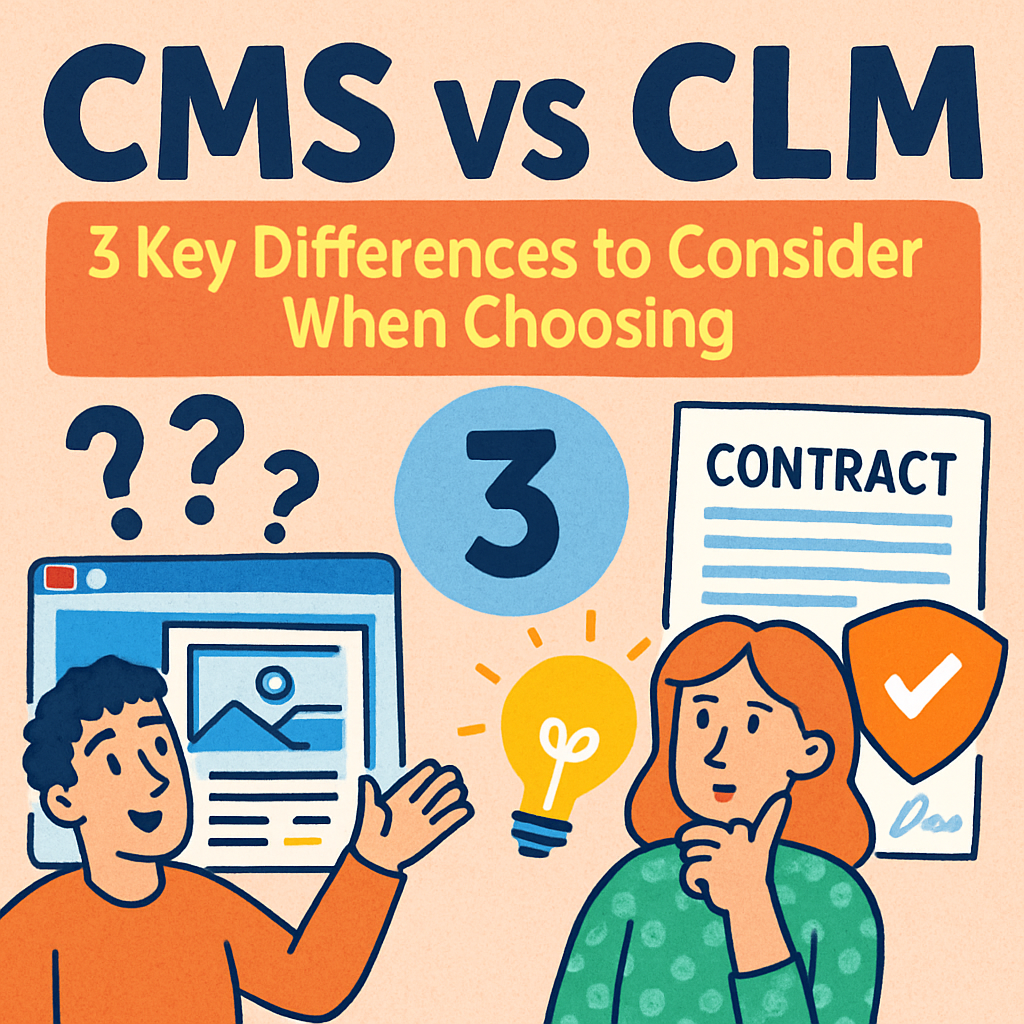
CMS vs CLM: 3 Key Differences to Consider When Choosing
Let’s cut straight to the point — the biggest difference between a CMS and a CLM is scope.
A CMS (Contract Management System) is essentially a secure, centralized, searchable digital repository for your agreements. It helps you store, organize, and find contracts quickly.
On the other hand, a CLM (Contract Lifecycle Management) platform manages the entire contract journey — from drafting and negotiation to approval, signature, tracking, and renewal.
Now - let’s walk through the differences in a way that helps you choose the right tool for where your team is right now.
CMS Stores, CLM Manages the Entire Lifecycle
Even though both systems deal with contracts, they don’t solve the same pain points.
A CMS solves “Where is this contract?” problems:
- You can’t find agreements.
- Contracts live in email threads, desktops, and random folders.
- You worry about missing renewals or expiration dates.
- Legal has no visibility into what’s been signed or by whom.
Think of this as post-signature organization.
A CLM solves “How do we manage this process?” problems:
- Drafting takes too long.
- Redlines happen across multiple versions and tools.
- Approvals stall because no one knows who should sign next.
- Standard clauses aren’t consistently used.
- Risk isn’t visible until after signature.
This is workflow, not storage.
Once you know which problem you’re really trying to fix, the path becomes clearer.
CMS Doesn’t Integrate Deeply, CLM Does
This is the part most teams don’t think about — but it’s the easiest way to tell which solution fits you.
A CLM integrates deeply with enterprise systems like:
- Procurement
- Sourcing
- ERP
- CRM
- E-signature tools
- Finance systems
Why?
Because CLM sits across the full lifecycle.
It needs to talk to other parts of your business so nothing gets stuck, delayed, or lost.
A CMS (Contract Management Software) rarely integrates this deeply because it isn’t designed to manage workflows.
It’s designed to help you store and retrieve information efficiently.
So, if your contract process touches multiple teams, platforms, or approval layers, you’re already in CLM territory…
CMS Is Built as a Repository while CLM is a Workflow Engine
This is where the difference becomes structural.
CMS is built as a repository that involves:
- Storing documents
- Searching for agreements
- Tracking key dates
- Maintaining contract history
- Improving visibility after signature
This is ideal for teams that mainly struggle with organization and control.
CLM is built as a workflow engine - think:
- Automated approvals
- Clause libraries
- Drafting templates
- Redlining and versioning
- Negotiation workflows
- AI extraction and risk scoring
- Renewal and obligation management
This is designed for teams that need consistency, speed, and governance across the entire lifecycle. Once you understand this design difference, the choice becomes more about operational maturity than product features.
Which One Should You Actually Choose?
Here’s the simplest way to choose based on the pain you actually feel day-to-day.
Choose a CMS if:
- You mainly need a single source of truth.
- Your biggest problem is finding contracts, not managing them.
- Your workflows are manual but manageable.
- You don’t need heavy automation.
- You’re early in your contract digitization journey.
CMS gives you order and visibility — without the complexity of an enterprise-level setup.
Choose a CLM if:
- Drafting and approvals slow you down.
- Contracts involve multiple departments and stakeholders.
- You want automated workflows and version control.
- Compliance and risk are becoming concerns.
- You handle high volumes or complex agreements.
- You want integrations with procurement, CRM, or ERP.
CLM gives you speed, consistency, and control across the full lifecycle.
The Bottom Line
A CMS is perfect when your problem is storage, visibility, and access.
A CLM is the right choice when your problem is process, compliance, and operational efficiency.
If you spend more time searching for contracts, choose CMS.
If you spend more time managing contracts, choose CLM.
And if you’re still unsure, ask yourself one question:
“Do we feel the most pain before signature or after signature?”
That answer alone will guide you to the right tool — every single time.
If you still have any other burning questions and want more clarity, feel free to book a demo with us.
See it in action
Turn contract chaos into a streamlined workflow
Join legal teams who cut contract turnaround time by 60%. Book a 15-minute demo to see how.