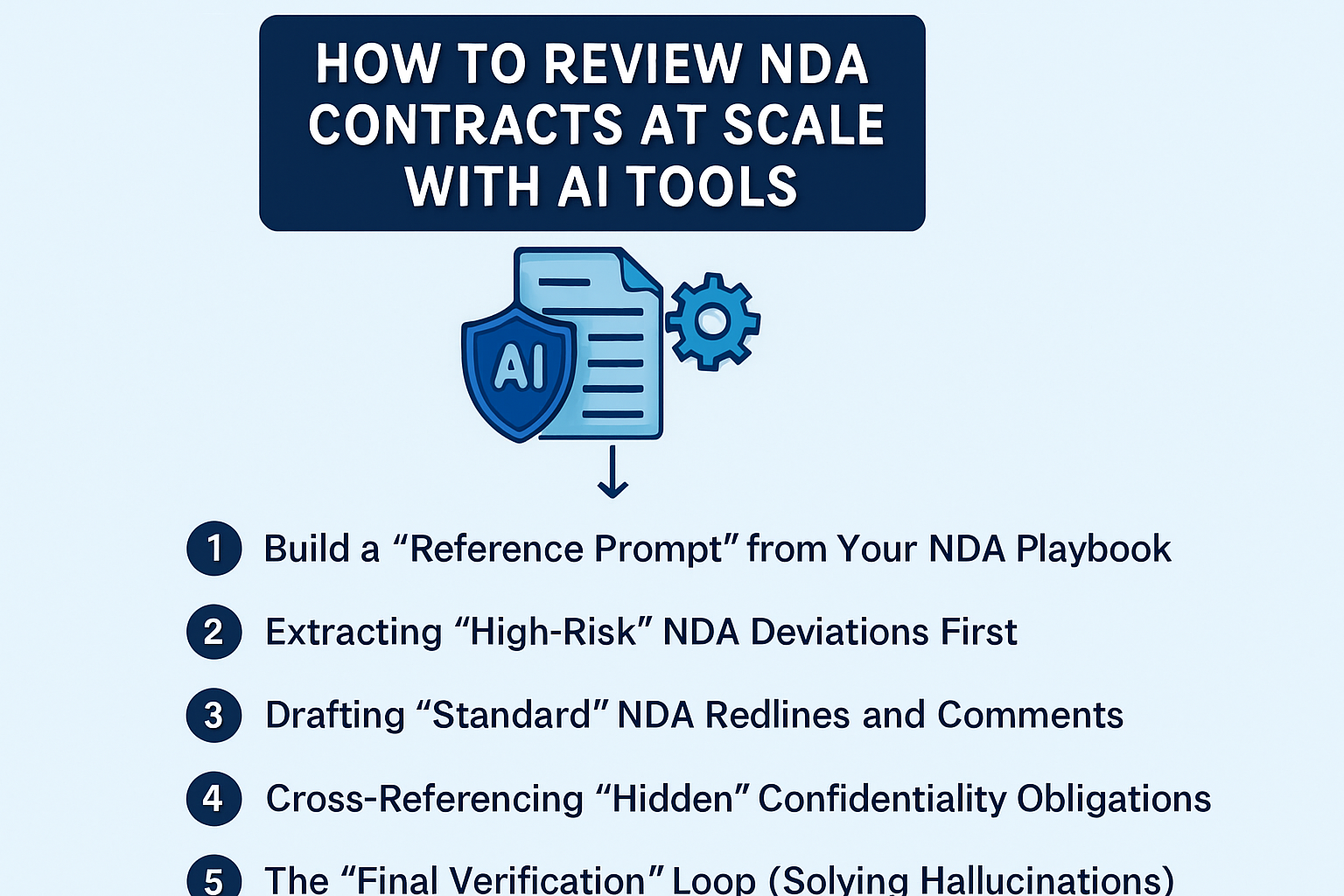
How to Review NDA Contracts at Scale with AI Tools
For many legal teams, dedicated contract review tools might be out of reach due to budget constraints or procurement timelines.
If you are currently relying on general AI tools like ChatGPT or Claude to get through your daily pile of agreements, you need a workflow that balances speed with strict data security.
Here is the tactical, “security-first” guide for using AI to review NDAs at scale.
The Privacy Preface: Protecting Your Data
Before you start, you must account for where the data is going.
- Avoid Public Models: Do not use the “Free” versions of public LLMs for sensitive work; they often use your inputs to train future models.
- Use Enterprise-Grade Tools: Ensure you are using an “Enterprise” or “API” version where the provider guarantees that your data is not used for training and is deleted after the session.
- Anonymize if Necessary: If you are stuck using a public tool, redact the party names, specific project code names, and unique commercial terms before uploading.
Phase 1: High-Volume Triage
When you have 50 NDAs in your inbox, you don’t start by redlining. You start by triaging them into priority buckets.
- The “Batch” Rule (Respect the Context Window): Do not upload all 50 files at once. Most AI models have a “context window” (the amount of data they can “hold in their head” at one time). If you overload it, the AI will start to mix up terms between different contracts.
- Practical Tip: Upload in batches of 5 documents at a time. This keeps the AI’s “focus” sharp and prevents data cross-contamination.
- The Triage Prompt: Use a prompt like: “I am uploading 5 NDAs. Compare each one against our ‘Gold Standard’ (2-year term, Delaware law, no residuals). Create a table with 4 columns: File Name, Compliance Category (Green/Yellow/Red), Key Deviations, and Source Quote.”
- How to Read the Output:
- Green: Matches your playbook. Send to signature immediately.
- Yellow: Minor tweaks needed (e.g., the term is 3 years instead of 2).
- Red: “Deal-killers” (e.g., broad Residuals clauses or non-competes). These require your direct legal judgment.
Phase 2: 5 Step AI NDA Review Workflow
1. Build a “Reference Prompt” from Your NDA Playbook
AI only knows what is “bad” if you define what is “good.” Before uploading a contract, you must feed the AI your specific deal-breakers.
- The Action: Create a “Master Prompt” that lists your standard positions (e.g., “We require a 2-year confidentiality term, mutual indemnification is a no-go, and we never allow ‘Residuals’ clauses.”).
- The Workflow: Instead of asking “Is this okay?”, ask the AI to: “Compare the attached NDA against these 5 specific rules and list every deviation.”
2. Extracting “High-Risk” NDA Deviations First
Use AI to surface the “deal-killers” in the first 30 seconds so you can decide if the NDA needs a full rewrite or just a few tweaks.
- The Action: Prompt the AI to identify specific legal mechanics: “Find the Governing Law, the Definition of Confidential Information, and the Term. Flag any Governing Law that isn’t [Your State].”
- The Verification Step: Don’t trust a summary. Force the AI to provide the exact quote from the non-disclosure document for every finding so you can verify it in context.
3. Drafting “Standard” NDA Redlines and Comments
Once a deviation is found, don’t write the redline from scratch. Use the AI to pull your pre-approved language into the draft.
- The Action: Use a prompt like: “For any NDA clause that deviates from my rules, provide a redline version using my standard language and draft a polite comment to the counterparty explaining why we require this change.”
- The Workflow: This allows you to copy-paste vetted legal arguments directly into your Word doc, maintaining consistency across all negotiations.
4. Cross-Referencing “Hidden” Confidentiality Obligations
The most dangerous parts of an NDA are often what isn’t there or what is buried in the “Miscellaneous” section.
- The Action: Ask the AI to look for “Negative Space.” Prompt it with: “Does this agreement include a non-solicit, a non-compete, or a ‘Residuals’ clause? If so, quote the text.”
- Why this matters: These “sneaky” clauses often get missed in a quick human skim but are easily caught by an AI’s pattern matching.
5. The “Final Verification” Loop (Solving Hallucinations)
AI can hallucinate or miss a nuance in a double-negative. You must build a verification step into your “Scale” model.
- The Action: Run a “Counter-Check” prompt. Ask the AI: “Are there any NDA clauses in this document that contradict the rules I provided earlier that you haven’t mentioned yet?”
- The Workflow: Treat the AI as a first-year associate—always double-check the work before it goes to the counterparty.
Closing Thoughts
We hope this article has been helpful in showing how you can use AI as a force multiplier for your NDA reviews without compromising data security. If you’re looking to speed up the turn-around on your drafts, check out our guide on - streamlining your NDA redlining.
See it in action
Turn contract chaos into a streamlined workflow
Join legal teams who cut contract turnaround time by 60%. Book a 15-minute demo to see how.