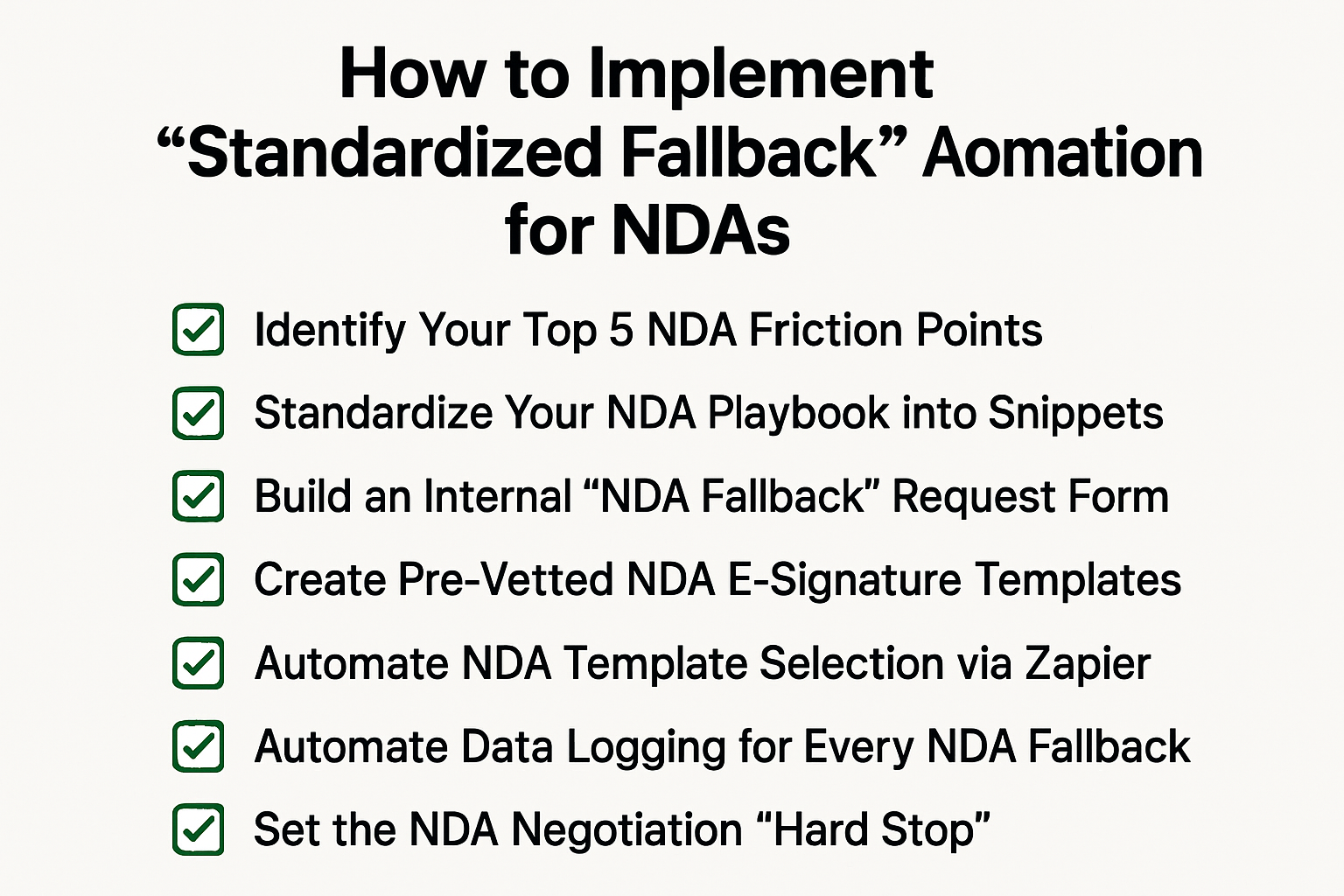
Standardized Fallback Automation for NDAs
If you are tired of manually negotiating minor language changes for every counterparty who rejects your standard paper despite building a self-service portal, you are not alone.
Here are 7 steps to implement “Standardized Fallback” automation for small teams with high NDA volume:
1. Identify Your Top 5 NDA Friction Points
- Audit your last 50 NDA negotiations to identify the most common requested changes (e.g., Governing Law, Term, or Mutual Confidentiality).
- Draft one pre-approved “Fallback Clause” for each point that represents your final compromise position.
- Store these in a “Legal Playbook” document so you have a single source of truth for all NDA compromises.
2. Standardize Your NDA Playbook into Snippets
- Input each fallback clause into a text-expansion tool like TextExpander or Magical.
- Assign a specific shortcut to each NDA fallback, such as /nda-fallback-term.
- This allows you to instantly insert pre-vetted compromise language into a redline without searching through old emails.
3. Build an Internal “NDA Fallback” Request Form
- Create a dedicated form in Typeform or Google Forms specifically for “NDA Changes.”
- Use a dropdown menu to list your pre-approved options, such as “Request 2-Year Term” or “Request UK Governing Law.”
- This prevents Sales from sending vague requests and forces them to choose from your pre-approved legal list.
4. Create Pre-Vetted NDA E-Signature Templates
- Upload separate versions of your NDA to DocuSign or HelloSign that already include your fallback clauses.
- Name them specifically by their fallback type, such as “Standard NDA - NY Law” or “Standard NDA - 5 Year Term.”
- Lock these templates so the Sales team cannot accidentally modify the fallback language during the send process.
5. Automate NDA Template Selection via Zapier
- Create a Zap with a trigger for “New Fallback Form Submission.”
- Use Filter or Path logic: if the form answer equals “NY Law,” the action is “Send Template: Standard NDA - NY Law.”
- This ensures the counterparty receives the compromised NDA immediately without you ever opening the file.
6. Automate Data Logging for Every NDA Fallback
- Add a “Fallback Type” column to your centralized NDA tracker spreadsheet.
- Set your Zapier workflow to automatically log which compromise was used for every deal.
- Use this data at the end of the quarter to identify which “Standard” clauses are failing and should be updated.
7. Set the NDA Negotiation “Hard Stop”
- Establish a policy that if a counterparty rejects both the Standard and the Fallback NDA, the deal must enter the manual legal queue.
- Publish this “Self-Service Ceiling” on your legal portal so Sales understands the automation limits.
- This keeps 90% of your high-volume work automated and protects your time for complex, non-standard negotiations.
Conclusion
And there you have it…
We hope this article helps you reclaim your bandwidth by implementing “Standardized Fallback” NDA automation for your team.
If you would like to see a professional version of a fallback library with built-in guardrails, check out our legal contract negotiation software.
Otherwise, feel free to check out our next article on how to track “Redline Friction” in NDAs.
See it in action
Turn contract chaos into a streamlined workflow
Join legal teams who cut contract turnaround time by 60%. Book a 15-minute demo to see how.