7 Essential Contract Management Integrations
In our last article, we talked about why you need to stop using Excel for contract management. But once you move away from the spreadsheet, the biggest mistake you can make is building a “Legal Island”, a system that only your legal team knows how to use.
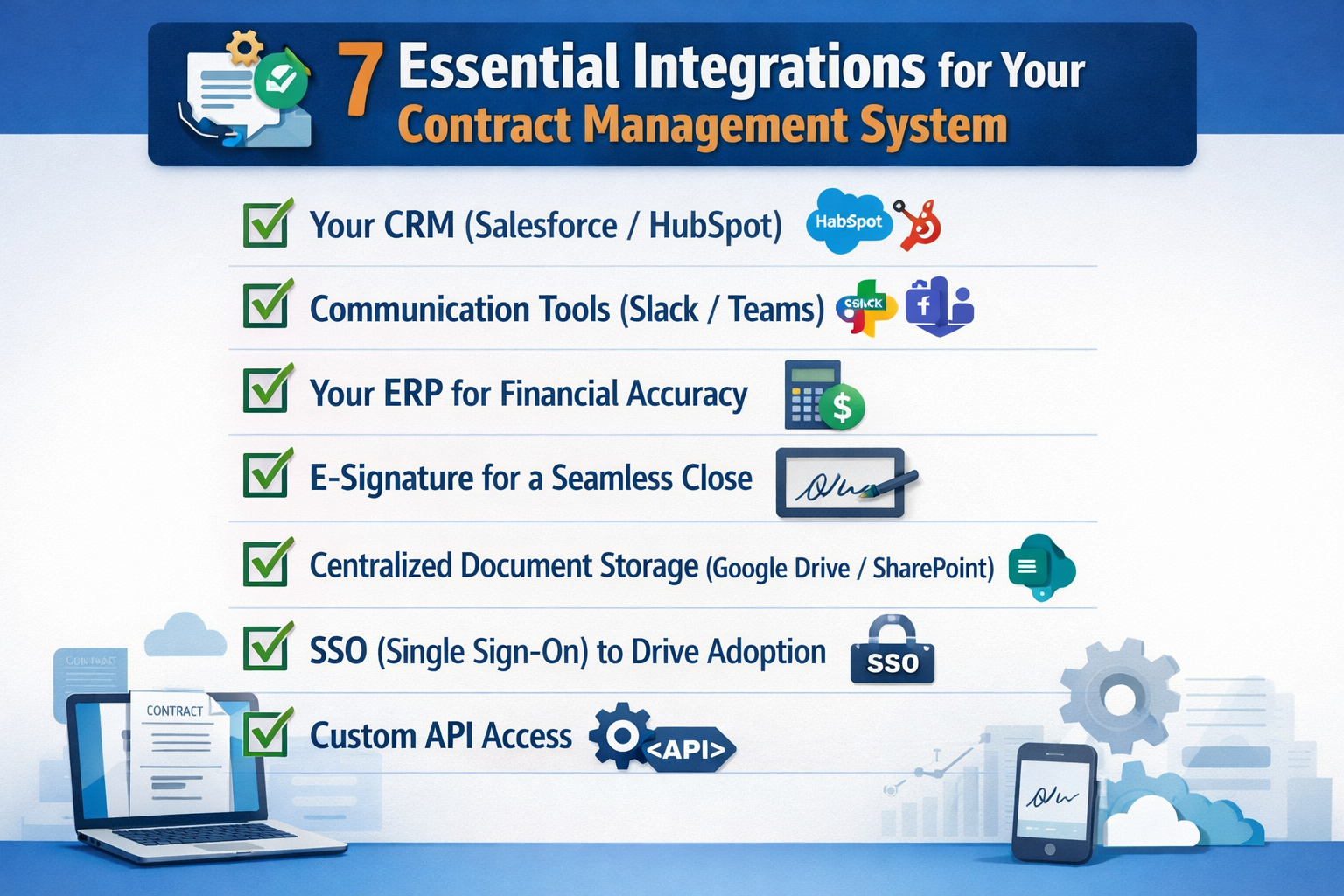
To prevent that, here are 7 essential integrations to connect your contract management system to your existing tech stack:
1. Your CRM (Salesforce/HubSpot)
The most common source of friction is the handoff between Sales and Legal. By integrating your contract management software with your CRM, Sales reps can trigger a contract request or generate a standard MSA without ever leaving Salesforce. This ensures that contract data stays consistent across both platforms without any manual re-typing.
2. Communication Tools (Slack/Teams)
Most delays happen because an approval request is buried in an inbox. Integrating your contract workflow with Slack or Microsoft Teams allows stakeholders to review and approve agreements with a single click. Meeting people where they already work eliminates the “inbox bottleneck” and speeds up your deal cycles.
3. Your ERP for Financial Accuracy
A signed contract is only as good as the data it feeds into your Finance systems. By connecting your contract repository to your ERP (like NetSuite or SAP), you ensure that your Finance team has instant access to payment terms and renewal dates. This turns your contract management system into a reliable source of truth for the company’s bottom line.
4. E-Signature for a Seamless Close
If your system doesn’t talk to your e-signature tool (like DocuSign or HelloSign), you’re creating an unnecessary gap in your audit trail. A tight integration ensures that once a document is signed, it is automatically filed back into the correct folder in your repository and tagged with the right contract metadata.
5. Centralized Document Storage (Google Drive/SharePoint)
While your contract management software acts as the intelligence layer, you likely want a “backup” in your company’s primary cloud storage. Many teams integrate their CLM with SharePoint or Google Drive to ensure a copy of every executed agreement is automatically synced to a secure folder, maintaining a redundant and accessible archive.
6. SSO (Single Sign-On) to Drive Adoption
Having to remember another password is a major barrier to user adoption. Integrating with an SSO provider (like Okta or Azure AD) ensures that every employee can access the contract portal securely using their existing company credentials. This reduces friction for non-legal users who only need to “jump in” occasionally.
7. Custom API Access
For teams with unique needs, a robust API is essential. An API allows your contract management system to push and pull data from custom internal tools. Whether it’s feeding contract expiry dates into a custom dashboard or pulling product SKUs into a template, a flexible API ensures your legal tech scales with your company’s engineering efforts.
Conclusion
Integrating your contract management software isn’t just a technical “nice-to-have”, it’s the only way to ensure the system actually gets used. When you remove the friction of switching between apps, you turn Legal from a “blocker” into a streamlined engine for the entire business.
However, once your systems are finally talking to each other, you face a new challenge: what do you do with all that data?
Check out our next article on moving from basic contract storage to AI-powered systems and see how you can turn your repository into a strategic asset.
See it in action
Turn contract chaos into a streamlined workflow
Join legal teams who cut contract turnaround time by 60%. Book a 15-minute demo to see how.