Build a Self-Service NDA Portal for Sales
If you find yourself stuck in a loop of manually drafting the same standard NDA three times a day despite using AI to auto-redline, you are not alone.
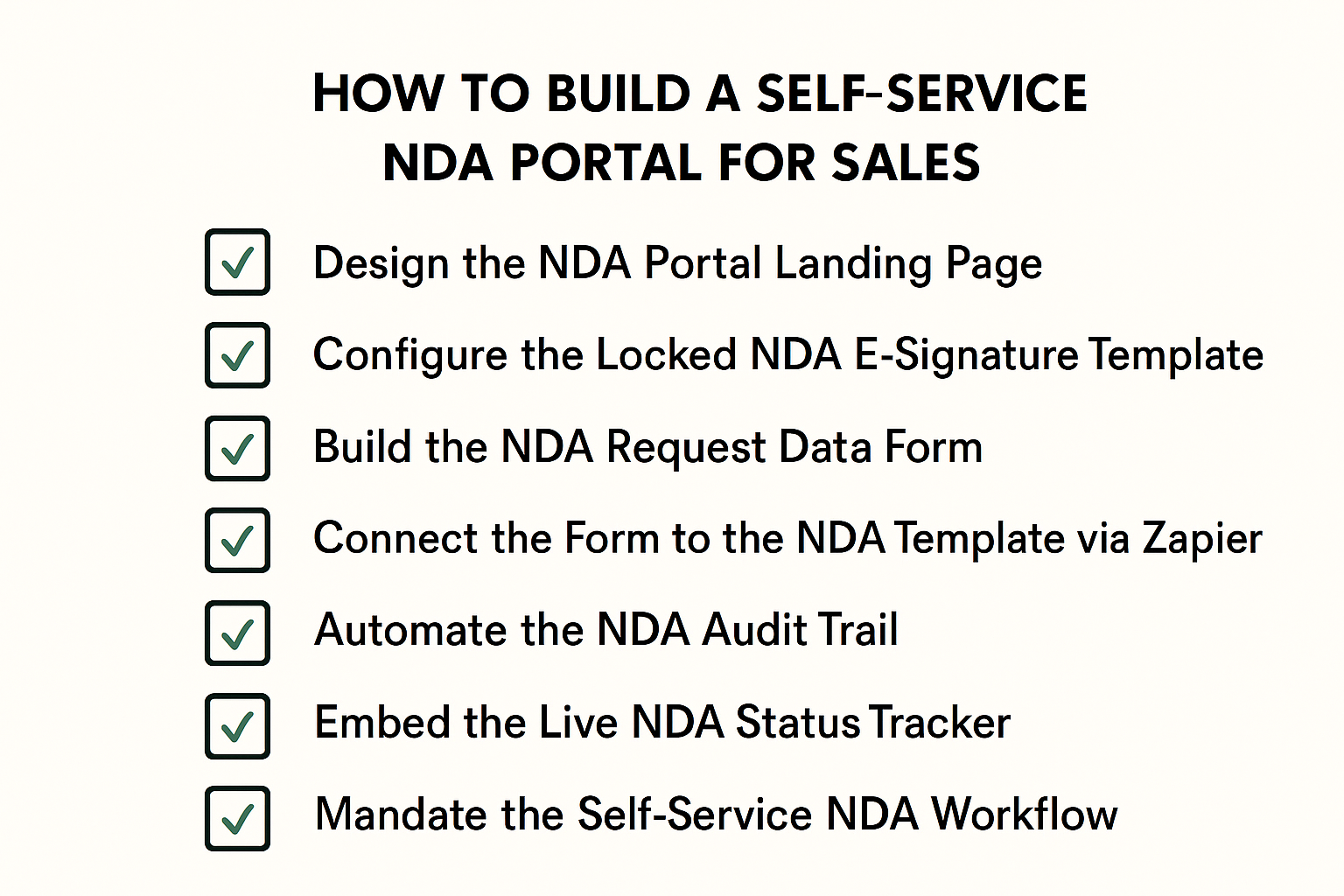
Here are 7 steps to build a self-service NDA portal so your sales team can move deals forward:
1. Design the NDA Portal Landing Page
- Create a central destination page using Notion, SharePoint, or Slack.
- Add a primary button or header labeled: “Generate & Send Our Standard Mutual NDA (Instant).”
- Link this button directly to the data form you create in Step 3.
2. Configure the Locked NDA E-Signature Template
- Upload the approved PDF version of your company NDA to an e-signature tool like DocuSign or HelloSign.
- Save it as a “Template” so the underlying legal clauses cannot be modified by the sender.
- Add Merge Fields for the Counterparty Legal Name, Signer Email, and Effective Date.
3. Build the NDA Request Data Form
- Create a form in Google Forms or Typeform to collect the data for the template.
- Include fields for: Counterparty Legal Name, Counterparty Signer Email, and Internal Deal Lead.
- Ensure the form is accessible to your Sales team via the Portal landing page.
4. Connect the Form to the NDA Template via Zapier
- Create a new Zap with the Trigger: “New Form Response.”
- Add the Action: “Send Template” using your e-signature provider.
- Map the “Counterparty Email” from the form submission to the “Signer Email” field in the template.
5. Automate the NDA Audit Trail
- Add a secondary step in your Zapier workflow to “Send Email” or “Upload File.”
- Set this step to automatically CC a “Legal Archive” inbox or save the sent document to a specific folder.
- This ensures a complete record of every NDA sent through the portal.
6. Embed the Live NDA Status Tracker
- Embed a read-only view of your E-signature Dashboard or a linked spreadsheet on the Portal page.
- Set the view to show status updates such as “Sent,” “Viewed,” or “Signed” in real-time.
- This allows Sales to track their own progress without contacting Legal.
7. Mandate the Self-Service NDA Workflow
- Update your Slack/Email auto-responders to point all standard NDA requests to the Portal link.
- Require that all company-paper NDAs be processed through this specific workflow.
- Close any manual requests for standard NDAs by providing the Portal link as the only fulfillment method.
Conclusion
And there you have it….
We hope this article helps you reclaim your bandwidth by building a self-service NDA portal that lets sales move at their own speed.
If you would like to see a professional version of a self-service portal with built-in guardrails, check out our contract negotiation platform.
Otherwise, feel free to check out our next article on how to implement “standardized fallback” automation.
See it in action
Turn contract chaos into a streamlined workflow
Join legal teams who cut contract turnaround time by 60%. Book a 15-minute demo to see how.