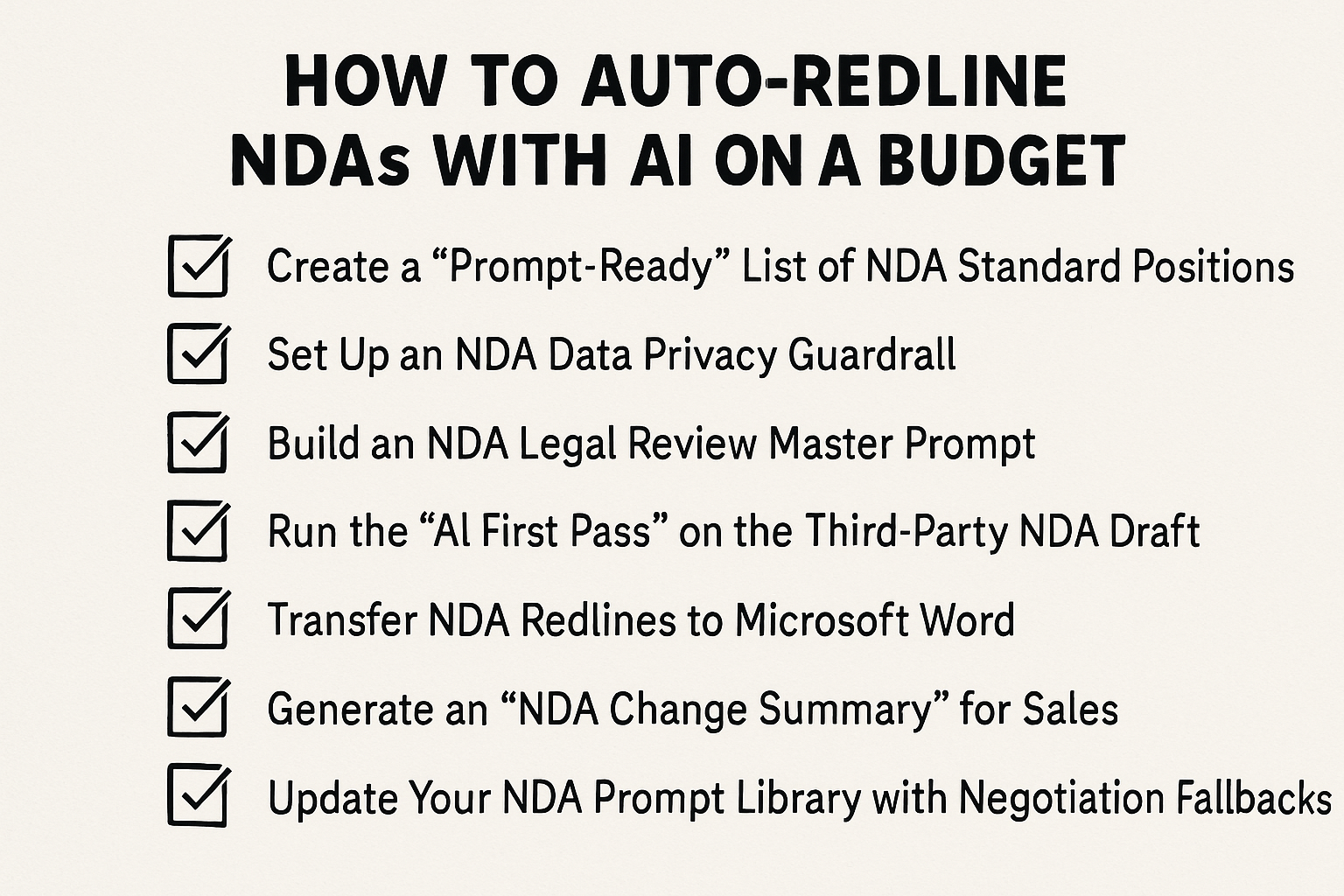
How to Auto-Redline NDAs with AI on a Budget
If you are tired of manually changing “one-way” to “mutual” or fixing governing law on scattered third-party drafts despite automating your NDA intake, you are not alone.
Here is a budget-friendly workflow to implement AI-assisted NDA redlining:
1. Create a “Prompt-Ready” List of NDA Standard Positions
- List your 5-7 “Must-Haves” like “Must be mutual,” “2-year confidentiality term,” and “Delaware law.”
- Include the exact clause language you want the AI to insert when it finds a deviation in a third-party draft.
- Save this in a plain text file so you can copy and paste it into an AI tool in seconds.
2. Set Up an NDA Data Privacy Guardrail
- Use a “Team” or “Enterprise” version of an AI tool like ChatGPT Team or Claude for Business.
- Go into your settings and toggle “Training on Data” to OFF.
- This ensures your company’s legal data stays private and isn’t used to train public models.
3. Build an NDA Legal Review Master Prompt
- Define the AI’s role: “You are an expert Corporate Counsel. Review the attached third-party NDA against these standards: [Insert Step 1 list].”
- Tell it exactly what you want back: “For every deviation, provide the original text, the suggested redline, and a 1-sentence legal justification.”
4. Run the “AI First Pass” on the Third-Party NDA Draft
- Upload the third-party .docx file or paste the text into your secure AI environment.
- Run your Master Prompt to generate a list of all non-compliant clauses.
- Use this to see exactly which sections of the NDA actually need your eyes.
5. Transfer NDA Redlines to Microsoft Word
- Open the original draft in Word with Track Changes turned on.
- Review the AI’s suggestions and copy the preferred language into the document.
- You keep final control over the phrasing, but let the AI handle the tedious “identification” phase.
6. Generate an “NDA Change Summary” for Sales
- Ask the AI: “Write a 3-bullet point summary for a Sales Rep explaining the risk mitigation behind these specific redlines.”
- Paste this into your CRM or Slack so the business team understands the hold-up immediately.
7. Update Your NDA Prompt Library with Negotiation Fallbacks
- When a counterparty rejects an AI redline and you settle on a “middle-ground” clause, add that language to your prompt as an “Alternative Position.”
- Refine the prompt weekly so the AI gets closer to your actual deal-making reality.
Conclusion
We hope this article helps you leverage AI in your daily NDA workflow without a massive budget.
If you would like to see a fully automated version of this workflow that stays entirely inside Microsoft Word, feel free to check out our negotiation software for lean legal departments.
Otherwise feel free to check out our next article on how to build a self-service NDA portal for Sales.
Share:
See it in action
Turn contract chaos into a streamlined workflow
Join legal teams who cut contract turnaround time by 60%. Book a 15-minute demo to see how.