Track and Manage Changes During NDA Review
If you find yourself digging through deep email chains to find the “latest” version of an agreement, or wondering who approved a specific change 10 turns ago despite managing your NDA templates, you are not alone…
While a solid template gives you a head start, the negotiation phase often introduces “version drift” and communication silos that can stall an approval for weeks.
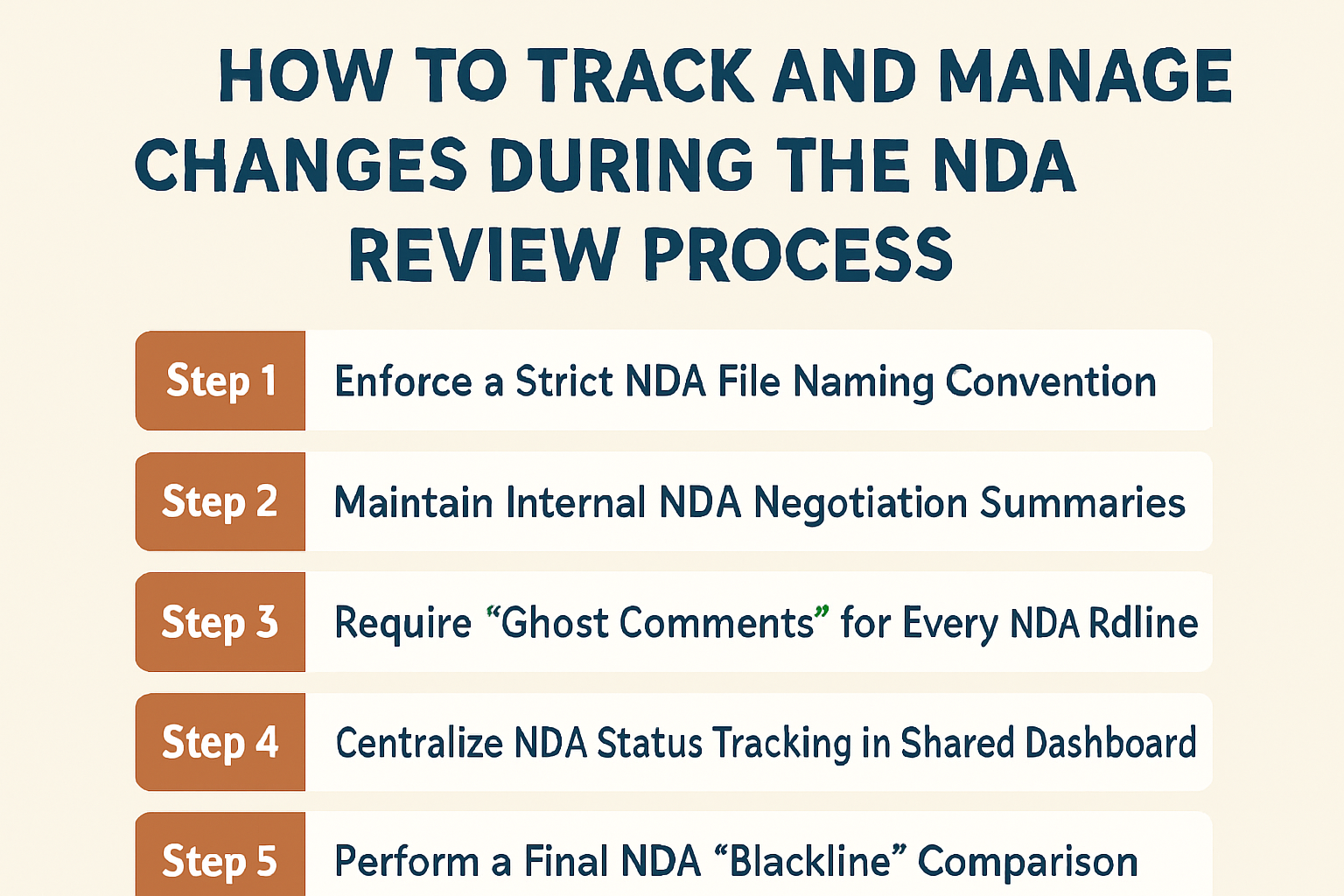
To combat this, here is a practical framework to track and manage changes throughout the NDA review.
Step 1: Enforce a Strict NDA File Naming Convention
- The Action: Establish a standardized protocol for naming every draft and redline to prevent version overlaps.
- The How-To: Use a clear, chronological format such as [YYYY-MM-DD]_[Company Name]_NDA_[Version]. For example: 2026-01-14_AcmeCorp_NDA_v2_Redlined.
- The Result: This allows any team member to identify the most current version at a glance, eliminating the risk of accidental work on an outdated document.
Step 2: Maintain Internal NDA Negotiation Summaries
- The Action: Keep a running log of high-level changes either at the top of your internal document or in a shared tracking sheet.
- The How-To: Briefly note the major movements for each turn, such as: “V2: We accepted their 3-year term but insisted on our Governing Law.”
- The Result: This provides an immediate history of the negotiation for anyone jumping in, saving you from re-reading the entire contract just to understand the current status.
Step 3: Require “Ghost Comments” for Every NDA Redline
- The Action: Ensure that every strike-through or insertion is accompanied by a comment explaining the rationale behind the change.
- The How-To: Instead of just changing a clause, add a comment: “We have moved this to ‘Mutual’ to ensure both parties receive the same level of protection.”
- The Result: This provides the counterparty with context immediately, which often reduces follow-up questions and prevents them from reflexively rejecting your edits.
Step 4: Centralize NDA Status Tracking in a Shared Dashboard
- The Action: Move communication out of individual inboxes and into a central location where the status of all active NDAs is visible.
- The How-To: Use a simple shared spreadsheet or kanban board to list the counterparty, the current owner (Legal vs. Business), and the date the last turn was sent.
- The Result: This gives the entire team visibility into the pipeline, making it easier to identify bottlenecks and ensure no NDA is forgotten in an individual inbox.
Step 5: Perform a Final NDA “Blackline” Comparison
- The Action: Always run a final comparison between your original draft and the “final” version before sending it out for signature.
- The How-To: Use the “Compare Documents” feature in Microsoft Word to verify that no unauthorized changes were made during the final formatting or shuffle.
- The Result: This acts as a final safety check to ensure that the document being signed is exactly what was negotiated and approved by Legal.
Closing Thoughts
And there you have it…
We hope this article has been helpful in showing you how to bring more order to the back-and-forth of NDA negotiations.
If you would like to see the automated version of this, check out our contract review software.
Otherwise, if you find your team is still spending too much time “handholding” non-legal staff through these steps, check out our guide on how to enable self-service NDA reviews for non-legal teams.
See it in action
Turn contract chaos into a streamlined workflow
Join legal teams who cut contract turnaround time by 60%. Book a 15-minute demo to see how.