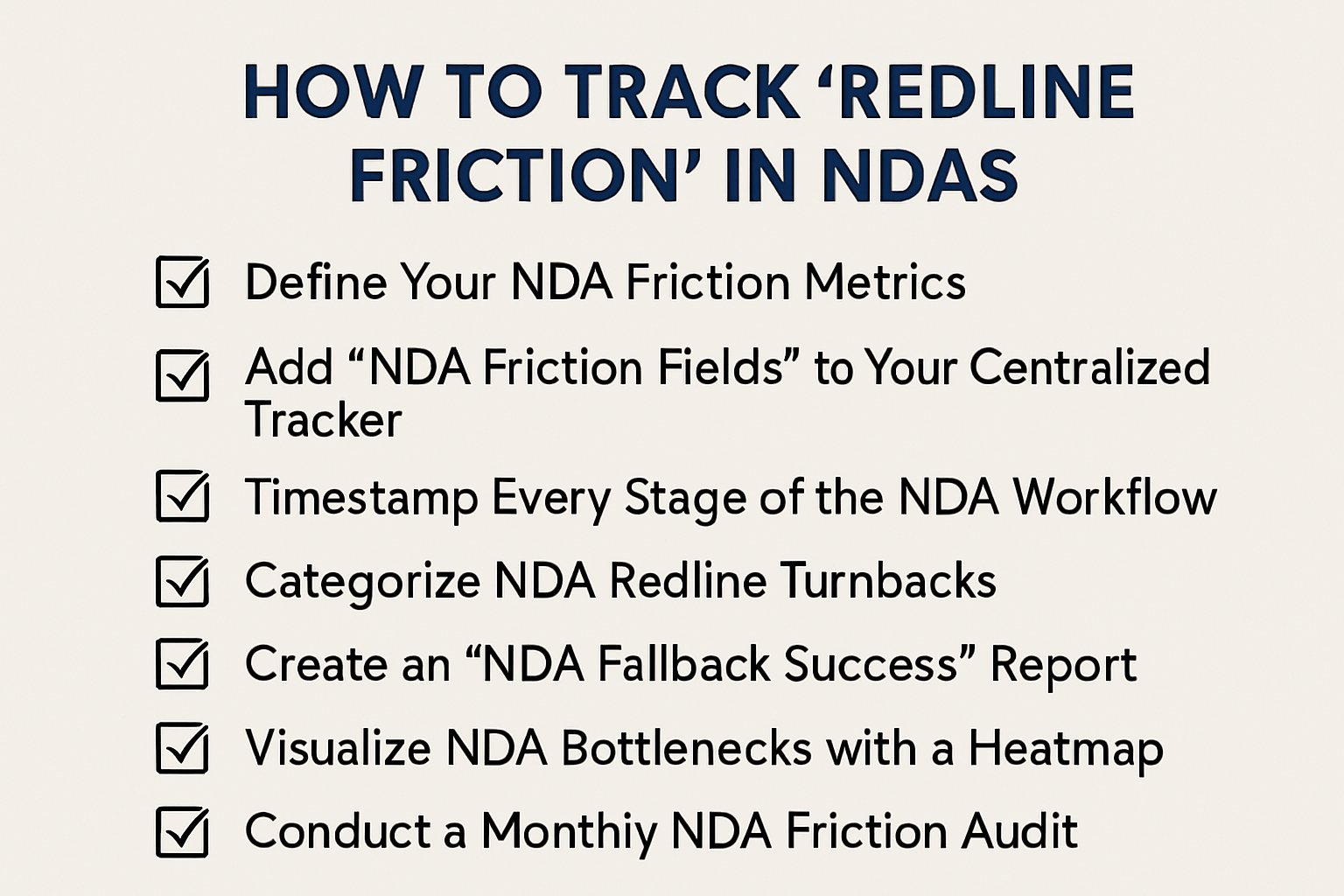
How to Track Redline Friction in NDAs
If you are tired of manually negotiating minor language changes for every counterparty who rejects your standard paper despite implementing standardized NDA fallbacks, you are not alone.
Here are 7 steps to track “Redline Friction” in NDAs to identify bottlenecks in small teams:
1. Define Your NDA Friction Metrics
- Identify the specific data points that signal a “slow” NDA negotiation, such as Number of Redline Versions, Days in Legal Review, and NDA Clause Rejection Rate.
- Create a simple scorecard to grade each deal from “Zero Friction” (Signed as sent) to “High Friction” (More than 2 substantive NDA redline turns).
- This provides a standardized way to measure which specific NDA terms are actually draining your team’s time.
2. Add “NDA Friction Fields” to Your Centralized Tracker
- Open your Master NDA Tracker and add columns for Rejected NDA Clause, Primary Objection, and Total Review Duration.
- Use a dropdown menu for the “Rejected NDA Clause” field (e.g., Non-Solicit, Term, Remedies) so you can easily sort and count the data.
- This ensures that every individual NDA negotiation produces usable data rather than just a signed PDF.
3. Timestamp Every Stage of the NDA Workflow
- Use Zapier to automatically record a “Start Date” when the NDA intake form is submitted and an “End Date” when the signature is captured.
- Calculate the “NDA Cycle Time” (the number of days between the initial request and final execution) for every deal.
- This identifies if the bottleneck is internal (Legal review time) or external (Counterparty signature time).
4. Categorize NDA Redline Turnbacks
- Every time a redlined NDA is returned, tag it in your tracker as either “Administrative” (typos/party names) or “Substantive” (indemnity/confidentiality scope).
- Focus your optimization efforts on the substantive NDA clauses that appear in more than 20% of your manual reviews.
- This prevents you from wasting time “fixing” NDA clauses that aren’t actually causing significant delays.
5. Create an “NDA Fallback Success” Report
- Track how often your Standardized NDA Fallbacks are accepted without further negotiation.
- If a specific NDA fallback (e.g., a 2-year survival period) is rejected more than 50% of the time, it is not an effective fallback and needs to be revised.
- This data allows you to pivot your legal strategy based on what the market is actually accepting for NDAs.
6. Visualize NDA Bottlenecks with a Heatmap
- Use a simple tool like Google Sheets Charts or Airtable to visualize which NDA clauses trigger the most redlines.
- Look for “Heat” around specific NDA terms like “Governing Law” or “Definition of Confidential Information.”
- A visual heatmap makes it obvious to the business team why certain NDA deals take longer than others to clear Legal.
7. Conduct a Monthly NDA Friction Audit
- Block 30 minutes at the end of every month to review the data in your NDA tracker.
- Identify the “top offender” NDA clause and update your self-service NDA template to be more market-aligned.
- This turns your NDA workflow into a self-improving loop that naturally reduces your workload over time.
Conclusion
And there you have it…
We hope this article helps you reclaim your bandwidth by tracking “Redline Friction” in NDAs to identify bottlenecks.
If you would like to see a professional version of a contract analytics dashboard with built-in guardrails, check out our contract negotiation software.
Otherwise, feel free to check out our next article on how to sync NDA versions across email and CRM.
See it in action
Turn contract chaos into a streamlined workflow
Join legal teams who cut contract turnaround time by 60%. Book a 15-minute demo to see how.