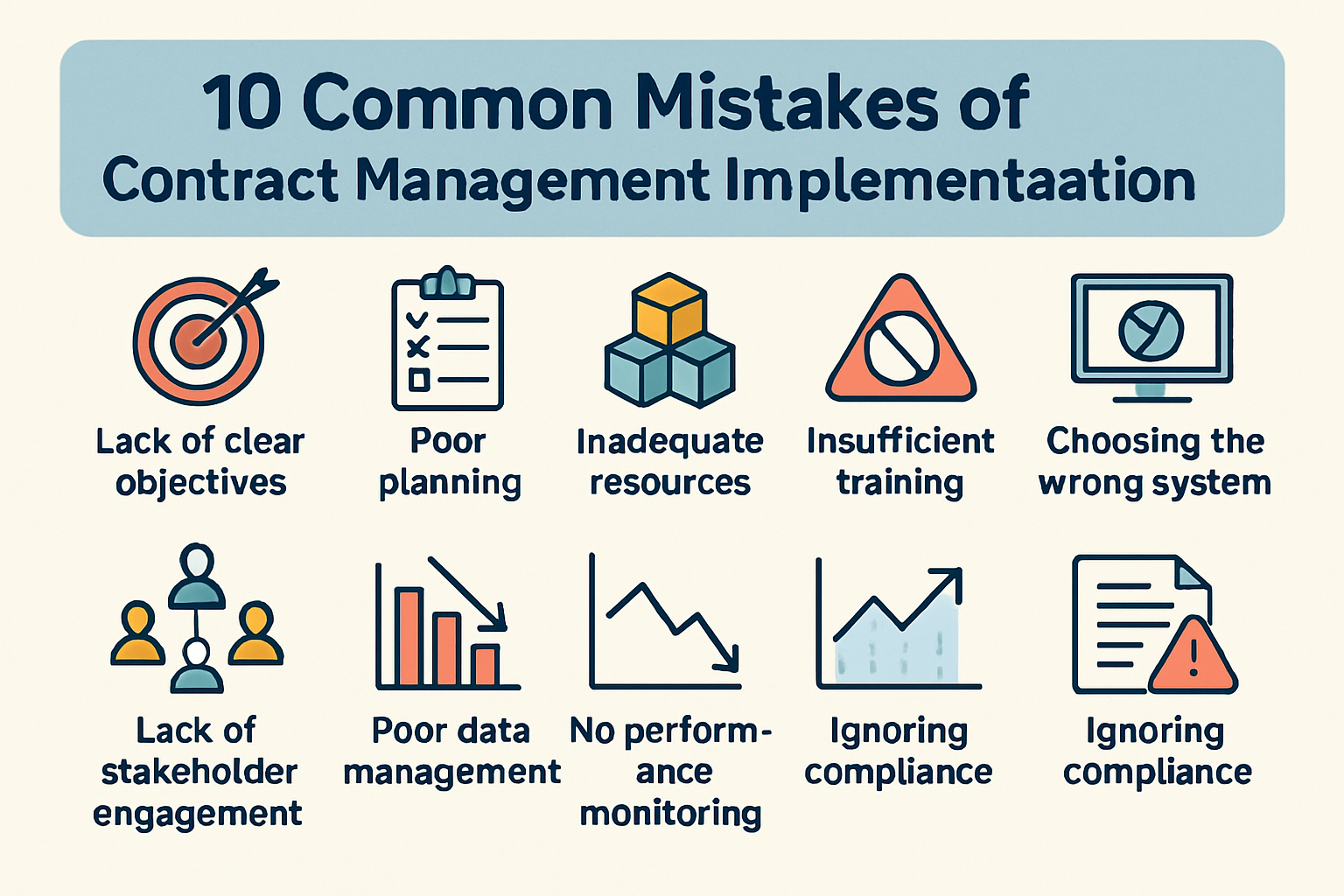
10 Common Mistakes of Contract Management Implementation
Signing the contract for a new CLM is an exciting milestone, but it’s actually the starting line, not the finish.
Implementation is the “make or break” phase.
In our experience, most rollouts don’t fail because the software is broken—they fail because the transition wasn’t managed with the right strategy.
If you’re preparing for a rollout, here are ten common mistakes to watch out for and, more importantly, how to navigate around them.
1. The “Big Bang” Approach
Trying to move every department, every template, and every legacy contract onto the new system on Day 1 is a recipe for chaos.
- The Fix: Start with a “Pilot” group. Pick one high-volume, low-complexity department (like Sales) to battle-test the system. Once they are successful, use that momentum to roll out to the rest of the company.
2. Dirty Data Migration
If you upload 5,000 poorly named, expired, or duplicate contracts into a brand-new system, you’ve just created a digital junkyard.
- The Fix: Treat implementation as a “spring cleaning.” Audit your legacy contracts before they touch the new system. If it’s expired or irrelevant, archive it elsewhere.
3. Automating a Broken Process
If your current contract review workflow is a mess of redundant approvals and “black holes,” digitizing it will only make it a faster mess.
- The Fix: Don’t just replicate what you do now. Use implementation as an excuse to trim the fat. If a process doesn’t add value manually, don’t build it into your automation.
4. Underestimating the “Change Management” Effort
There is a common misconception that once the software is “live,” the work is over and adoption will happen automatically. In reality, people hate changing their habits. If you just drop a link in a Slack channel and tell people to “start using the CLM,” they won’t.
- The Fix: You need internal champions. Find the people who feel the most pain from the current manual system and make them your loudest advocates. Show them—don’t just tell them—how this makes their lives easier.
5. Lack of Executive Sponsorship
When the rollout gets tough (and it will), you need a leader who can settle disputes and enforce the new standard.
- The Fix: Ensure you have a C-suite or VP-level sponsor who understands that the CLM is a strategic business asset, not just a “Legal tool.”
6. Over-Configuring the System
It’s tempting to build a “custom” field for every possible scenario. But every custom field is another click for the user, and too many clicks lead to abandonment.
- The Fix: Keep it lean. If a data point isn’t going to be used for a specific report or a search trigger, you probably don’t need a dedicated field for it.
7. Treating It Like an IT Project
IT needs to be involved for security and integrations, but the business must own the CLM.
- The Fix: The legal and ops teams should drive the requirements. If IT builds it in a vacuum, it won’t reflect the nuances of a real-world negotiation.
8. Ignoring the “Post-Signature” Phase
Many teams focus so much on the “Review and Sign” part of the workflow that they forget about the “Post-Signature” obligations.
- The Fix: Ensure your implementation includes alerts for renewal dates, price escalations, and performance milestones. A CLM should tell you what’s in the contract, not just where it’s stored.
9. Inadequate Training for Non-Legal Users
Your legal team will live in the CLM, but your Sales or Procurement teams might only visit once a week. If the interface is too complex for an occasional user, they’ll revert to email.
- The Fix: Create “Micro-Training” videos—2-minute clips that show a salesperson exactly how to do one thing, like request a standard NDA.
10. Failing to Define “Success”
If you don’t know what you’re measuring, you can’t prove the software was worth the investment.
- The Fix: Pick three KPIs before you go live. Are you trying to reduce “Time to Signature”? Lower legal outside counsel spend? Increase renewal visibility? Track these from Day 1.
The Bottom Line
Implementation is less about technical wizardry and more about clear communication and disciplined process design. If you treat it as a journey rather than a one-time event, you’ll find that your CLM quickly becomes the most valuable tool in your business stack.
See it in action
Turn contract chaos into a streamlined workflow
Join legal teams who cut contract turnaround time by 60%. Book a 15-minute demo to see how.