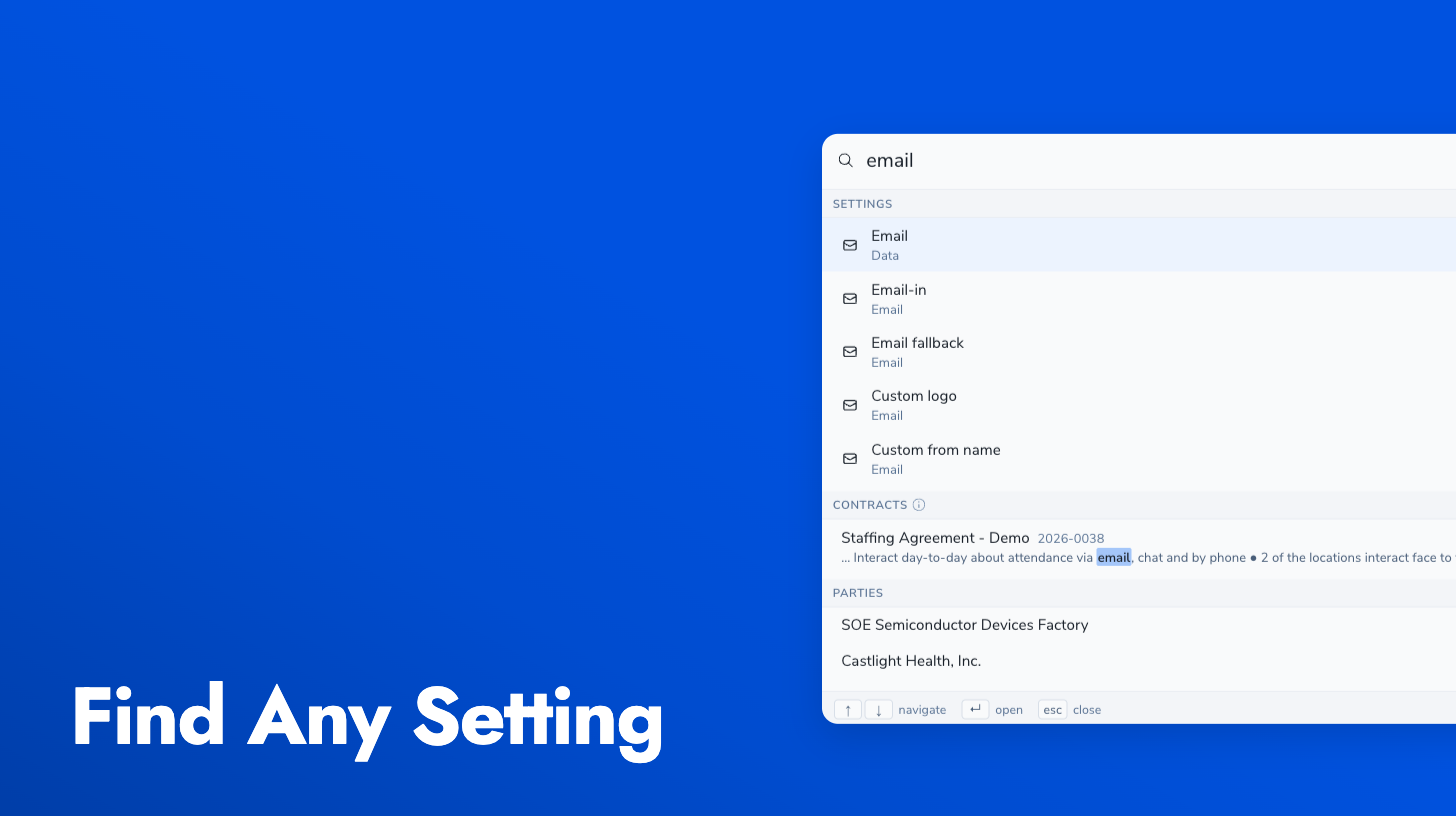
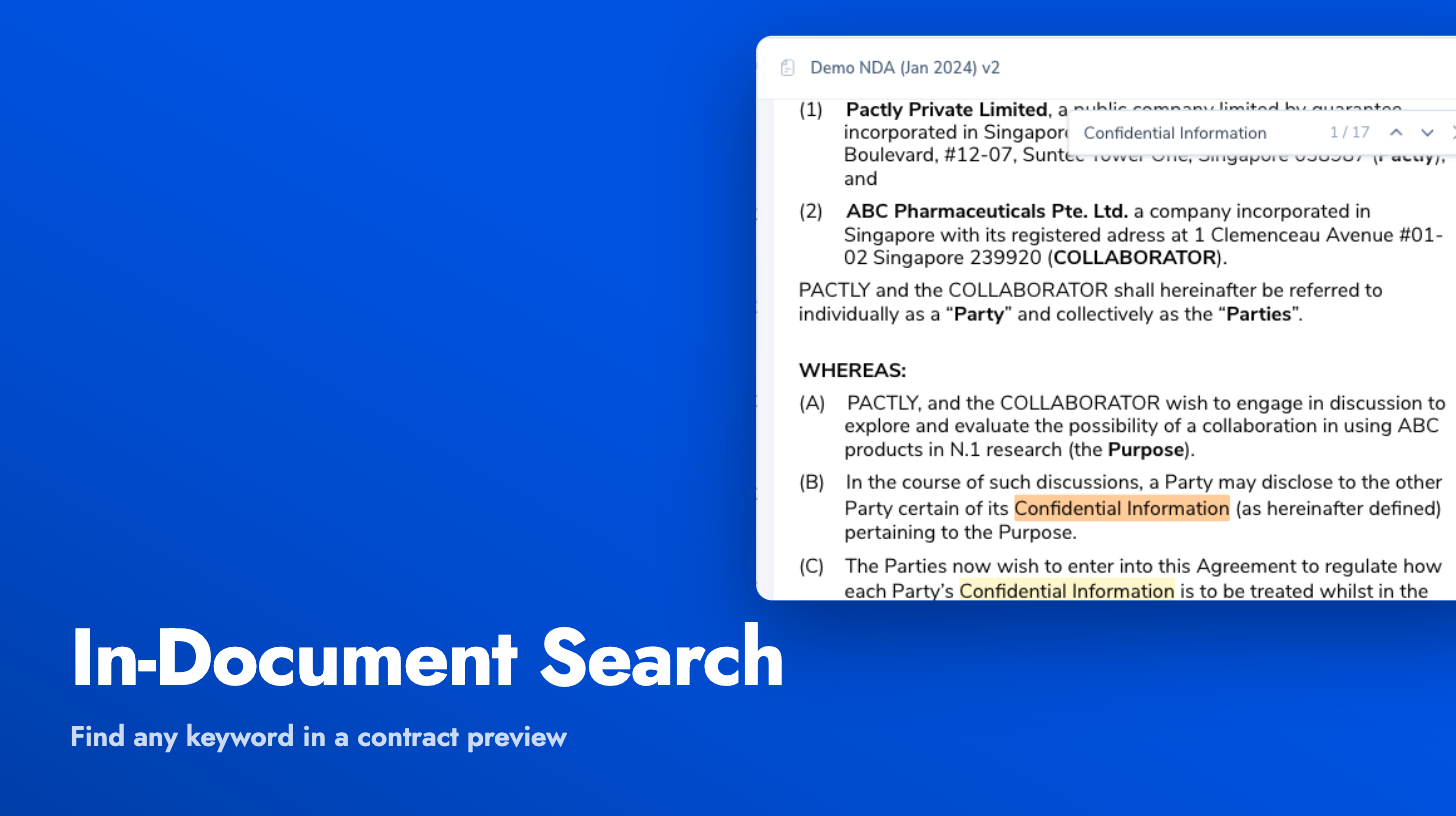
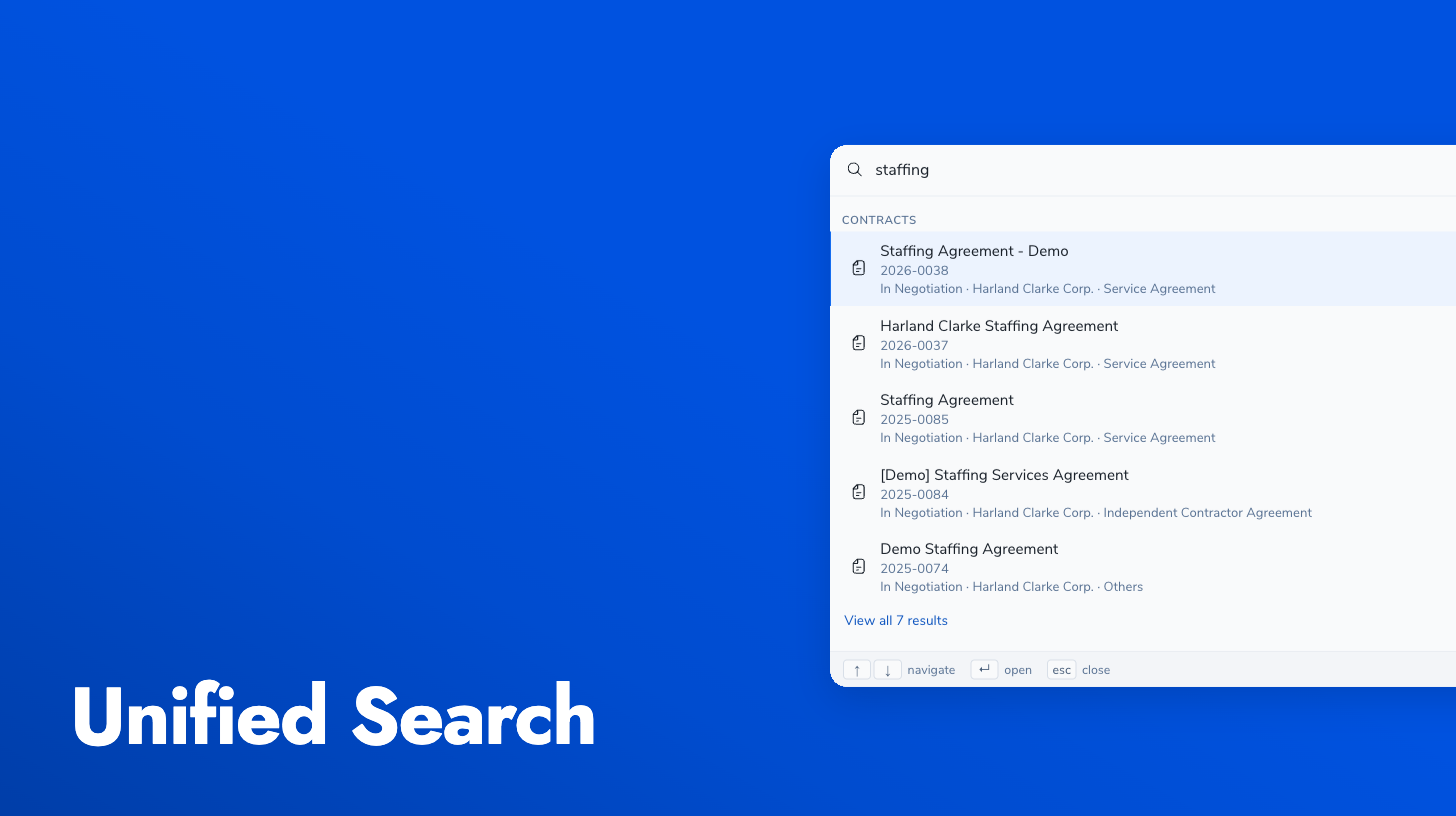
Press Ctrl+K (or Cmd+K on Mac) from anywhere in Pactly to open a global search palette. Type a party name, a contract reference, or a term from one of your intake forms, and see matching contracts, parties, and templates grouped by type. Click a result to go straight to that record.
This replaces hunting through per-view filters and manual navigation, which gets slow once you have hundreds of contracts and parties. Search runs across entity types at once, so “Acme Corp” surfaces the party, its contracts, and related templates in one list. Results are tuned for the way people actually search: by entity name, by reference number, or by values that appeared on a form.
Search quality also got a pass this release: typo tolerance, smarter matching, and better recall mean you find the right record even when the query isn’t exact.
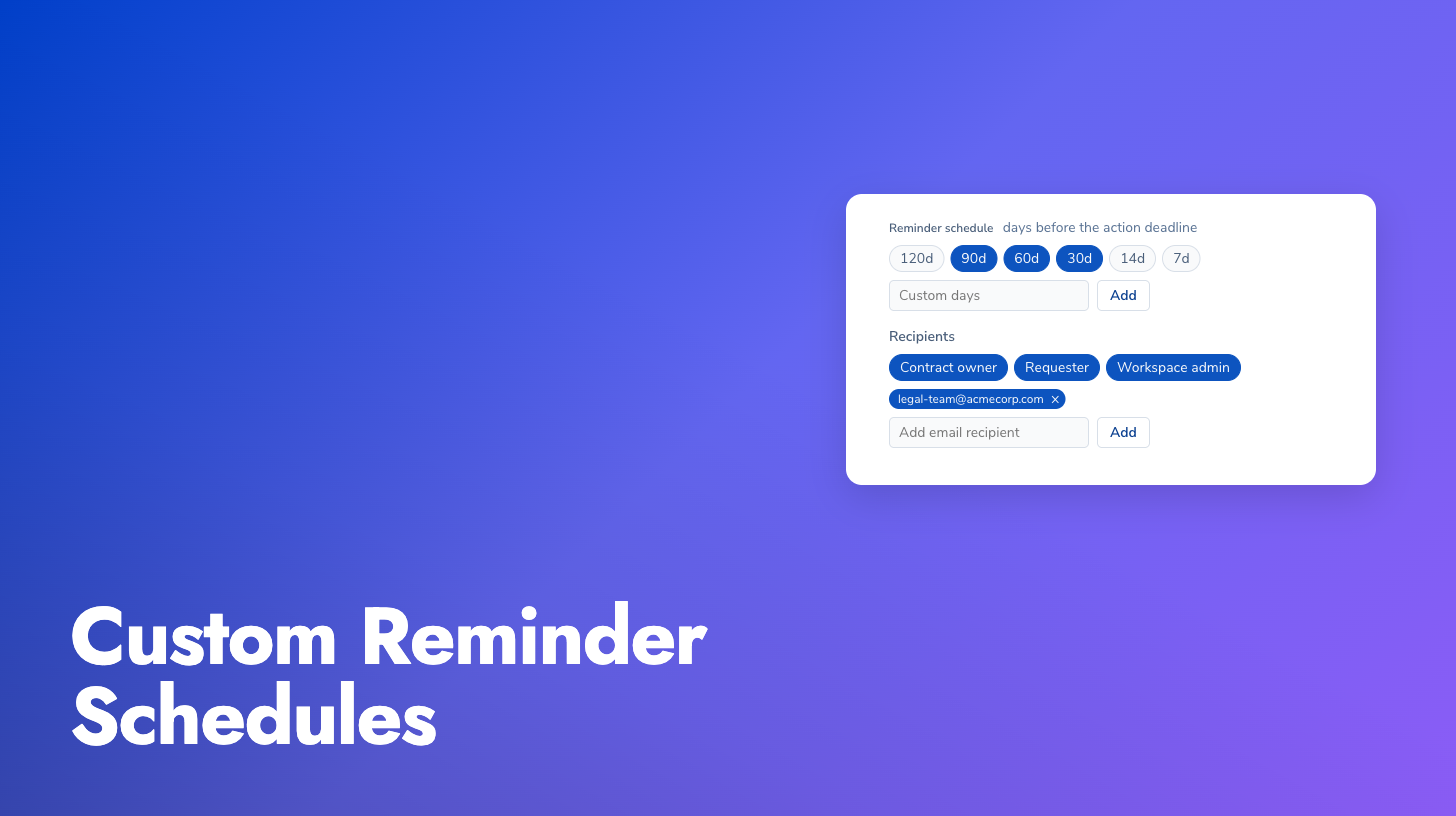
We’ve reworked renewal and expiry tracking to be far more operational. Reminders used to be manual and one-off, set per contract and easy to forget. Now every contract has a Renewal & expiry tab that automatically schedules reminders a set number of days, like 60 and 30, before the moment that actually matters: the deadline to give notice of renewal or non-renewal on an auto-renewing contract. The whole sequence is laid out on a visual timeline, and renewal dates are read from standard contract properties and extracted automatically, so the tab fills itself in as documents are processed.
Driven by your rules: Admins set notification rules that control who gets reminded, and how many days ahead, before a renewal or expiry. Rules can be scoped, for example NDAs in a specific business group above a certain value notify two people at 90/60/30 days, while everything else notifies the contract owner at 60/30. A baseline default rule applies out of the box, so reminders work before you configure anything.
Expiring soon view: The main contracts list can now filter and sort by what’s expiring next. Pick a window (next 30, 60, or 90 days) and an “Expiring in” column surfaces so you can see and act on the most urgent contracts first.
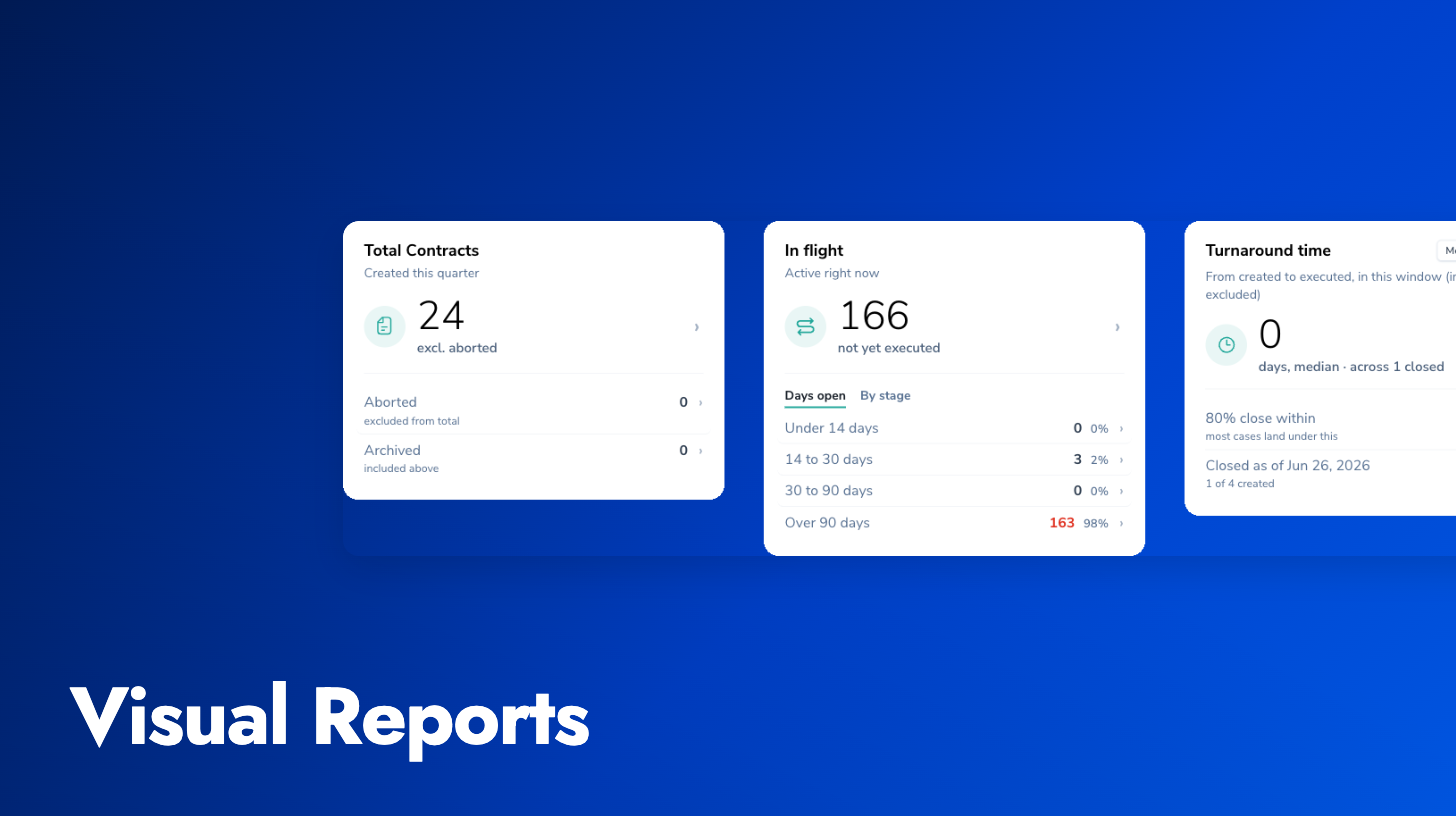
The visual reports area has been rebuilt around a shared frame: consistent chrome across every report, date-range scoping, and the ability to drill from a chart straight into the underlying contract list through a side drawer.
Reworked reports: The Workload report gets a richer in-flight view with stalled buckets and pipeline-over-time. Turnaround now shows medians, a by-type breakdown, negotiation rounds, and an honest funnel. Volume adds configurable leaderboards, owner share-of-total, and breakdowns by custom property with hierarchy drill-down and an inline dimension picker.
Configurable periods: You choose the reporting period and the comparison period, so trends and deltas reflect the window you care about rather than a fixed default.
Per-card visibility: Each visual report can be shared with specific users or roles, defaulting to admin-only, matching the per-report controls already available for data exports. Reports a viewer isn’t entitled to see are hidden, including by direct URL.
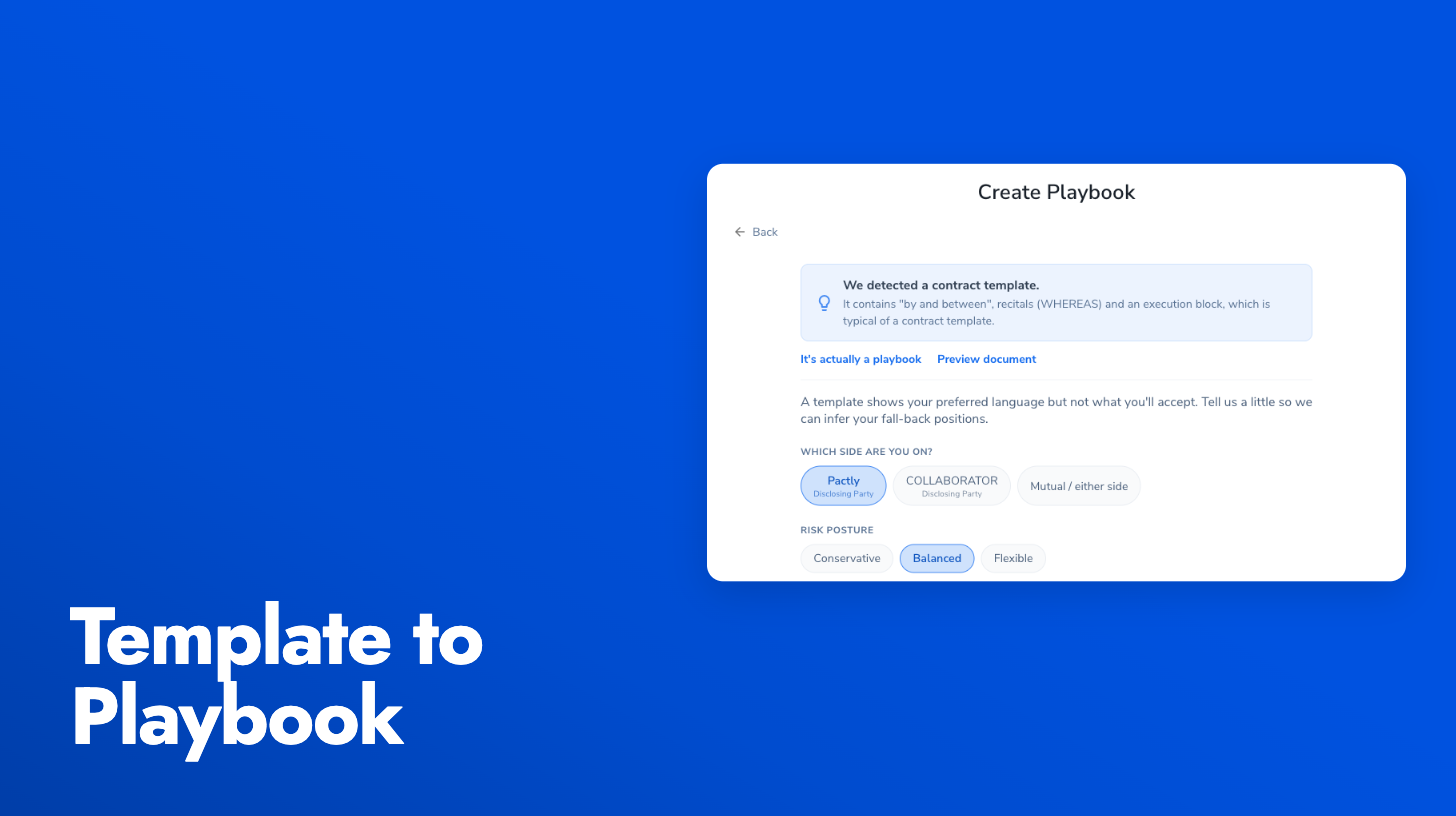
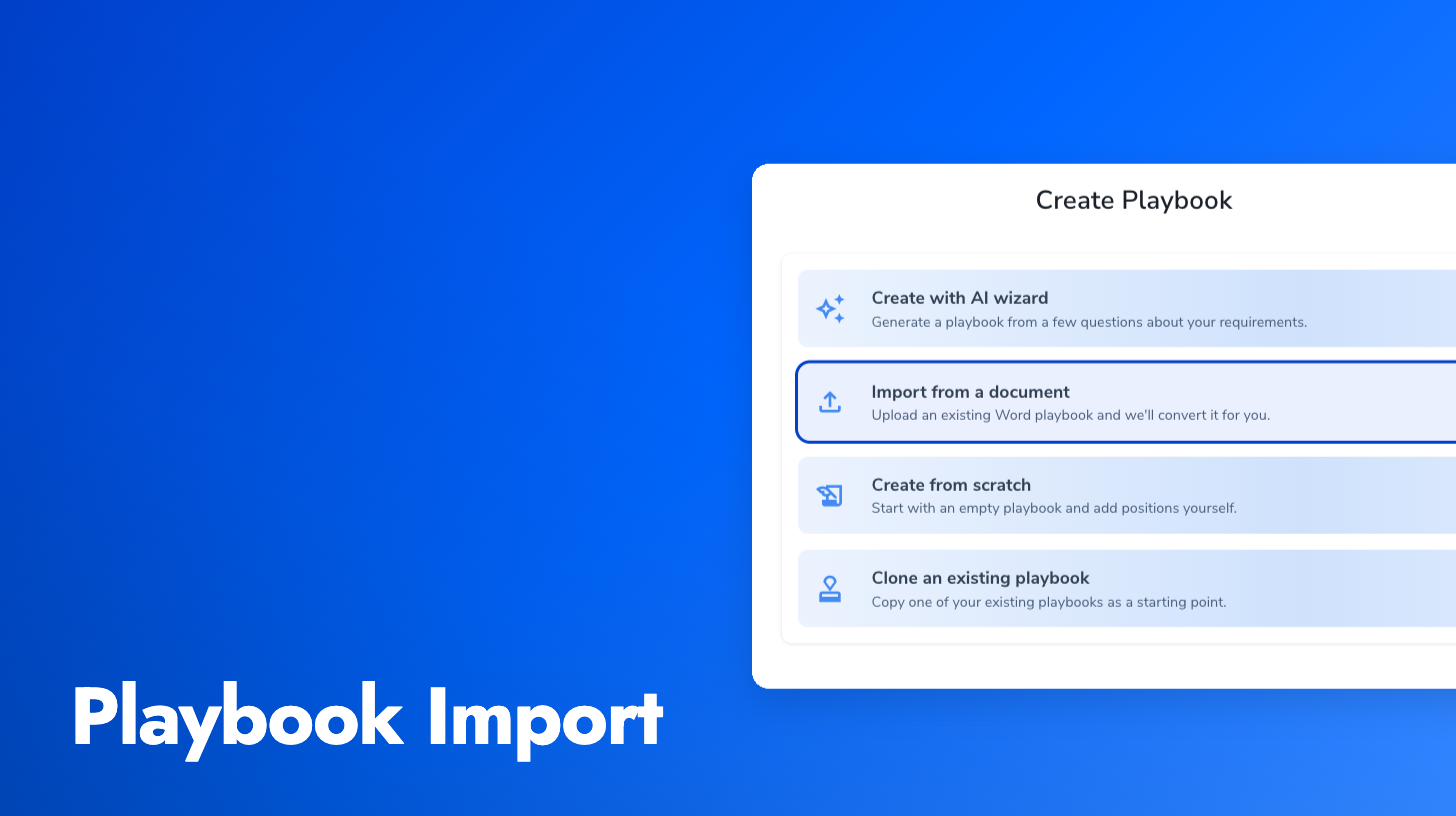
Most legal teams already have their review playbooks and position guidance written up in Word. You can now upload that .docx and have Pactly convert it into a playbook draft, instead of rebuilding the whole thing by hand one position at a time.
Choose Import from a document in the Add Playbook dialog, drop in your file, and Pactly parses each section or clause into a Pactly position, mapping the source content to description, fallback language, notes, keywords, and an approval-required flag. The result is a draft you review and edit before publishing, so you stay in control of what goes live. It’s been validated against a range of real customer formats, from NDA/MOU guidance docs to clause banks and review matrices.
When you place fields in the e-signature placement editor, you can now pre-fill values that the signer sees when they open the document. Use it for anything you already know, like a company name, a contract reference, or a checkbox that should default to checked, to save the signer time and avoid errors.
Pre-fill works for text, checkbox, and date fields. By default signers can edit the values you set, but you can flip a lock toggle per field to make a pre-filled value read-only when it shouldn’t be changed. Signature and initial fields always require the signer’s own input, so they’re excluded.
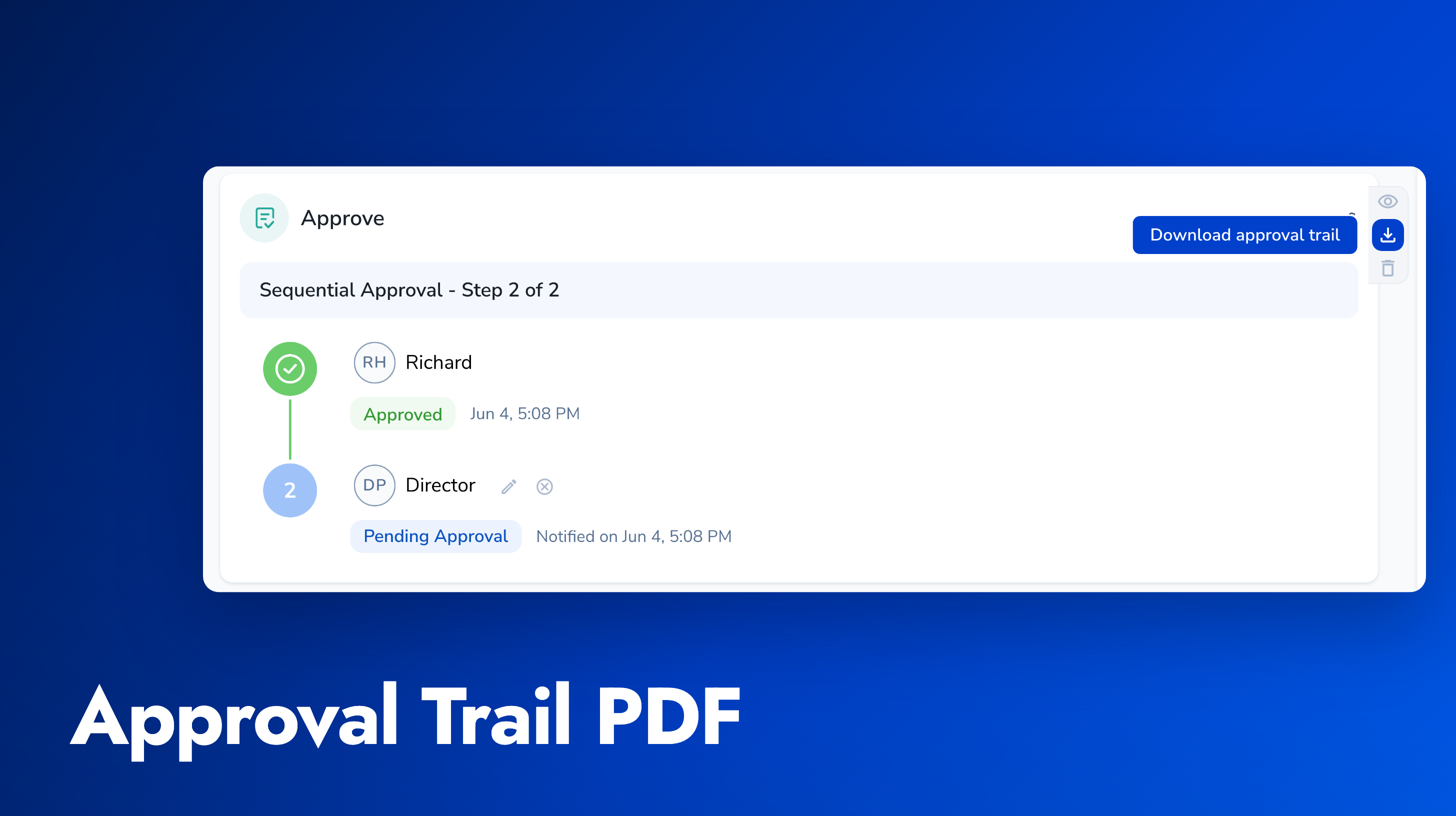
Once an approval request is in flight, you can now handle the three things that interrupt it, all from the contract’s approval area, with a consistent audit trail and notifications.
Cancel the whole request when you sent it to the wrong approver or the content has gone stale. Edit the approver chain to replace someone unavailable or add another approver. And when an approver rejects, the right people are reliably told the approval has stopped, following your routing rules. Each of these shares the same recovery path, so a stalled approval is easy to re-trigger rather than start over.
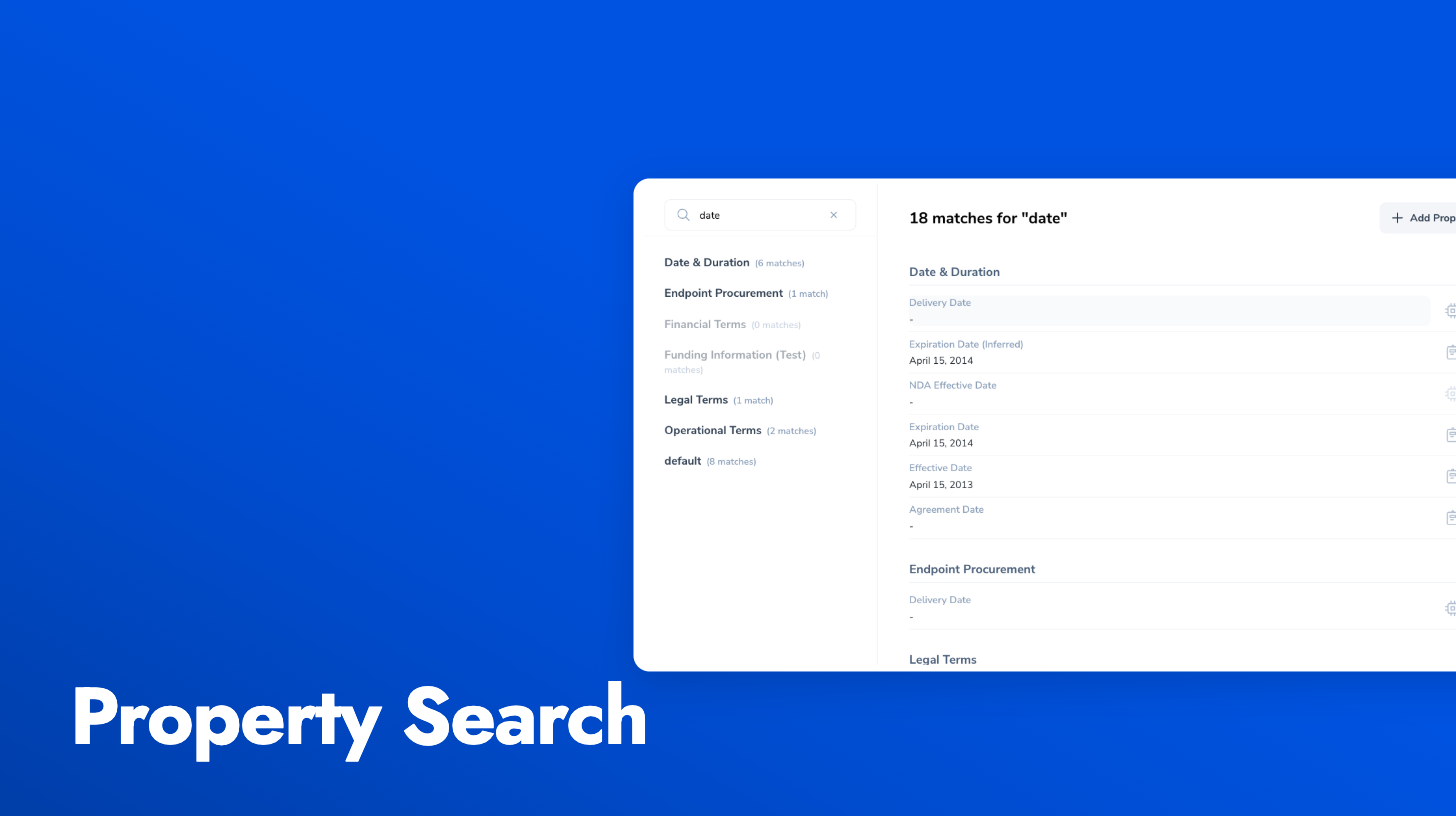
As teams track more and more data on each contract, the property list grows into dozens of fields spread across many groups, and finding a specific one means remembering which group it lives in and clicking through them one by one. The contract Properties tab now has a search box at the top of the sidebar. Type two or more characters and it filters properties across every group at once, matching on property labels, subgroup names, and values.
Matching properties appear grouped under their headings with a total match count, and each sidebar group shows how many matches it contains. Groups with no matches are dimmed. Clearing the search restores the normal single-group view. On contracts with a hundred or more properties, this turns a hunt into a single lookup.
Two changes to make outstanding approvals easier to track and resolve.
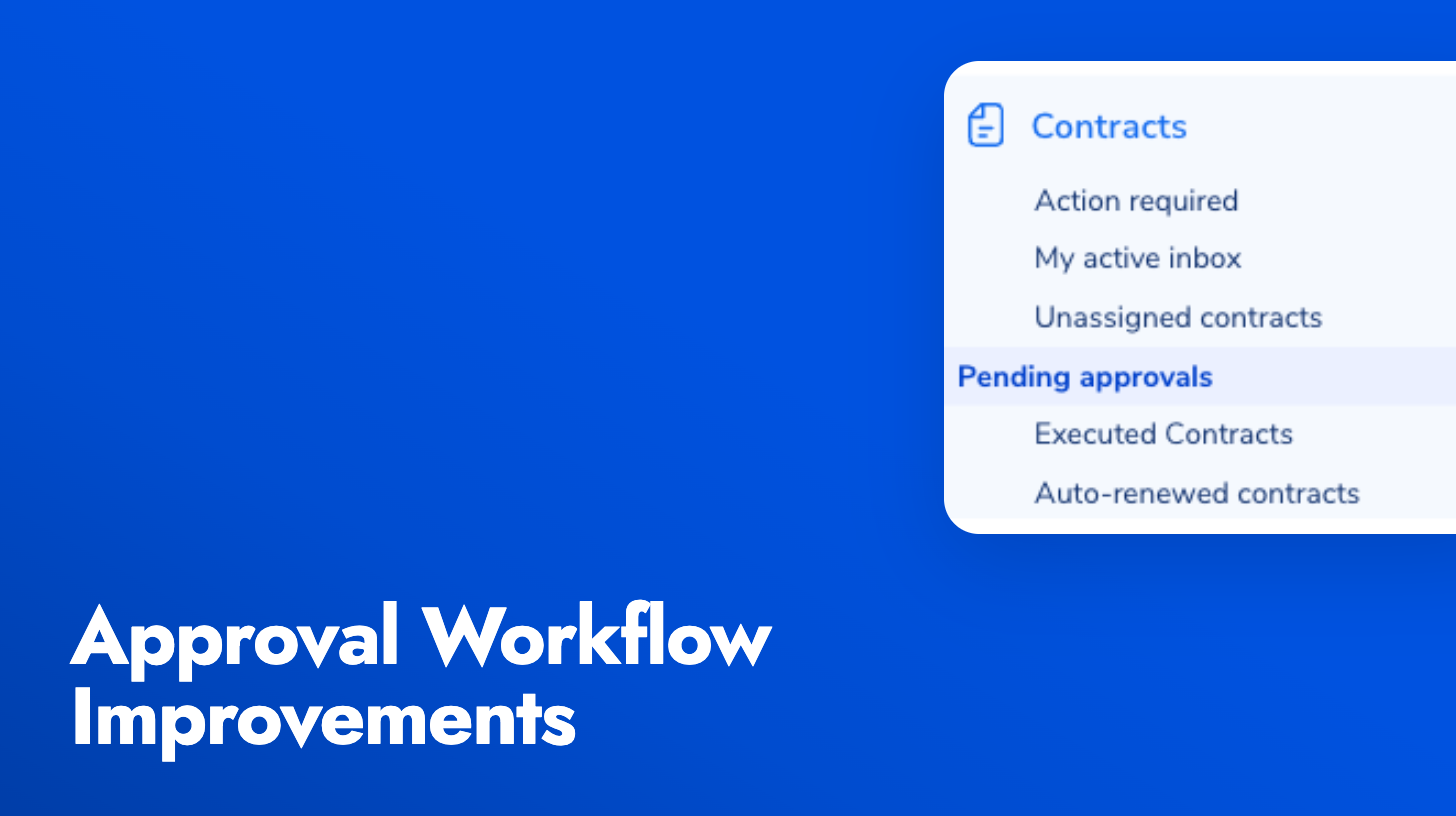
Pending Approvals view: Approvers now get a dedicated default view in the contracts list showing every contract waiting on their decision. Sequential approvals only appear once it’s actually your turn, and the view stays hidden when you have nothing to act on, so it doesn’t clutter the list. Sorted oldest first so the most overdue items rise to the top.
Manual Send Approval Request button: When a workflow doesn’t auto-fire (misconfigured trigger, condition not met, or a previous approval was rejected and needs to be redone), you can now send the request manually from the contract’s approval area. The button uses your configured approvers and fires the same notifications as an automated request.
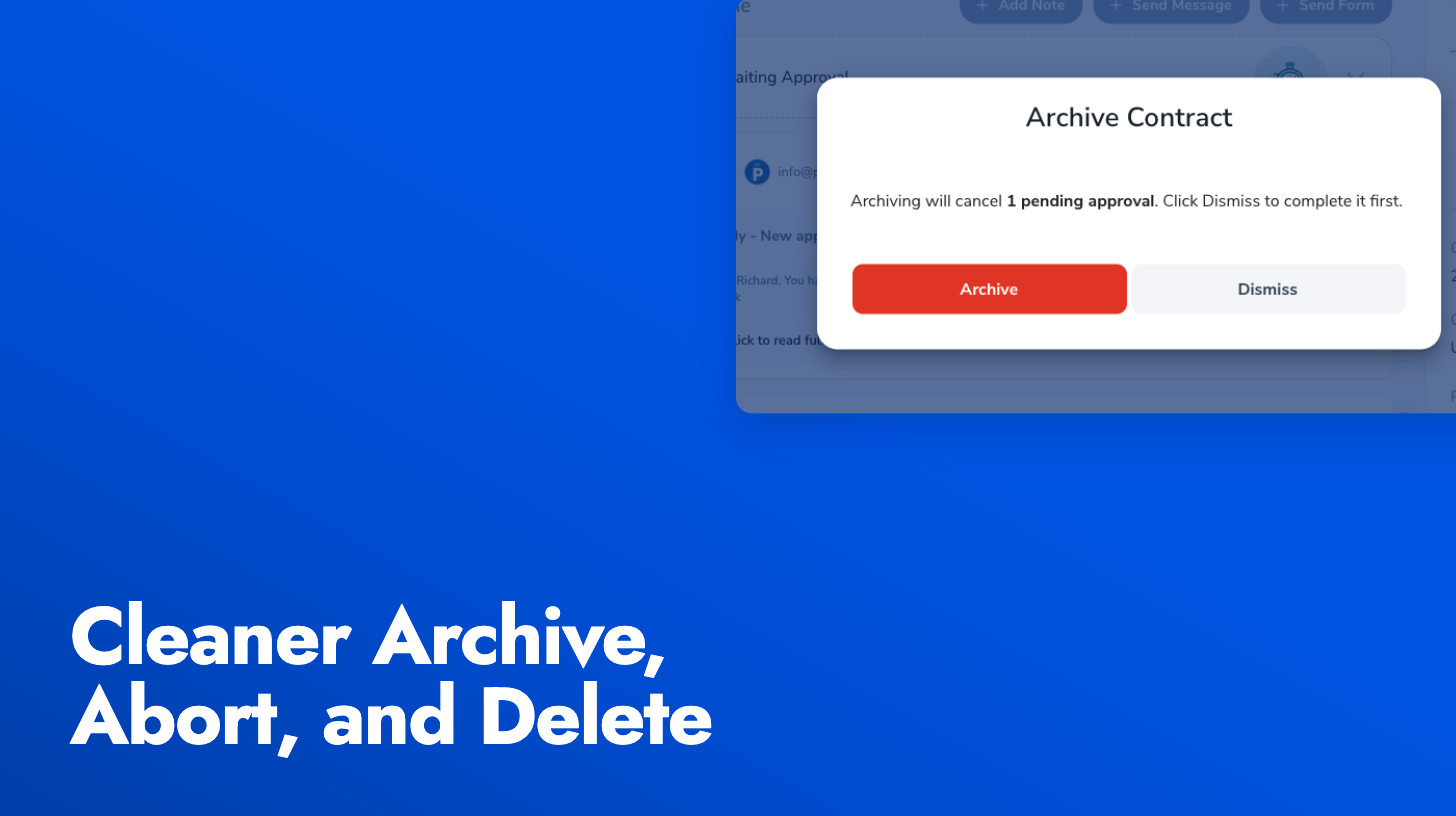
When you archive, abort, delete, or schedule a contract for abort, any outstanding approval requests and signature requests are now handled consistently instead of being left in limbo.
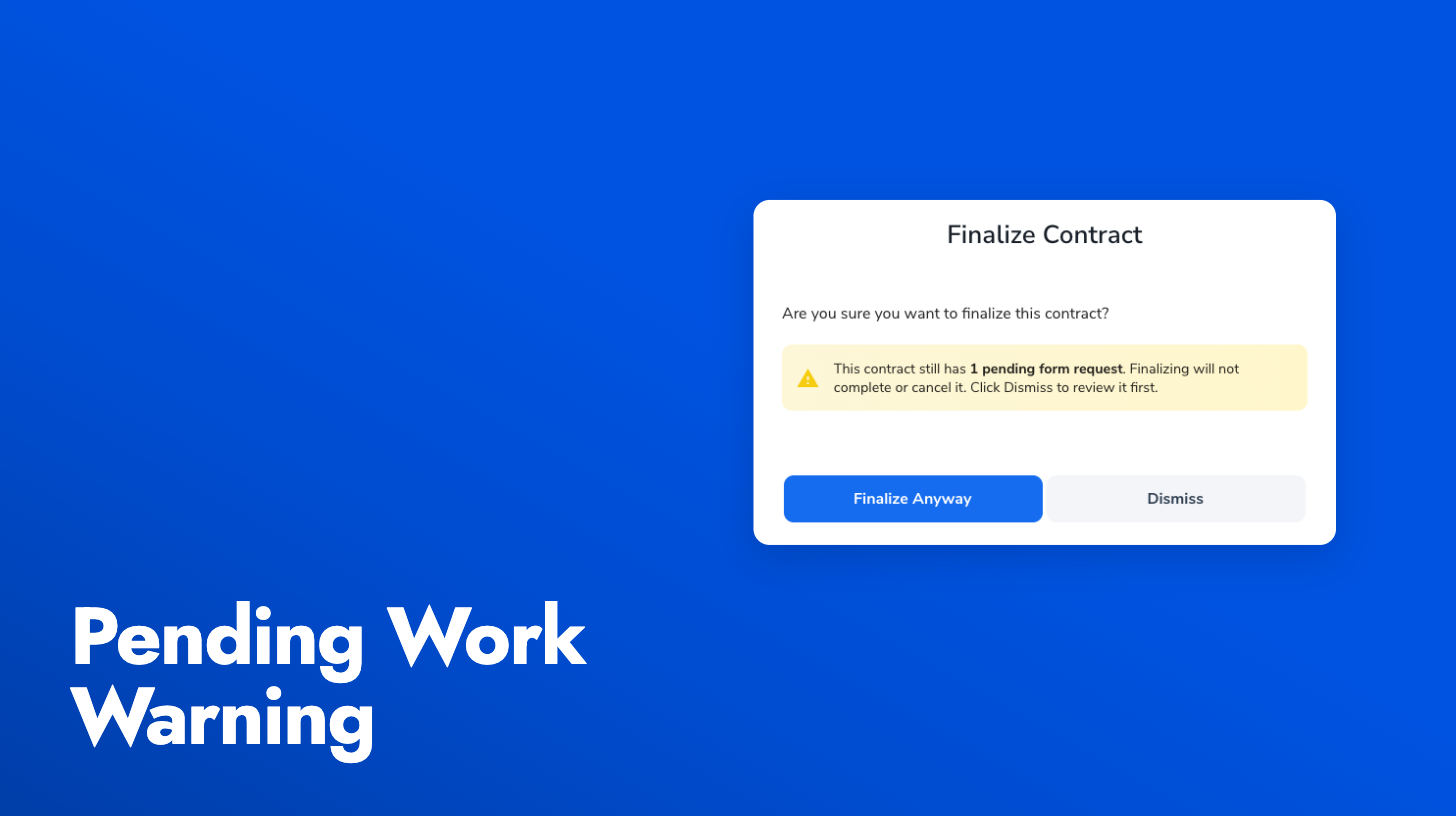
If a contract has pending work at the moment you take one of these actions, Pactly now asks what you want to do: complete the pending items first, or cancel them and proceed. If nothing is pending, the action runs without a prompt. Either way, the side effects are logged on the contract timeline so the audit trail is clear.
This cleans up a long-standing source of noise: approval reminders and pending-work surfaces should no longer mention contracts that have already been archived or aborted.
Internal users as recipients: The recipient picker now lists account users alongside contacts, so you can send a document to an approver or colleague without having to add them to the contact book first. A contact record is created behind the scenes when you select them, so they can still be used as a party on the contract.
Viewed events on the activity timeline: When a signer opens the signing page for the first time, a “viewed” event is recorded on the contract timeline alongside the existing sent and signed events. Useful for follow-up decisions and a more complete audit trail.
Refreshed signer emails: The signing request, reminder, and expiration warning emails got a layout and copy pass to look less like system notifications and more like a polished part of the signing experience.
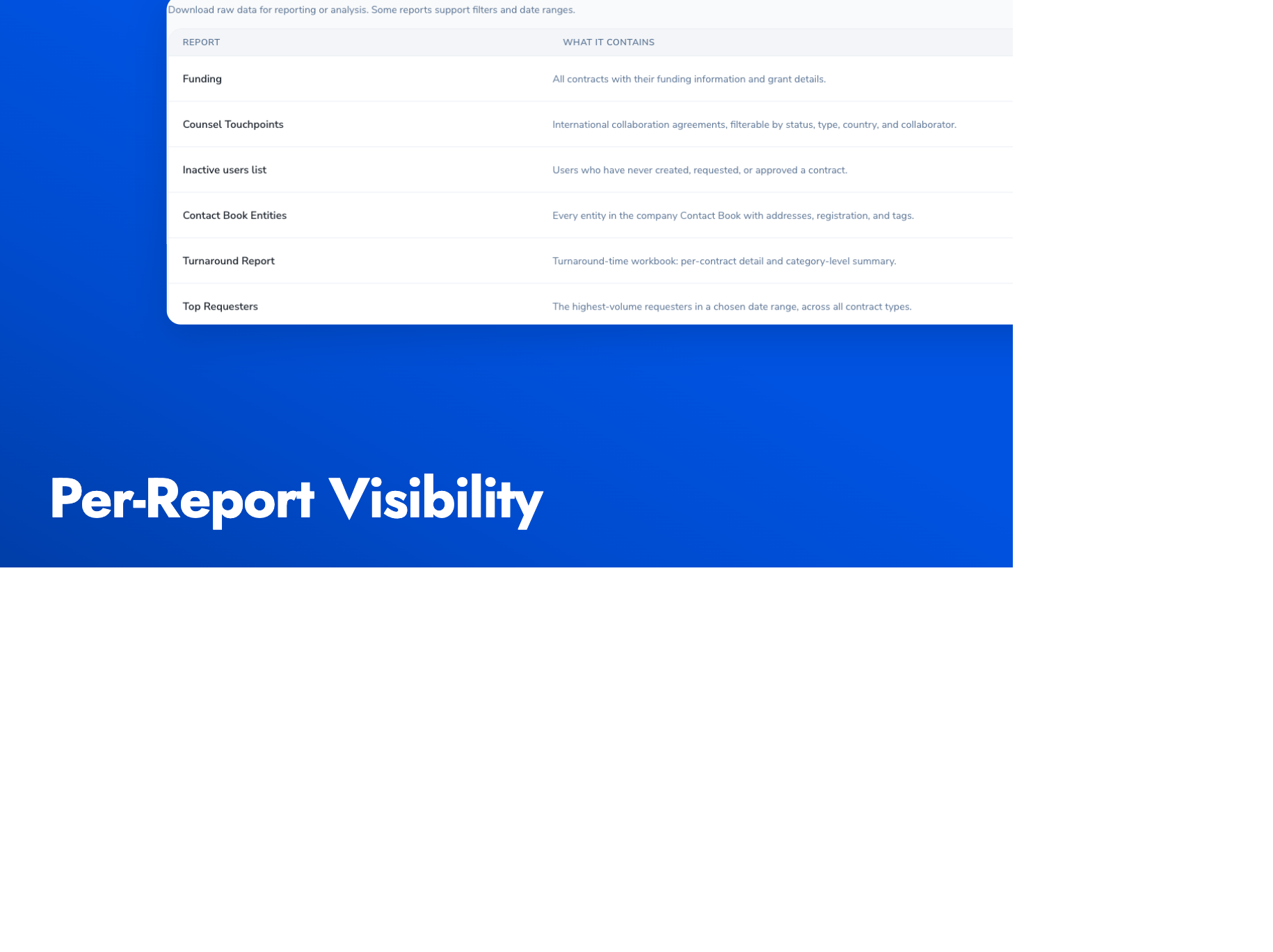
Admins can now control who sees which report in the Reports Catalog. Each report supports a per-report allowlist of users, roles, or both. When no allowlist is configured, the report stays visible to everyone with reports access (today’s behaviour).
This is useful when you want to give a specific team access to a narrow set of reports without exposing the rest of the catalog. The visibility filter is applied both when listing reports and when running them, so a crafted request cannot run a report a user is not entitled to see. Visibility changes are captured in the audit trail.
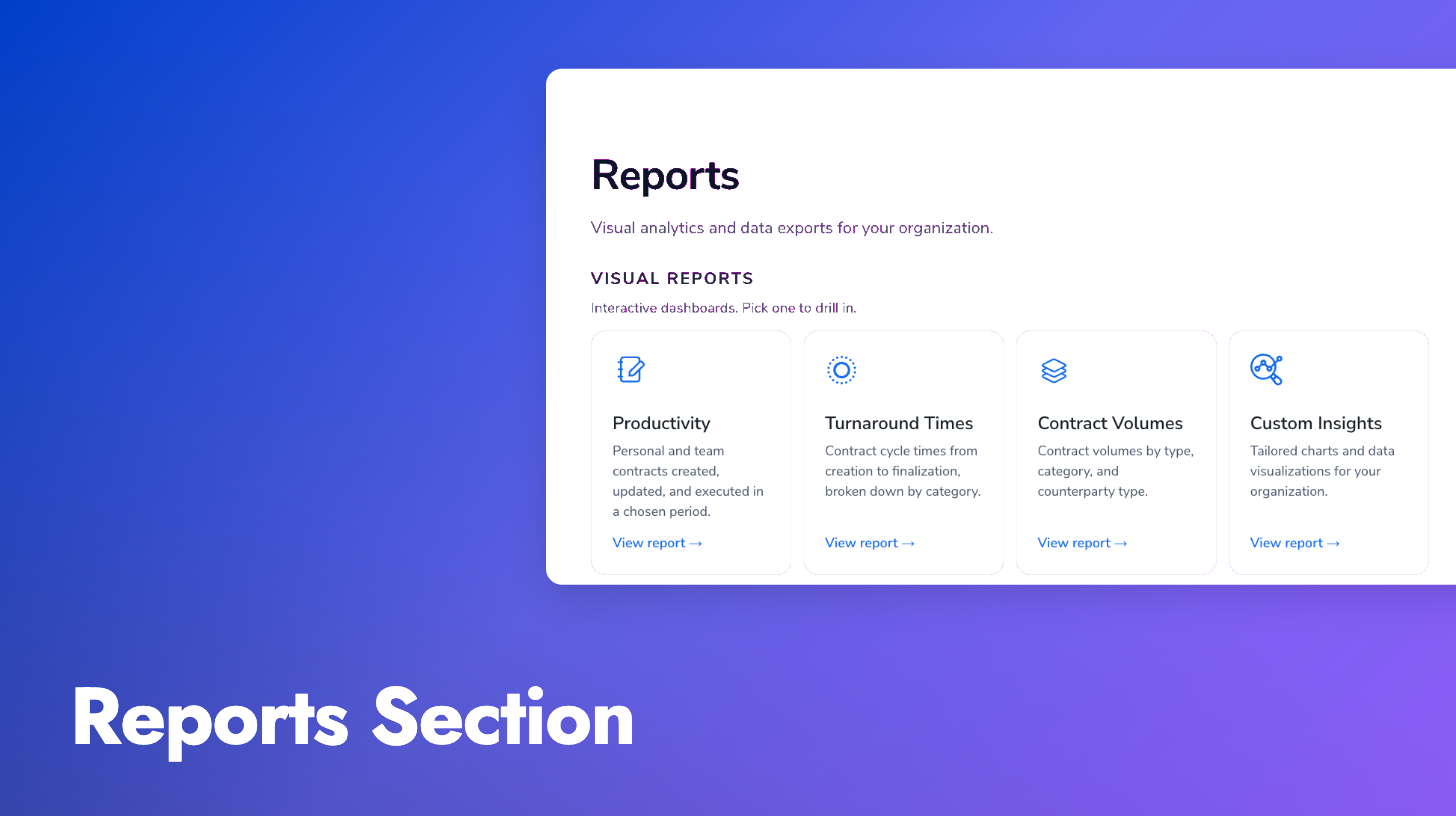
Reports and data exports now live together under a single Reports section. Visual dashboards (productivity, turnaround, volume) sit alongside downloadable CSV and XLSX exports in one catalog, each with its own description and filters.
New Reports role: Users with the Reports role land on the Reports page after login and see only what you’ve made available to them. Useful for finance, compliance, or operations teams who need to pull data without touching contract records.
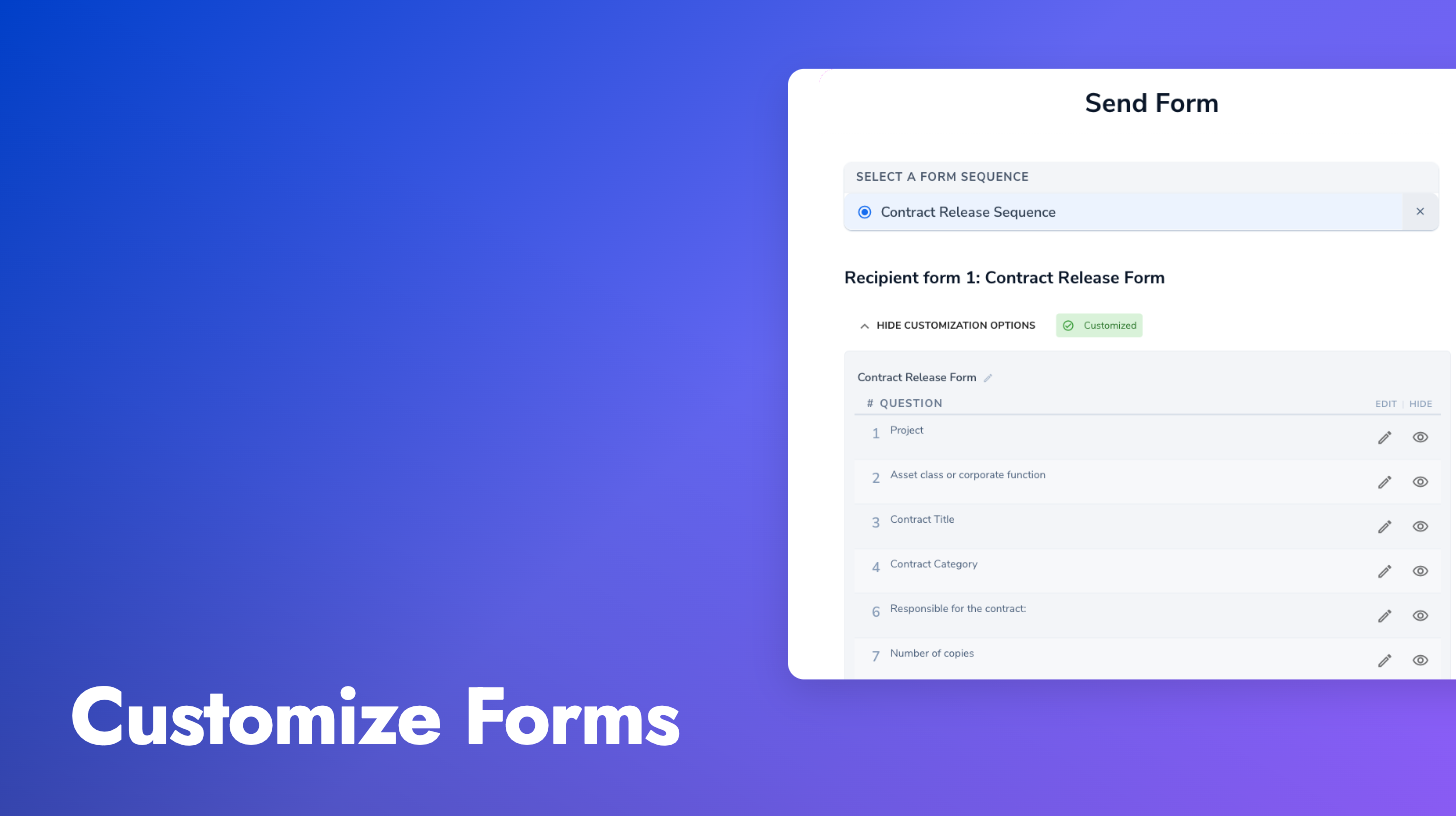
Data collection points across the contract lifecycle often look mostly the same but in some cases, may vary a little from transaction to transaction. You can now use customizable forms to start from a base form and tweak it each time you send it to capture that transaction-specific context. This avoids having to maintain separate forms for every variation.
A “Customize Form” step appears in the send flow. You can preview the form, hide questions that don’t apply, rewrite labels, or add a few extra fields right before you hit send. Each customized version is named so you can tell them apart later.
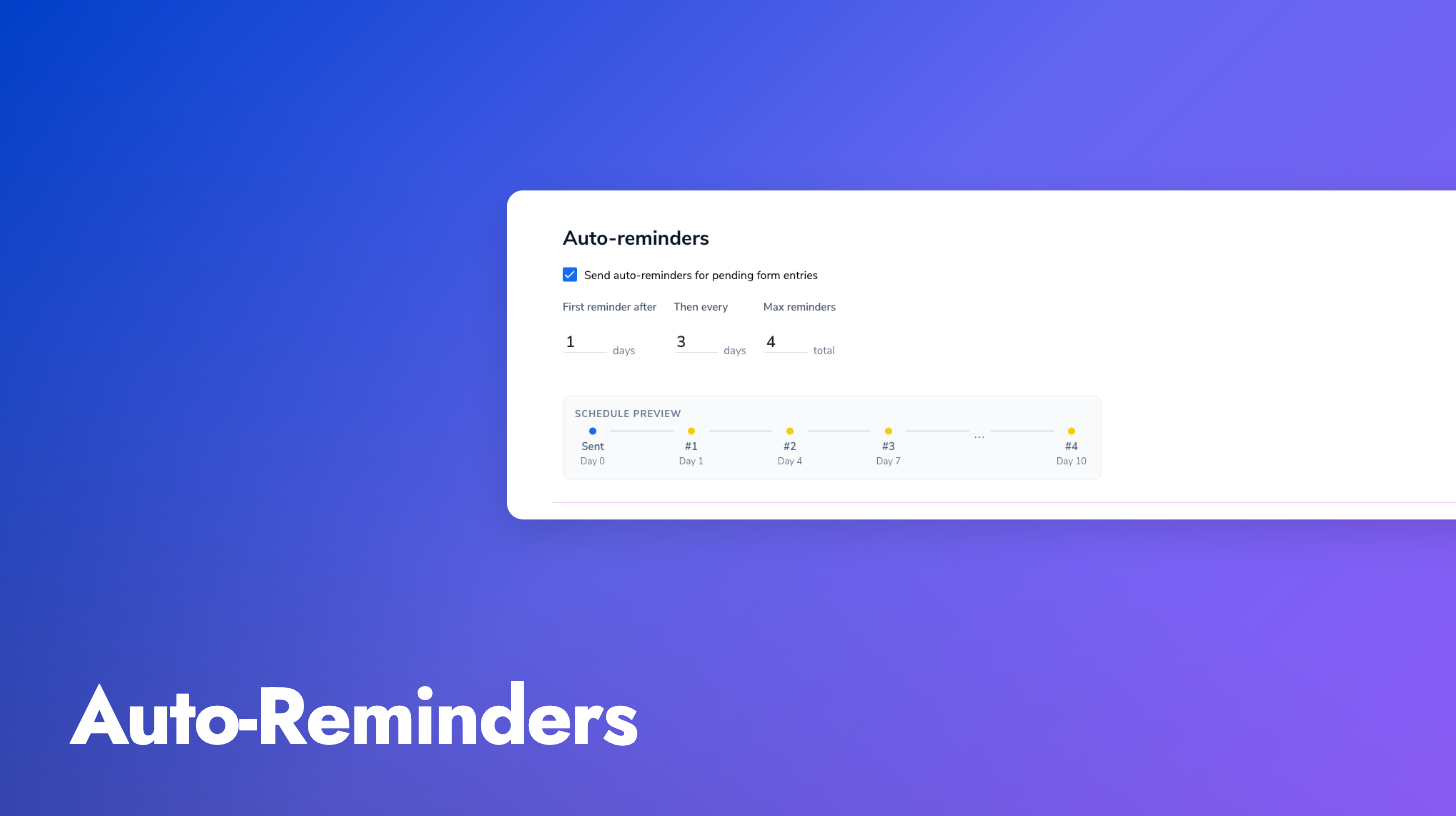
You can now enable automatic reminder emails for pending form submissions. Configure the initial delay, the interval between reminders, and a maximum count per form, and Pactly handles the follow-up so you don’t have to chase submissions by hand.
Reminder history is tracked on each form entry and surfaced on the form entries list as a quick status like “2 reminders sent, last 3 days ago”. Reminders stop automatically when the form is submitted, cancelled, or reaches the max count. Manual “Send Reminder” still works as before and is logged in the same history.
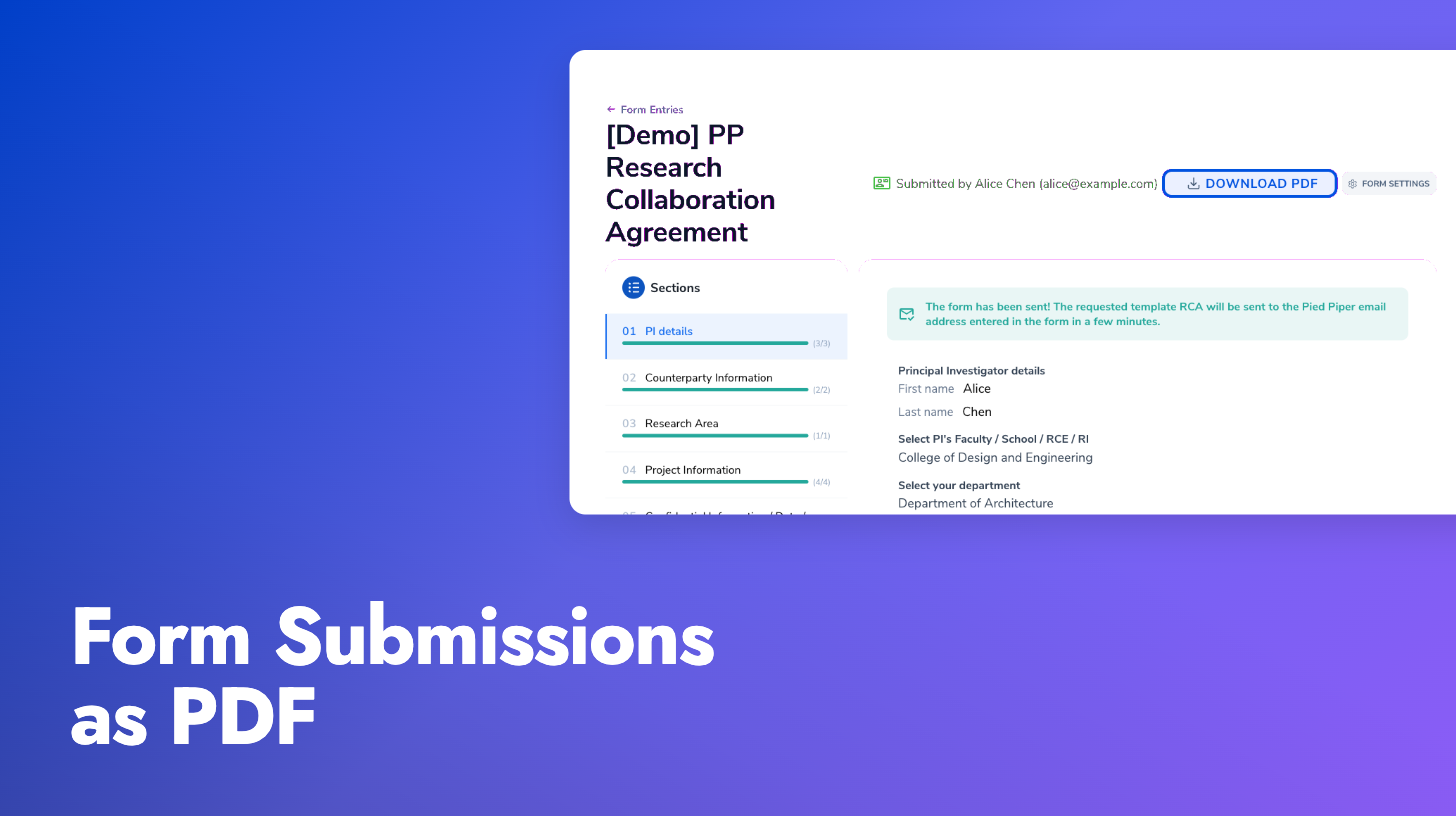
Completed form submissions can now be downloaded as a clean PDF directly from the form entries list. Text is selectable and copy-pasteable, so you can extract content for records, filings, or circulation outside Pactly. The PDF includes the form title, submission date, submitter details, and every question with its answer, with file attachments shown as links and signatures embedded as images.
Per-send notification recipients: The send flow now includes a notification recipients field, so you can pick who gets emailed when that specific form is submitted. These recipients supplement any defaults already configured on the form action, useful when the contract owner varies from send to send.
Another round of improvements to Pactly E-Signatures, focused on cleaner documents and fewer dead ends for signers.
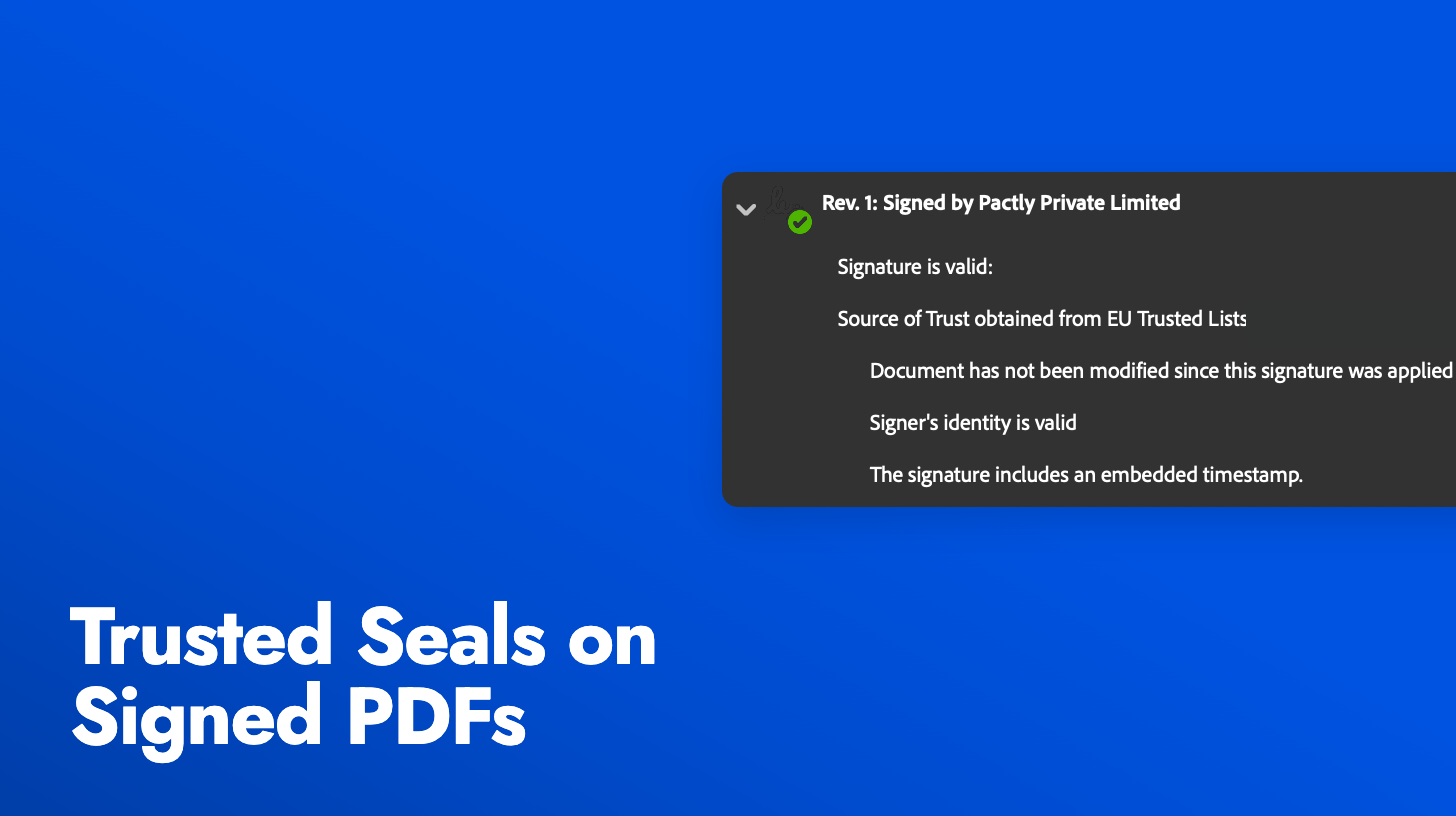
Configurable audit trail: The signed PDF now comes in two versions, one with the audit trail appended and one without, both accessible from the contract record. A new company-level setting controls which version is treated as the primary executed document.
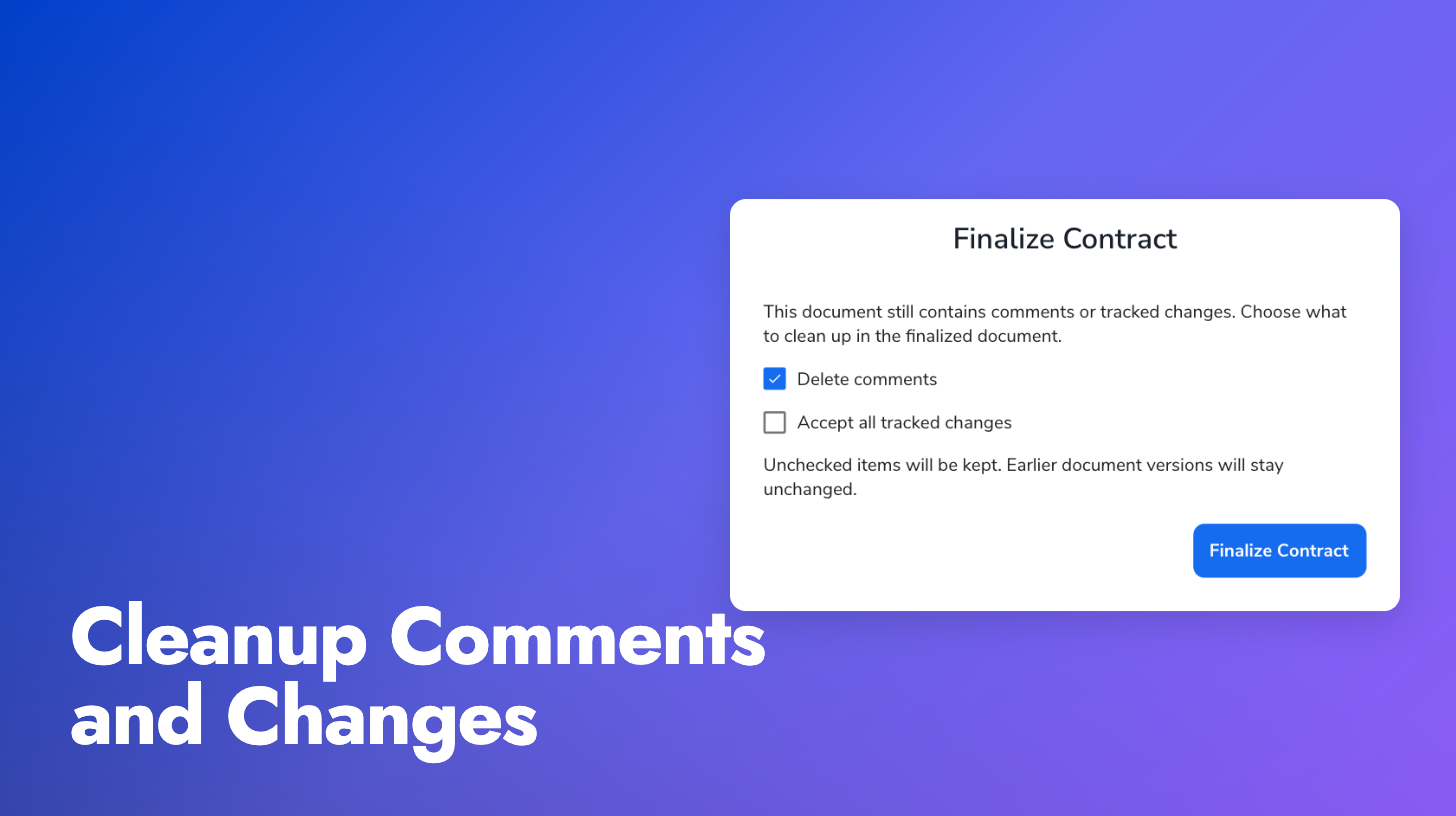
Word comments and tracked changes stripped automatically: When a document is sent for signing, Word comments are removed and tracked changes are flattened to the final visible state, so signers never see internal negotiation notes or markup in the signed PDF. If your document contains comments or unresolved track changes at send-time, a warning banner now tells you they’ll be removed before signing.
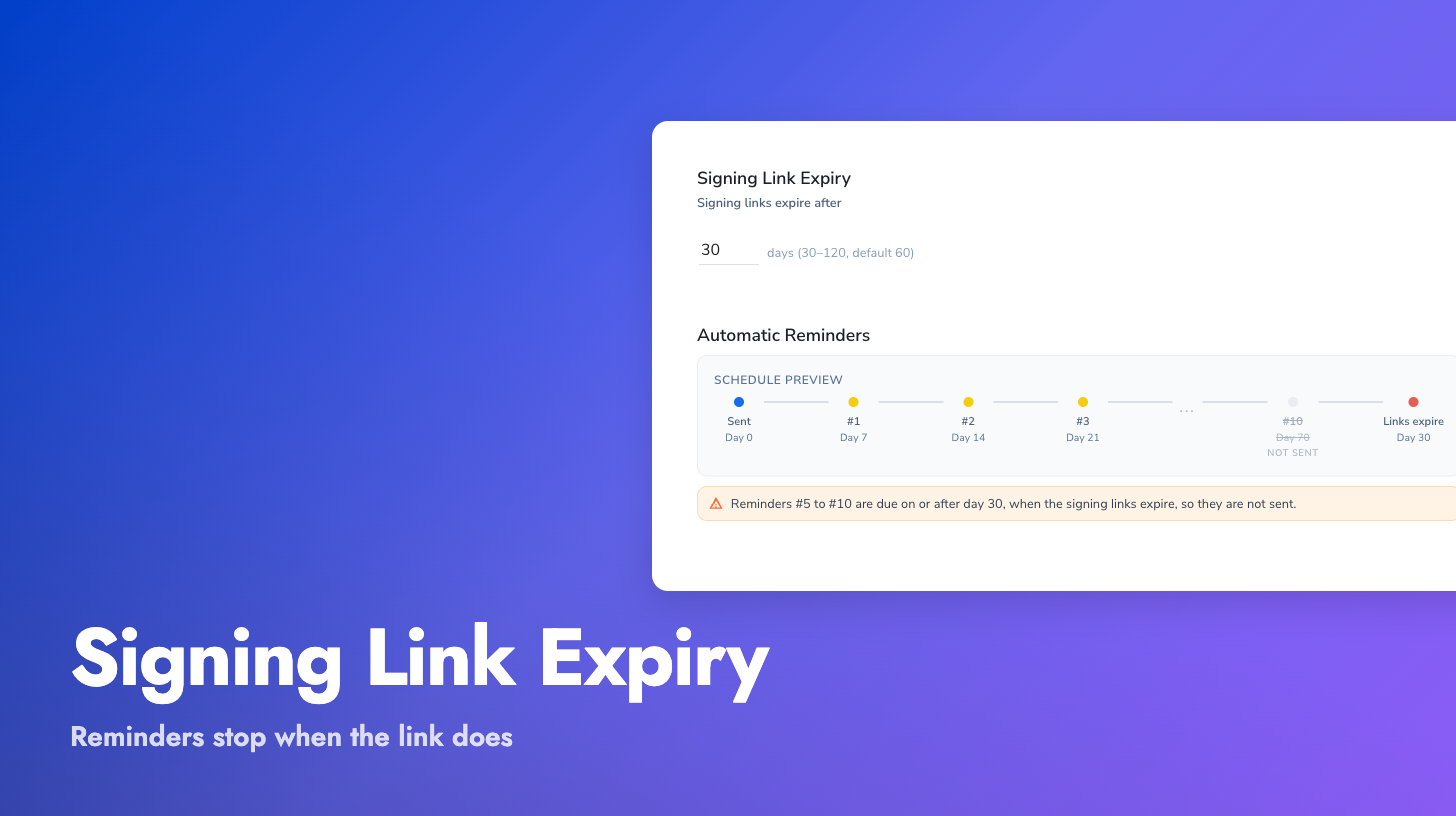
Expiration warning emails: Pending signers now receive a warning email a few days before their signing link expires, with a refreshed link and a clear call to action. No more dead “signing request expired” pages and no more cancel-and-recreate loops.
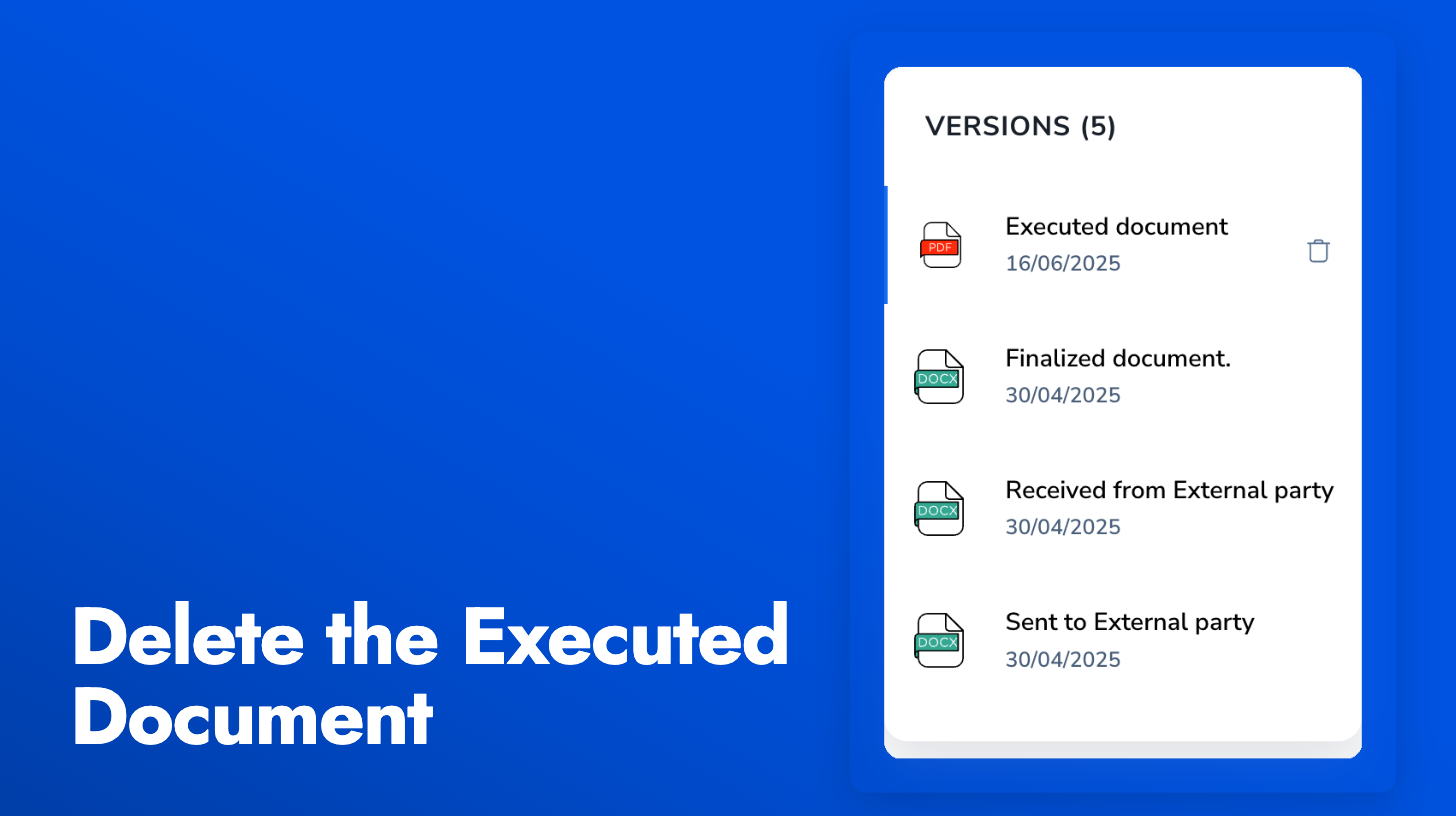
When the wrong file ends up in the executed slot, for example a half-signed PDF or a misfiled upload, admins and managers can now remove it directly from the Versions panel. Previously this required a support request to clear the record in the database.
A bin icon appears next to the executed document row. On click, a destructive confirmation dialog asks you to confirm before deleting the file and logging the removal to the timeline. For DocuSign, AdobeSign, and SignWell contracts, the dialog reminds you that the original signed envelope still exists with the provider.
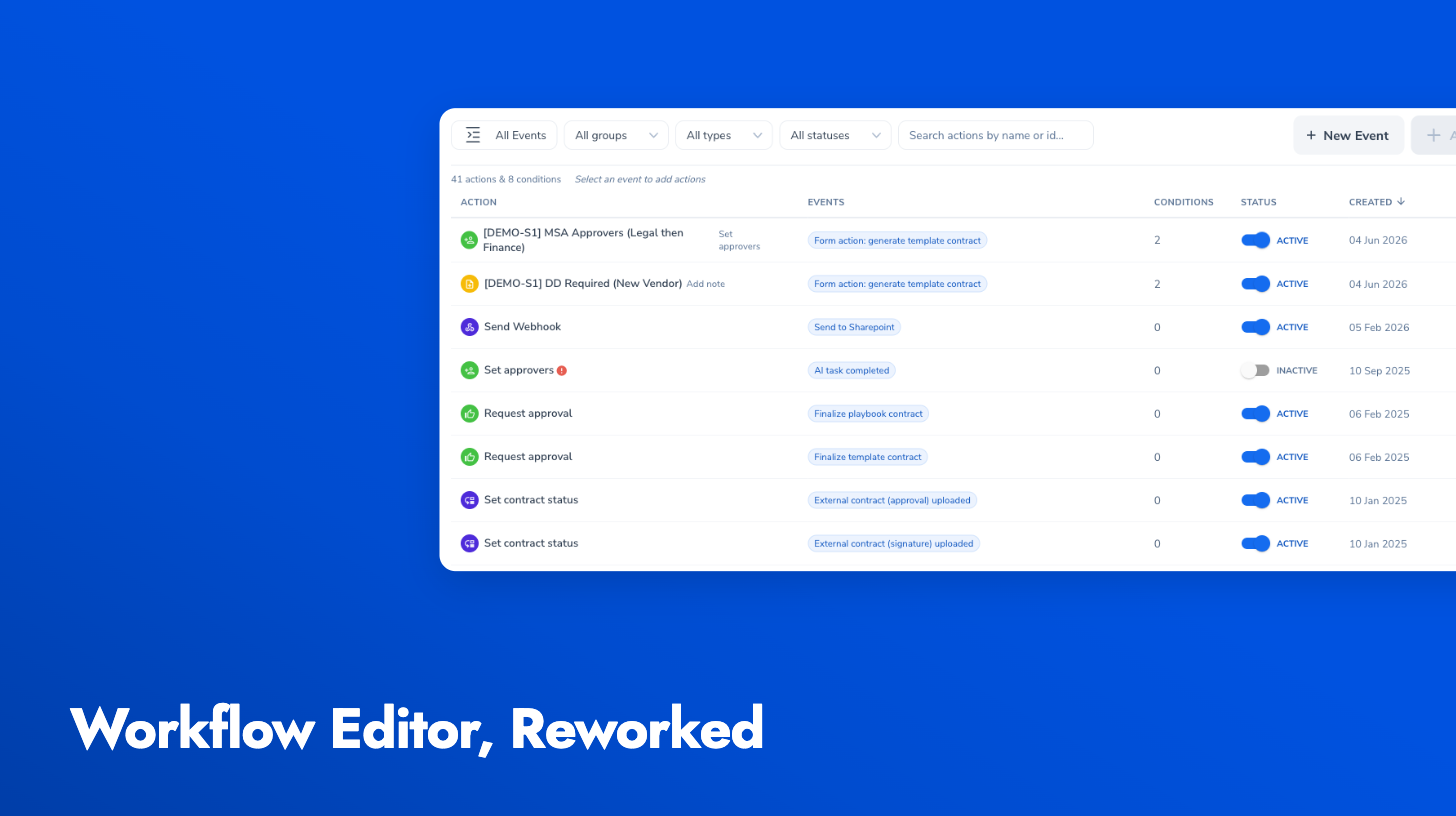
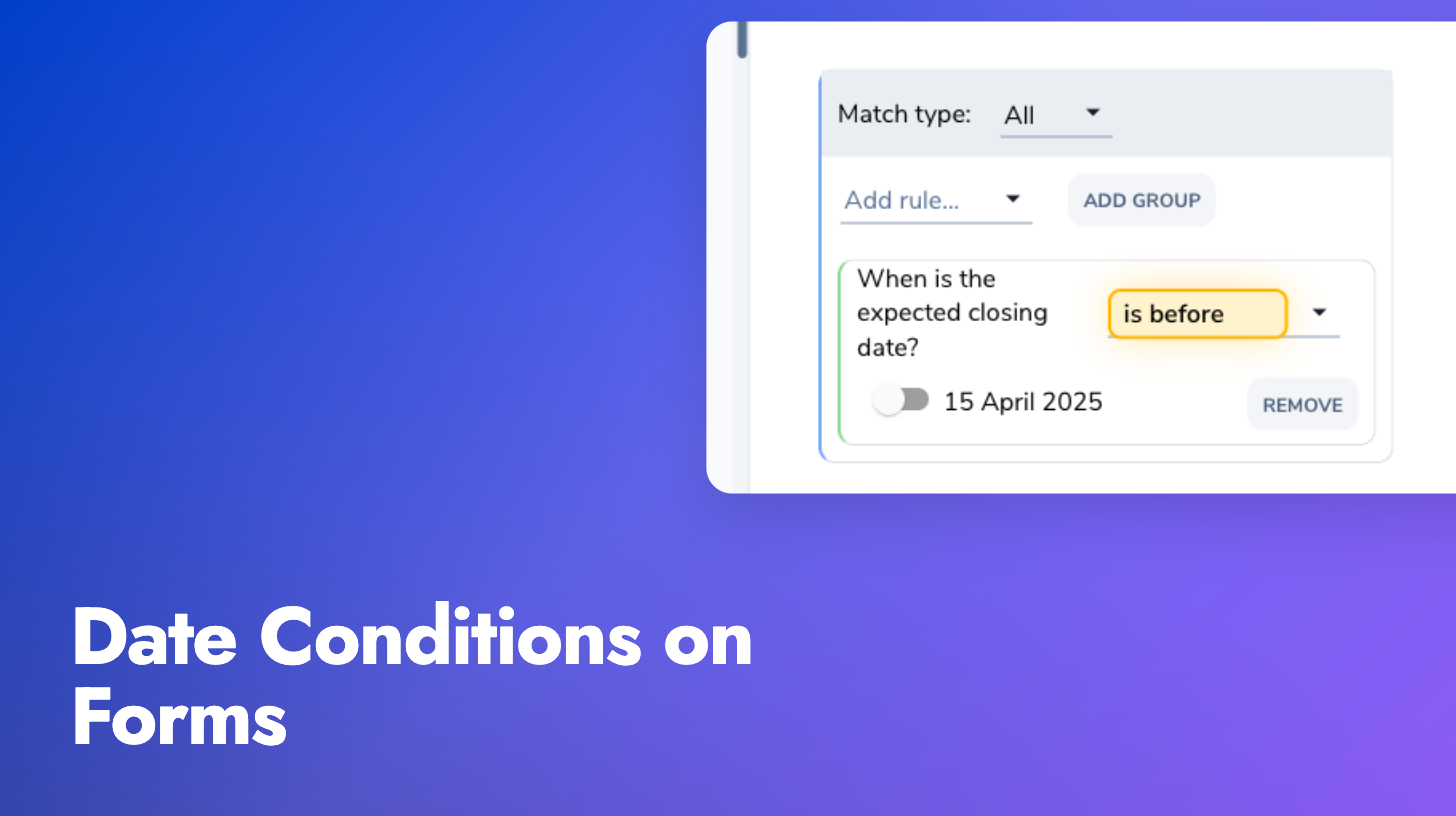
Form field conditions now support date comparisons. You can gate the visibility of a question, or decide which template to generate, based on whether a date field is before, after, on, or equal to a fixed date.
The new operators (is before, is after, is on or before, is on or after, is) work the same way as the numeric comparison operators. Pick a date field, choose an operator, and set the comparison date with a date picker. This unlocks intake gating patterns like “if the agreement start date is before 15 April 2025, suppress this template and route the request to a reviewer”.
A round of improvements across the Pactly E-Signatures sender and signer experience.
Guided signing flow: Signers are now walked through fields one at a time. The document auto-scrolls to each field, a progress indicator shows how many fields remain, and completing one field automatically advances to the next. No more hunting through a multi-page document to find where to sign.
Resizable fields: Signature boxes, text fields, and other field types can now be resized with drag handles after placement. Previously, all fields were fixed at their default size with no way to adjust.
Custom text field labels: When placing text fields, senders can now set labels like “Name”, “Title”, or “Company”. The label appears as placeholder text on the document and in the guided signing step list, so signers know exactly what to enter in each field.
Field placement polish: The sidebar has been reorganized with signer selection above field types, clearer section headers, and an info banner explaining the workflow. Inactive signers are visually muted while the active signer is prominent. Field properties now show a toggle switch for required fields and inline delete.
Page boundary clamping: Fields can no longer be dragged or resized beyond the page edges, preventing truncated signatures and text in the final signed PDF.
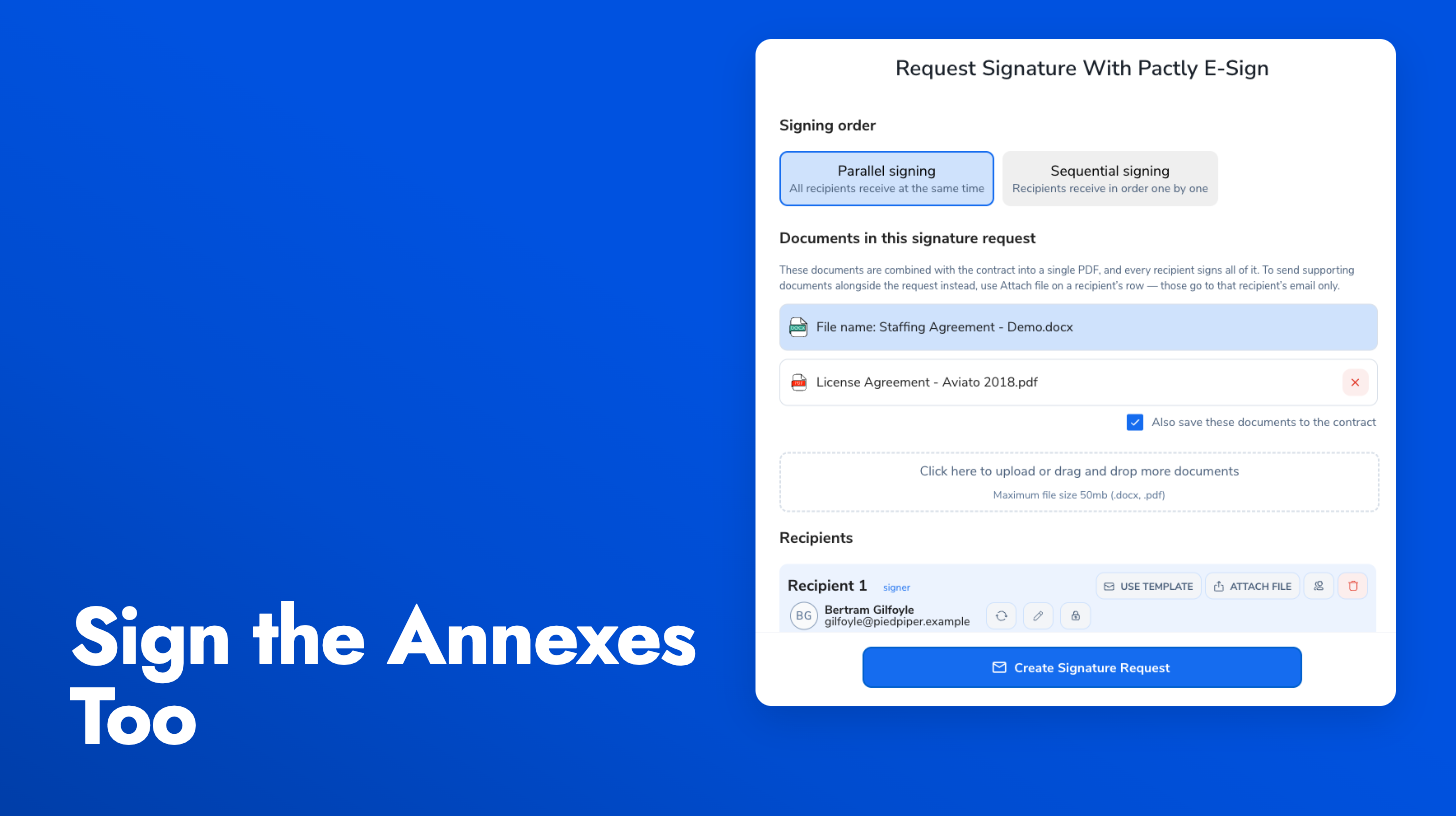
Form data in signing emails: When a contract has an attached form, the form data and any additional files now appear in the signature request email and signing timeline, giving signers full context alongside the document.
Settings page improvements: The e-sign settings modal is wider and easier to scan, with a visual timeline preview showing exactly when reminders will be sent based on your configured schedule.
The party filter on the contracts list now supports fuzzy matching, so you no longer need to type the exact full name. Searching “acme” will find “Acme Holdings Pte Ltd”, and a partial name or slight misspelling still returns the right results.
Selecting multiple parties now narrows your results to contracts where all of those parties are involved, making it straightforward to find, for example, every agreement between two specific companies.
Attachment previews now show the full PDF document instead of just the first three pages. Pages load progressively as you scroll, so the preview opens instantly and remaining pages render in the background.
Previously, attachment previews cut off after three pages with a static “X more pages…” label and no way to see the rest without downloading the file.
Search and selection dialogs across the app now open instantly, regardless of how many options they contain. This applies anywhere you pick from a long list: adding signers, selecting approvers, choosing parties, and other selection flows.
Dialogs load an initial batch of results immediately and render more as you scroll. On accounts with large contact books, this eliminates the noticeable delay that used to occur when opening these pickers.
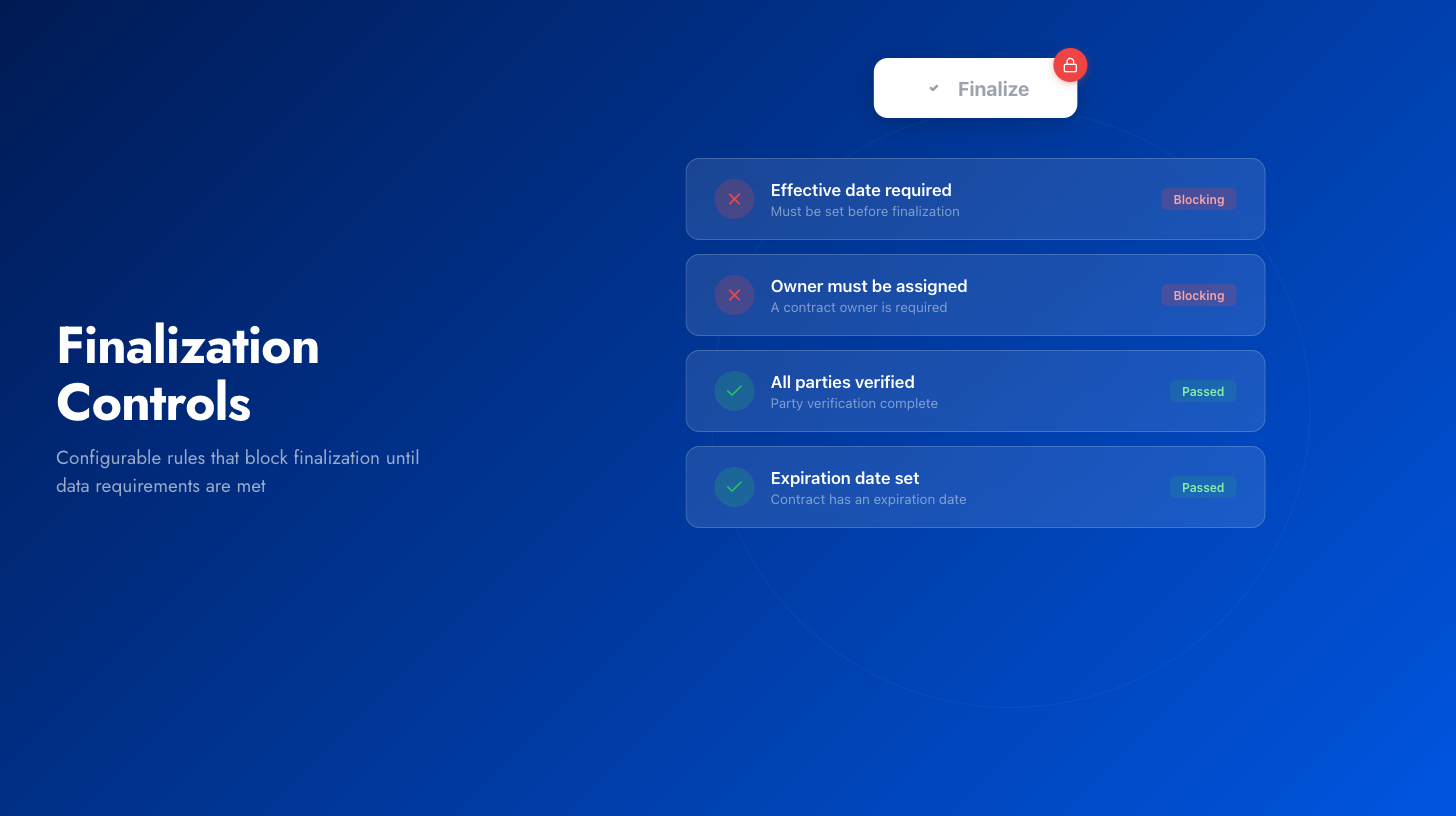
Admins can configure rules per contract type that require specific properties to be filled or parties to be verified before finalization is allowed. Rules are fully configurable: an project agreement might require project title and expiration date, while an MOU might require a purpose.
When a rule isn’t met, the finalize action is disabled and the blocking reasons are shown inline, so contract owners know exactly what needs to be resolved. Admins can override when needed, with every override logged in the contract timeline.
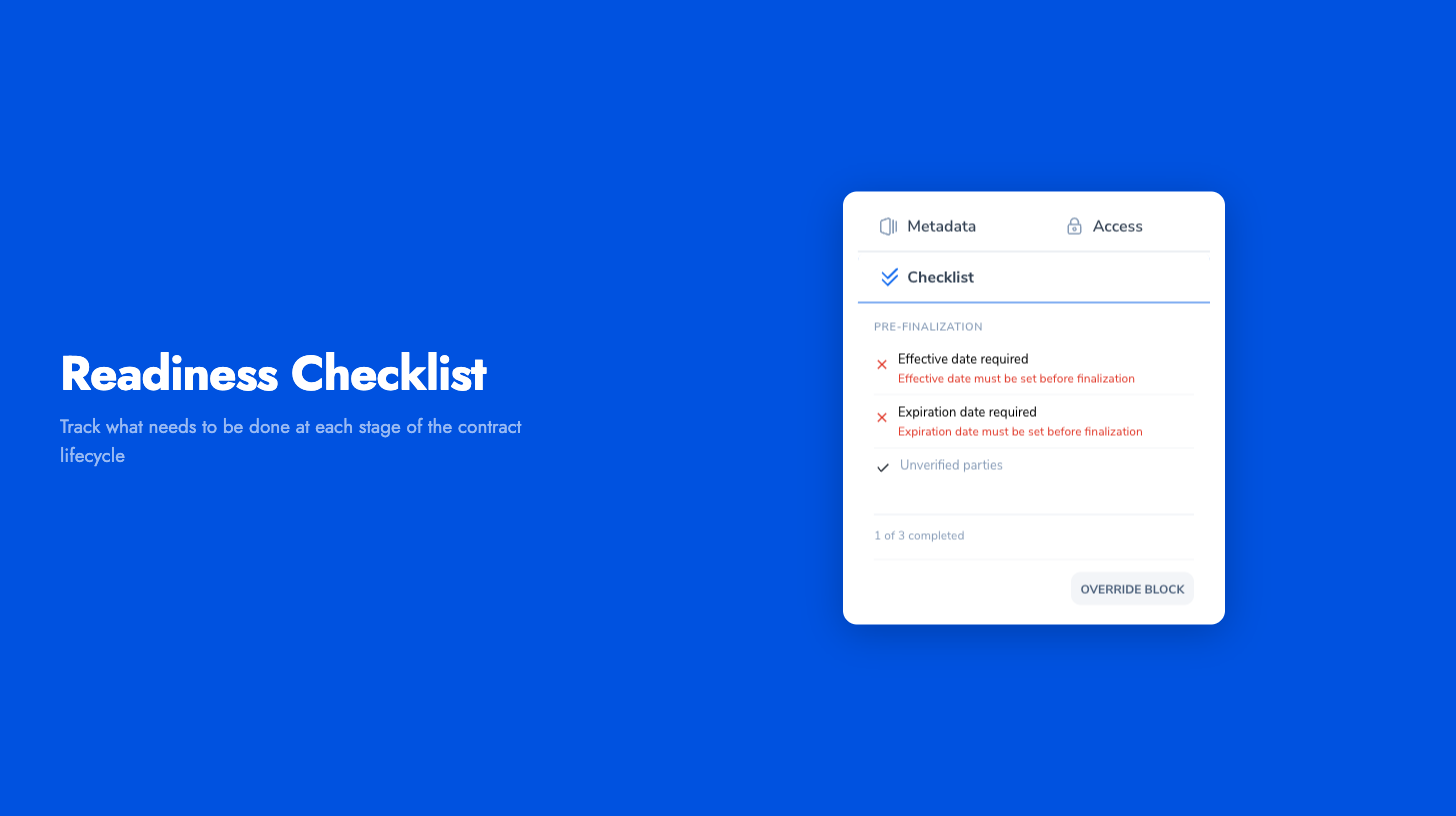
Contracts often involve many steps: verifying that key fields are filled for data hygiene, confirming the right people are assigned, or making sure certain conditions are met before the next stage. We are introducing a new checklist in the contract sidebar that brings all of this into one place instead of relying on memory or tribal knowledge.
Checklist items come in two types. Automated items reflect the current state of the contract, like whether required properties are filled or dates are set. These update in real time as you work. Manual items are for things the system cannot verify on its own, like confirming a document has been reviewed or that internal sign-off has been obtained. Officers tick these off explicitly.
The checklist is fully configurable per organization and per contract type, so different agreements show only the checks relevant to them.
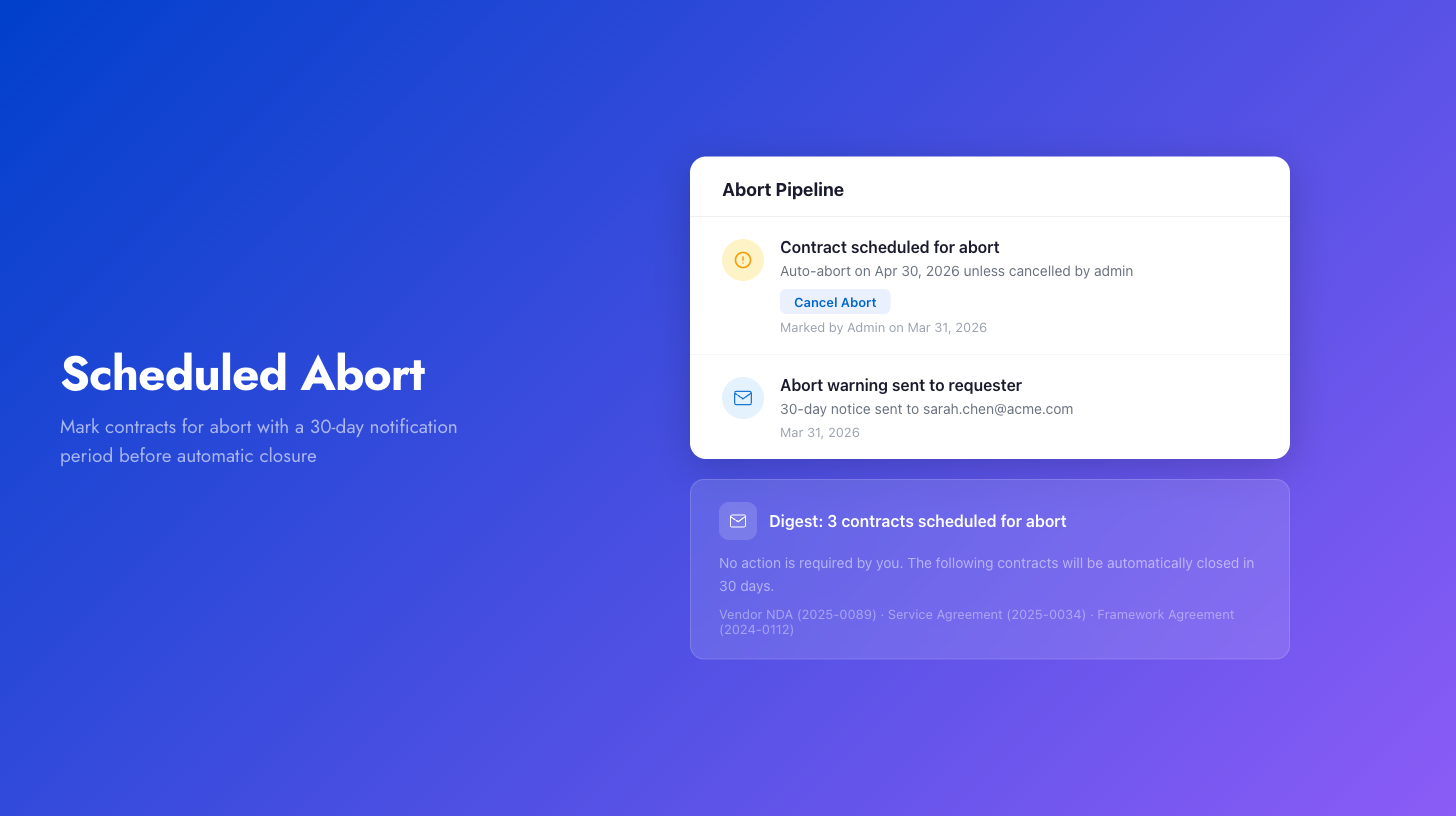
Admins and managers can now mark contracts for abort, either individually or in bulk from the contracts list. Marked contracts enter a 30-day pipeline: the requester receives an email notification, and after 30 days the contract is automatically aborted unless cancelled.
When a contract is marked, a timeline item records the scheduled abort date. Admins can cancel the abort at any time from the timeline, which removes the contract from the pipeline and logs the cancellation.
For bulk operations, requesters with multiple affected contracts receive a single digest email listing all their contracts rather than one email per contract. Automated rules can also be configured to mark contracts matching specific criteria (e.g., unassigned drafts older than 12 months) on a recurring schedule.
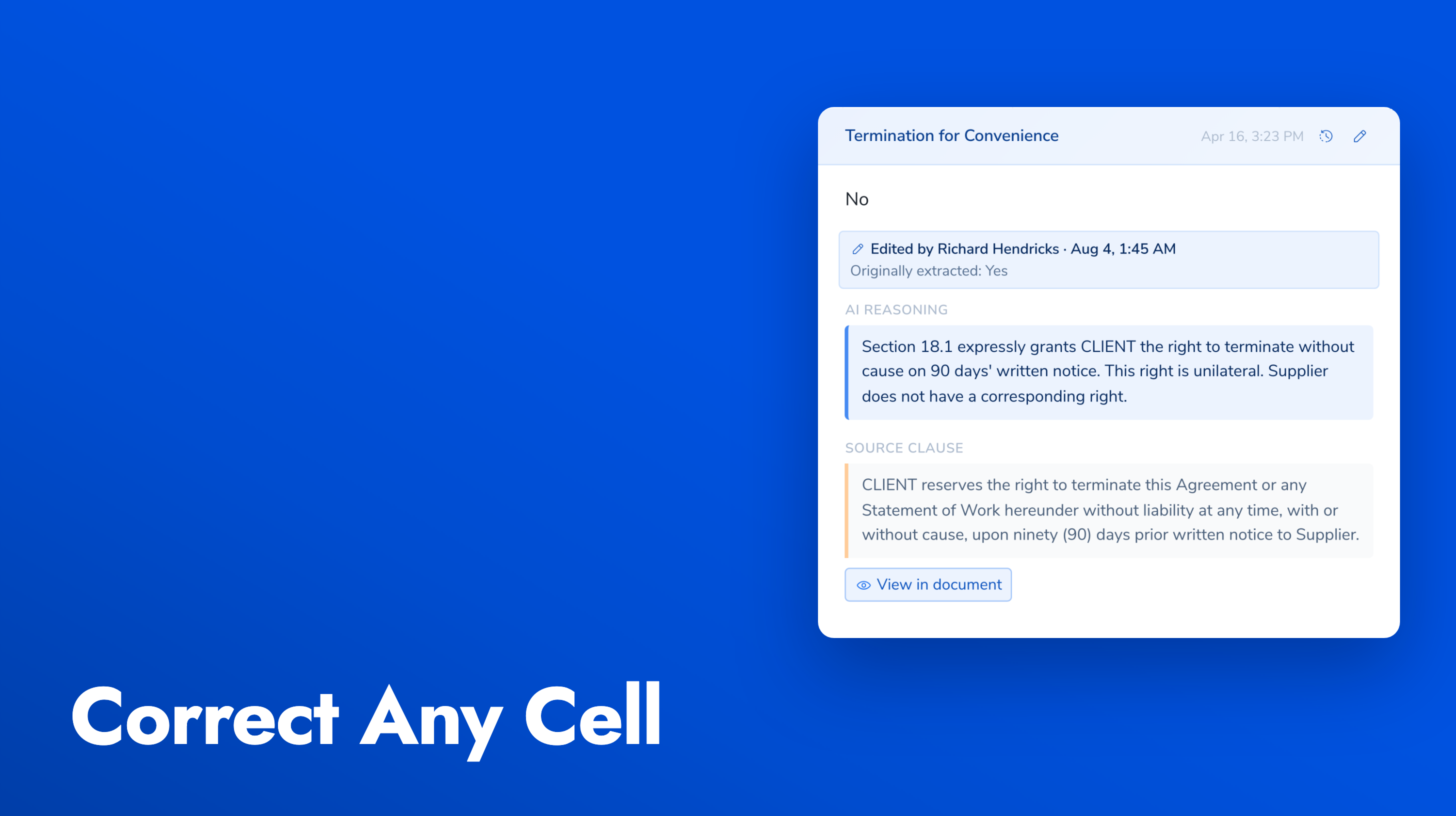
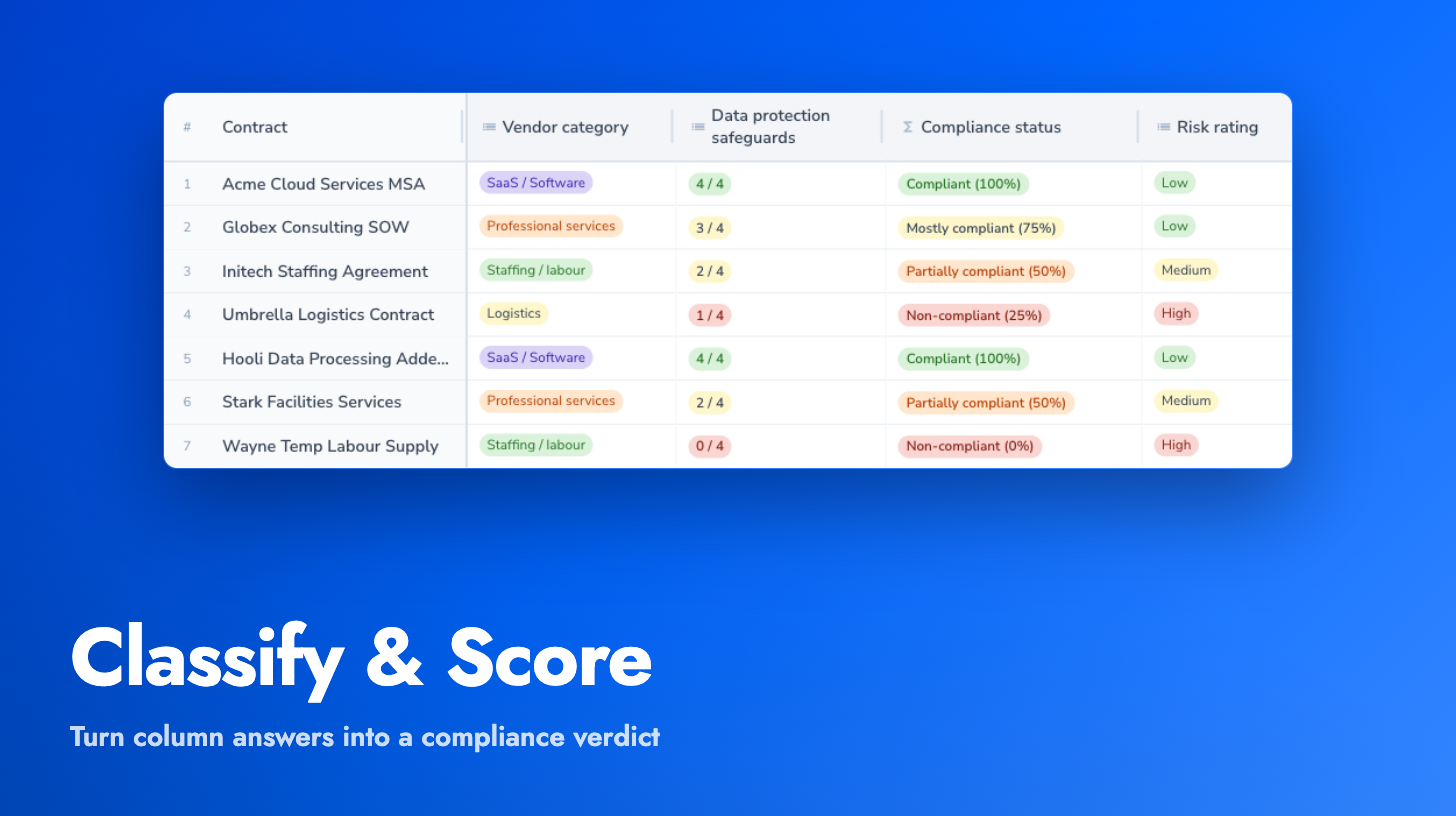
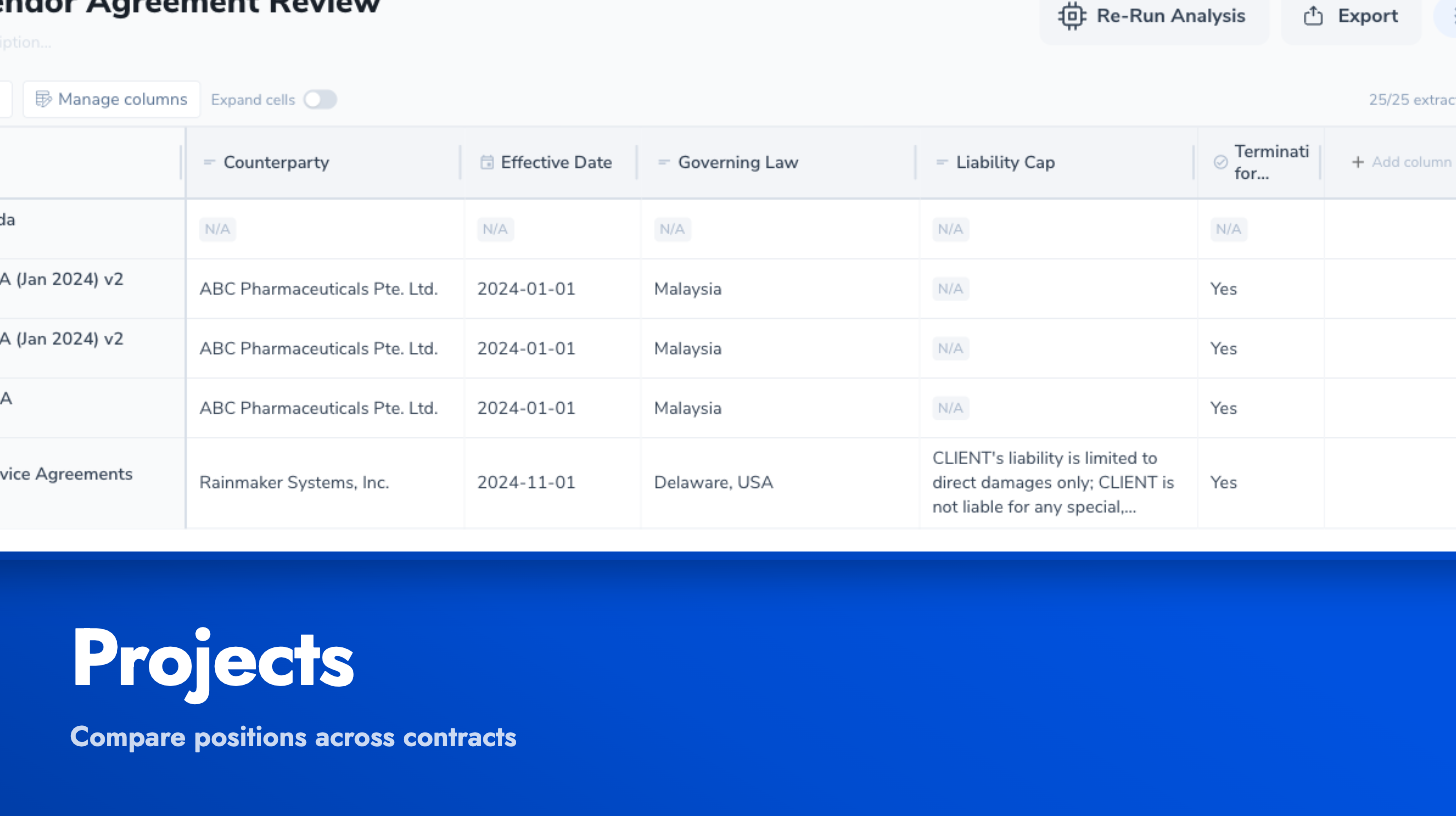
You can now run due diligence, audits, or benchmarking exercises across your contract portfolio directly in Projects. Select the contracts you want to compare, then define your extraction columns: what specific positions or provisions you want to review across all of them. This could be termination for convenience rights, change of control clauses, notification obligations, governing law, or any other clause position relevant to your review.
Once your extraction columns are set up, Pactly populates a spreadsheet-style grid with the extracted clause text for each contract. Click any cell to preview the relevant source text in a side panel for quick verification.
We see this being used for post-merger contract audits, benchmarking clause positions across a vendor portfolio, and compliance reviews where teams need to verify specific provisions exist across a set of agreements. Projects is now available for early testing. Let us know how you’d like to use it.
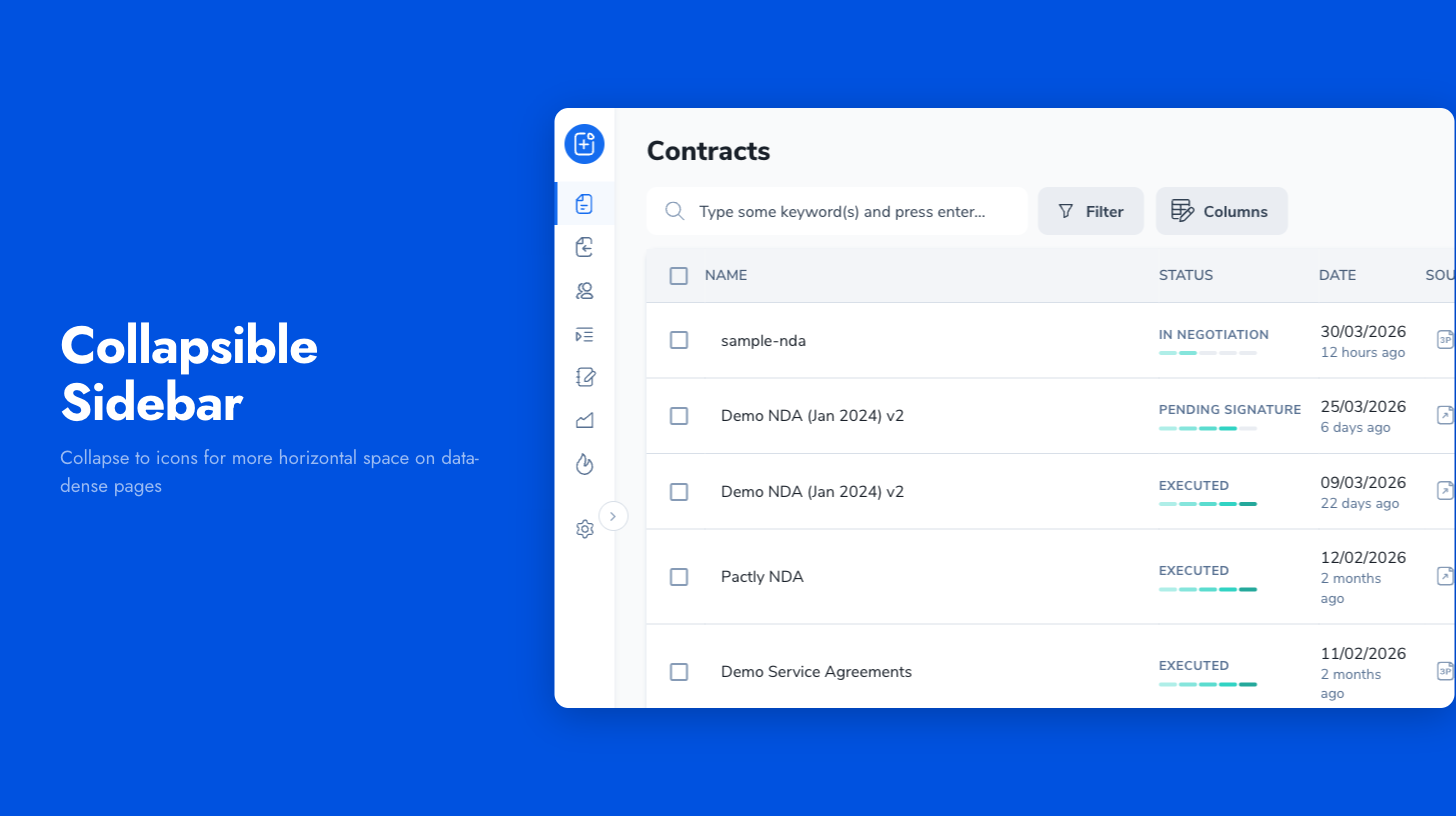
The navigation sidebar can now be collapsed to an icon-only view, giving you more horizontal space for data-dense pages like Projects and contract lists.
Press [ to toggle between full and compact modes, or click the collapse toggle. Your preference is remembered across sessions. The sidebar also auto-collapses on narrower screens and restores when you resize back.
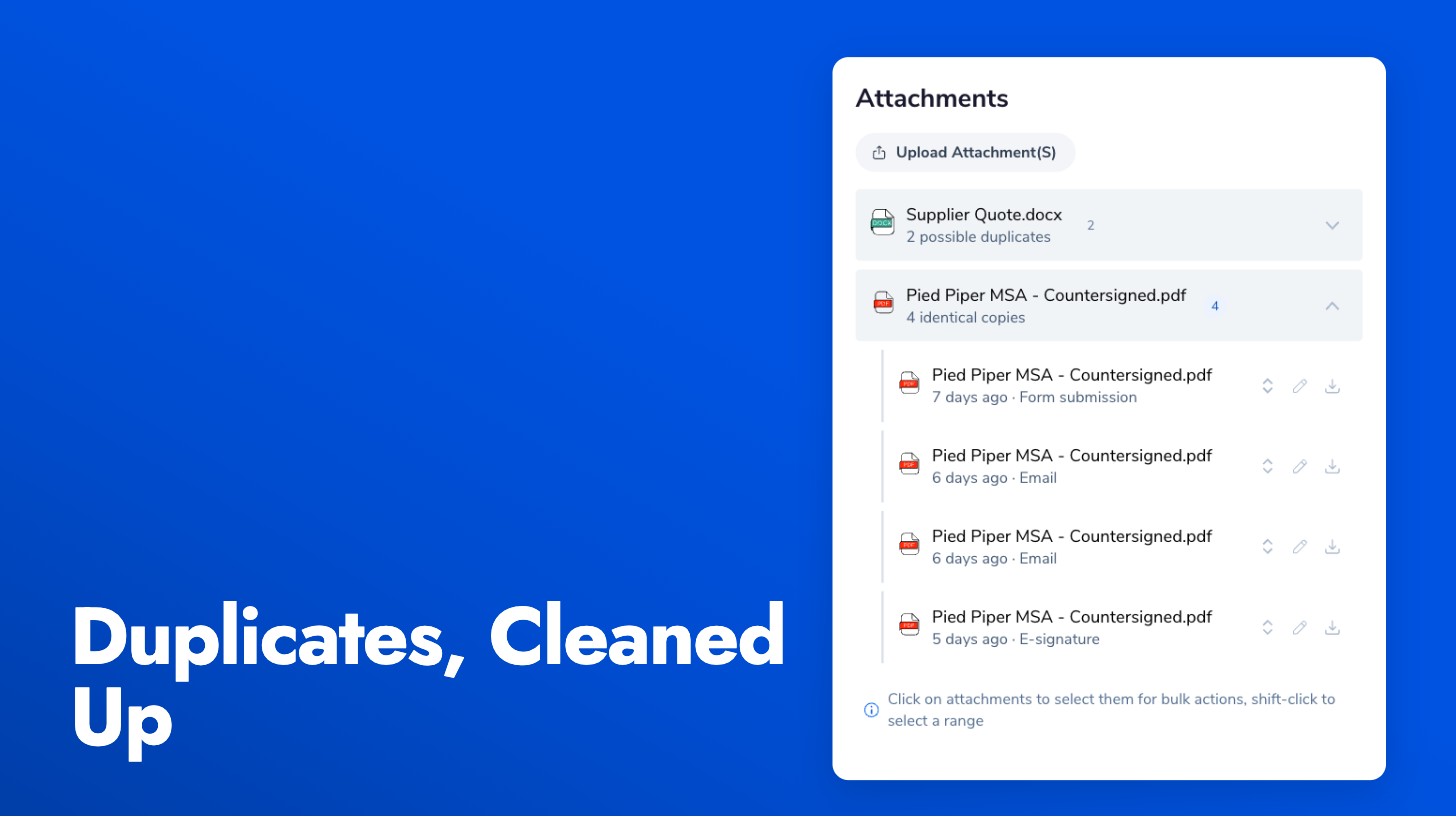
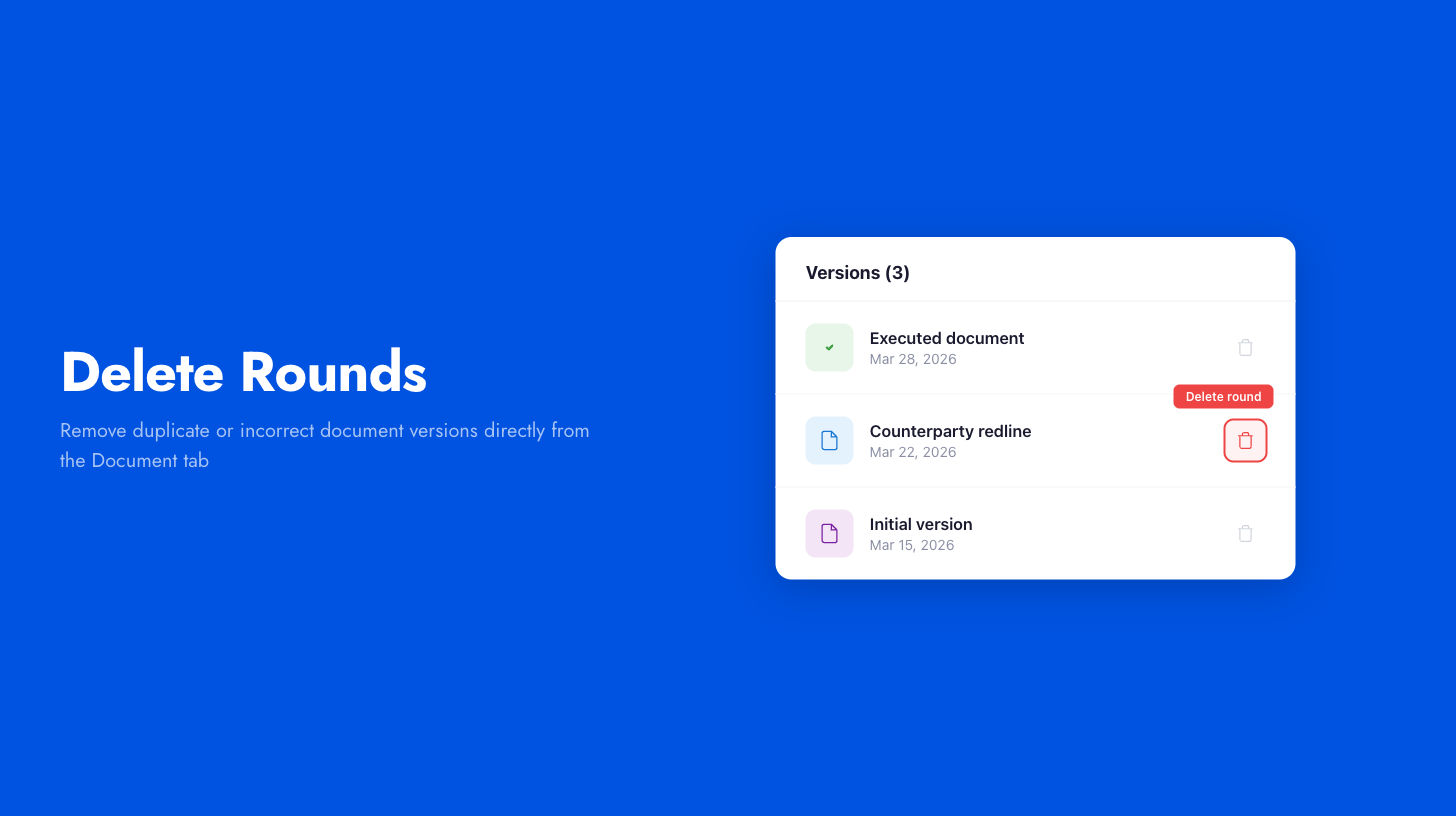
Admins and managers can now delete document rounds directly from the Document tab. Previously, removing duplicate or incorrect versions required a support request.
Each round shows a delete button with a confirmation step. Deletions are logged in the contract timeline with the round name and who removed it, maintaining a full audit trail.
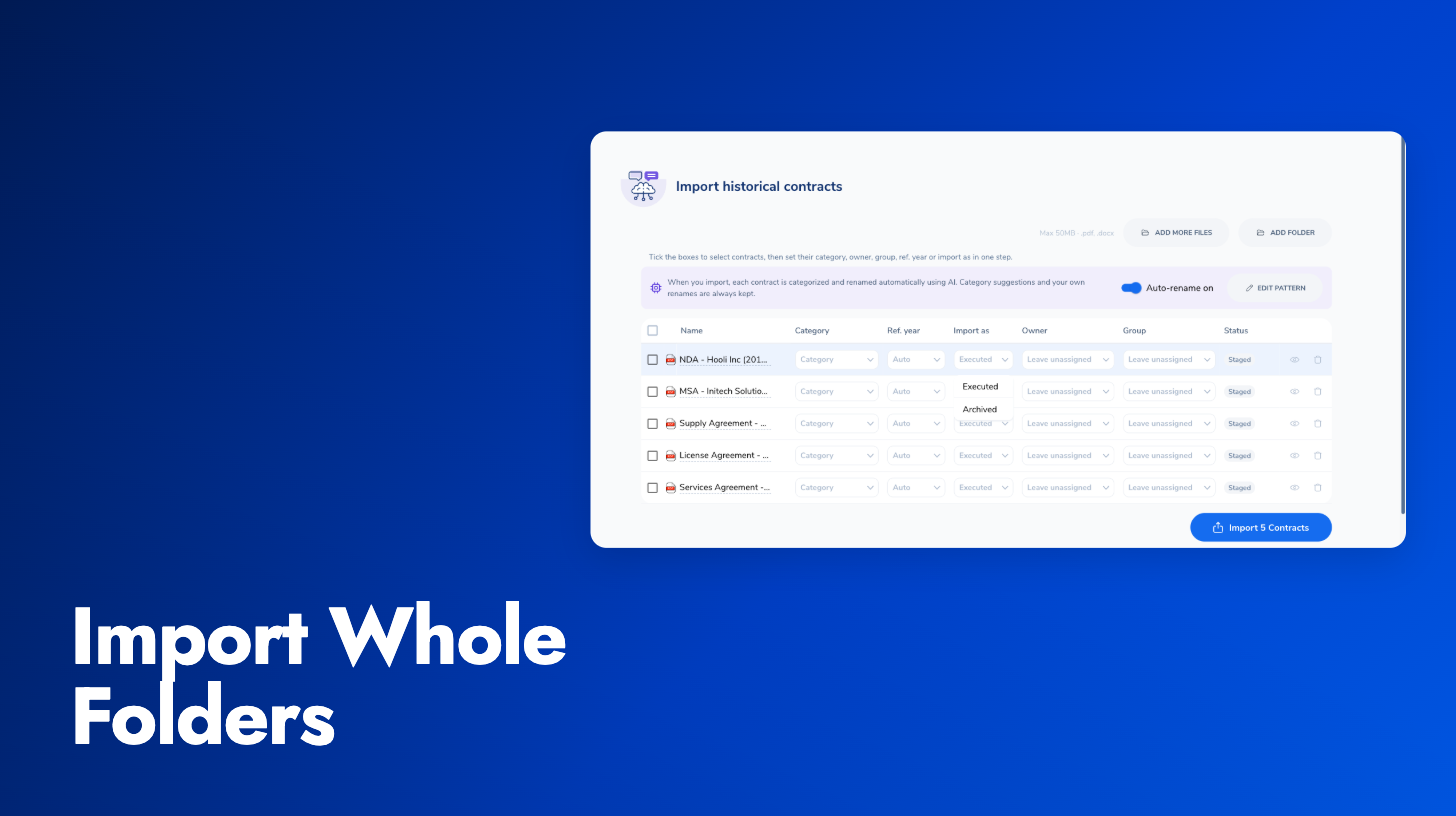
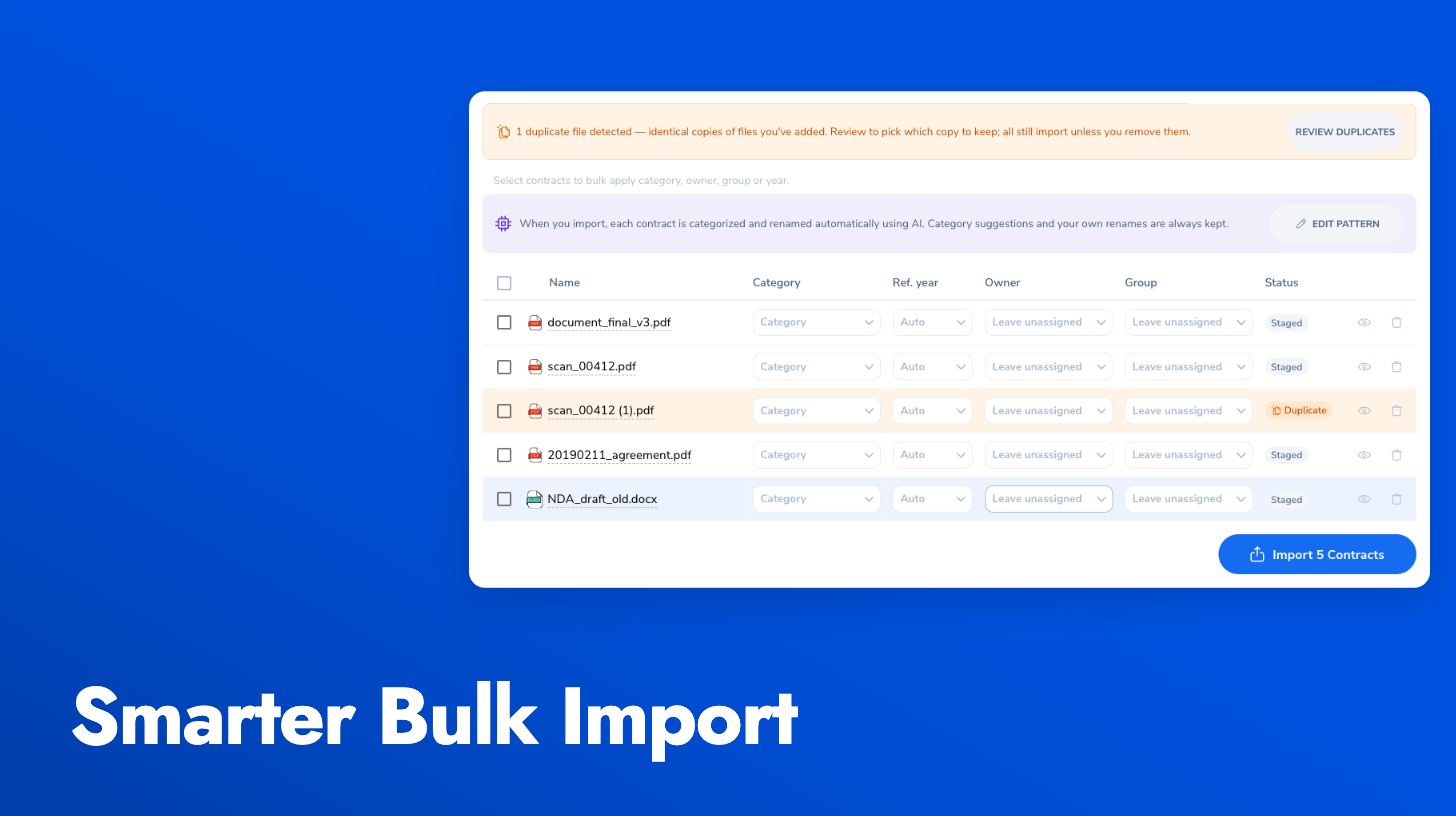
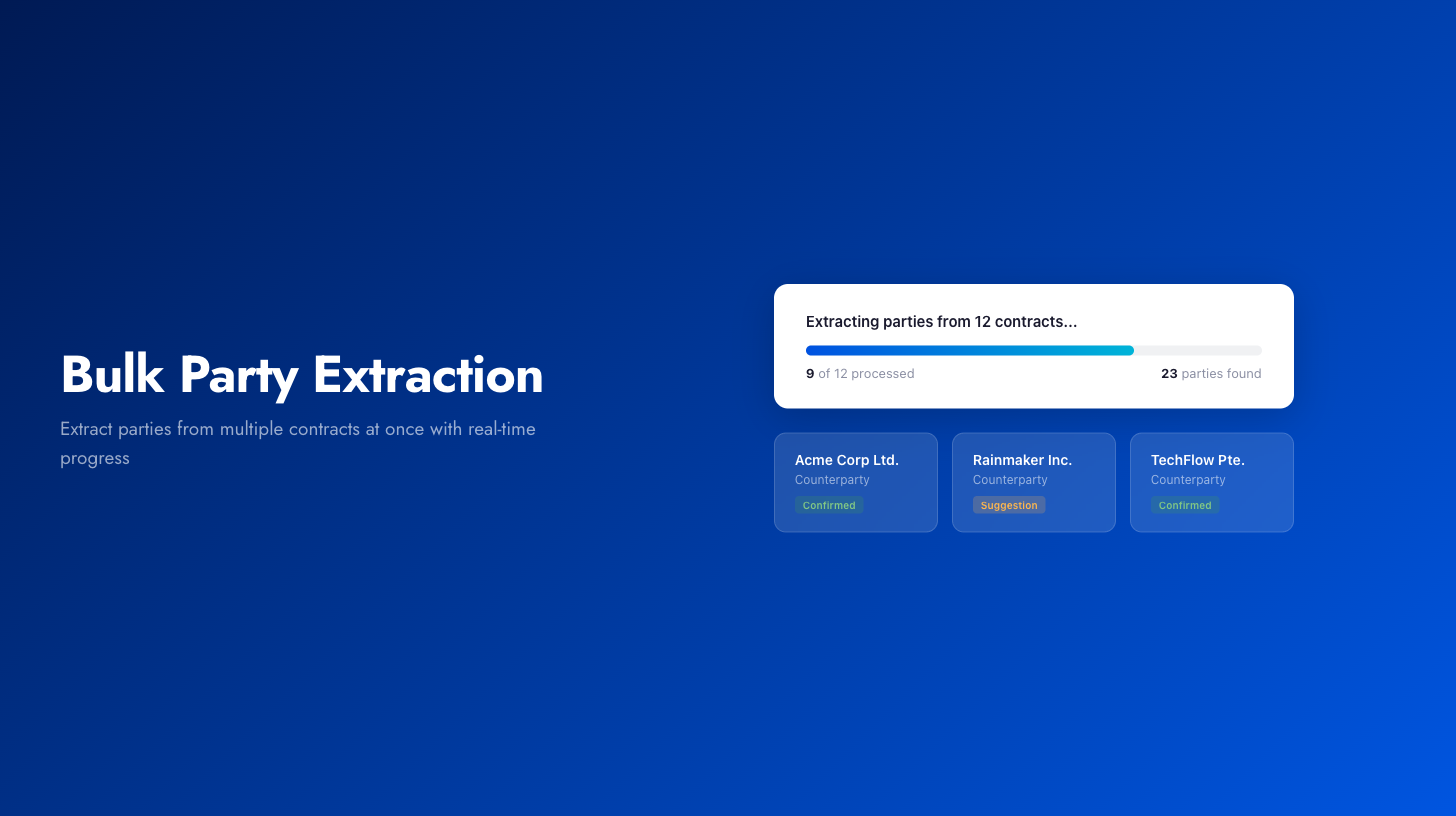
A new bulk action on the contracts list lets you extract parties from multiple contracts at once. You can choose between two modes: extract as suggestions (requiring manual confirmation before parties appear in your contact book) or extract and auto-confirm in one step.
Progress is tracked in real time with a count of contracts processed and parties found.
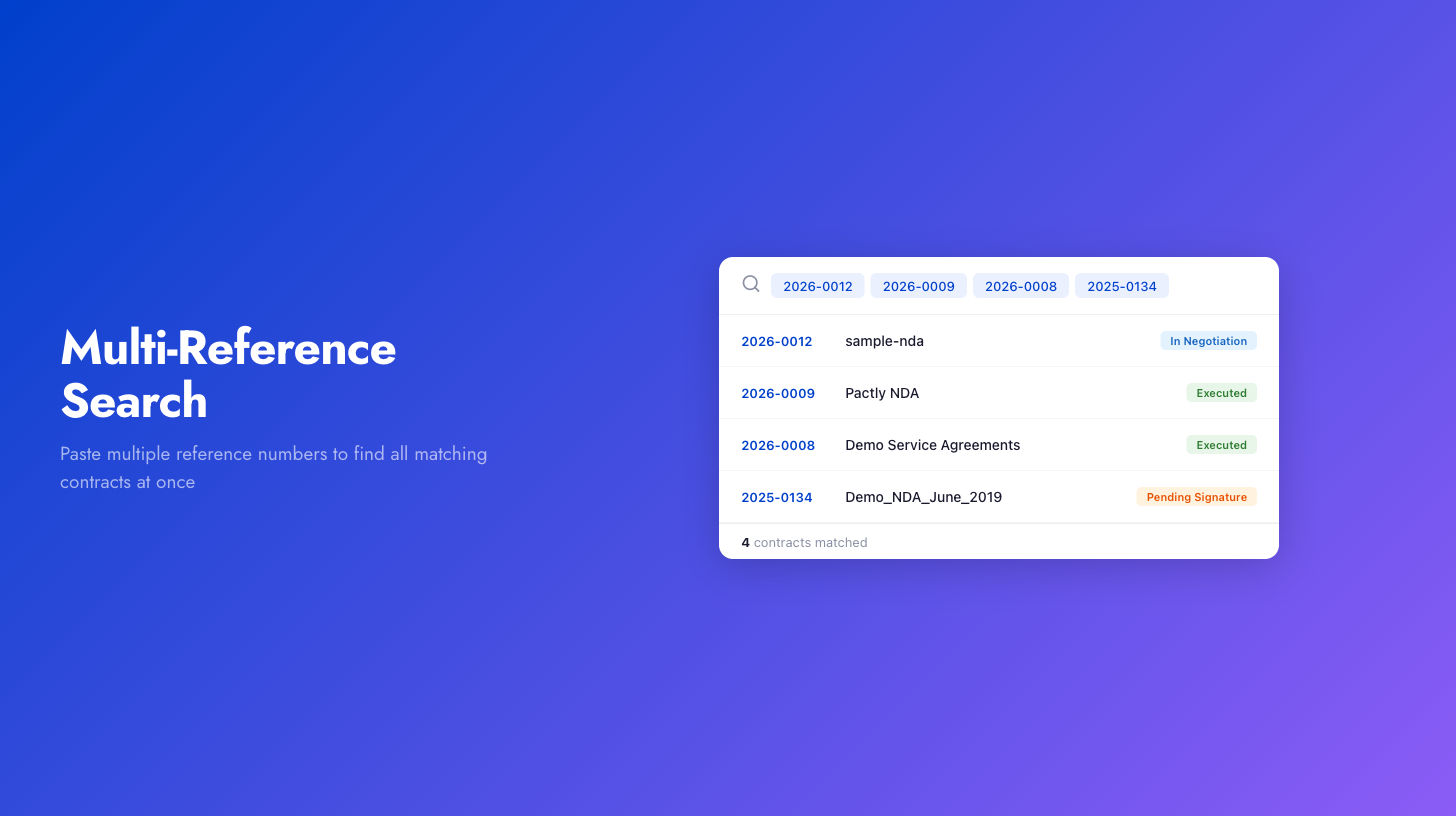
A new “Bulk Reference” filter on the contracts list lets you paste multiple contract reference numbers at once. Open the filters panel, select “Bulk Reference”, and paste your references separated by commas, line breaks, or tabs. The list instantly filters to show only the matching contracts. Useful when working from exported data or reconciling a list of references.
Several improvements across our signing providers:
Custom email subjects (all providers): The email subject line for signature requests is now configurable per contract, so recipients can identify which contract they’re being asked to sign before opening the email.
Additional recipient roles (Pactly E-Signatures): Signing workflows now support Viewer and mid-flow CC roles. Legal counsel or other stakeholders can review documents during the signing process, not just after completion.
Non-signer field warnings (SignWell): When all signers have completed their signatures but non-signer fields (like date fields assigned to reviewers) are still pending, Pactly now shows a warning explaining why the contract hasn’t transitioned to “signed” status.
Status filtering: The form entries list now supports filtering by status, making it easier to find entries that need action.
Auto-archive stale drafts: Draft form entries older than a configurable threshold (e.g., 90 days) are now automatically archived, keeping your entries list focused on active work.
Deleted contract indicators: When a contract linked to a form entry has been deleted, the entry now shows this clearly with the name of who deleted it, instead of displaying a broken link.
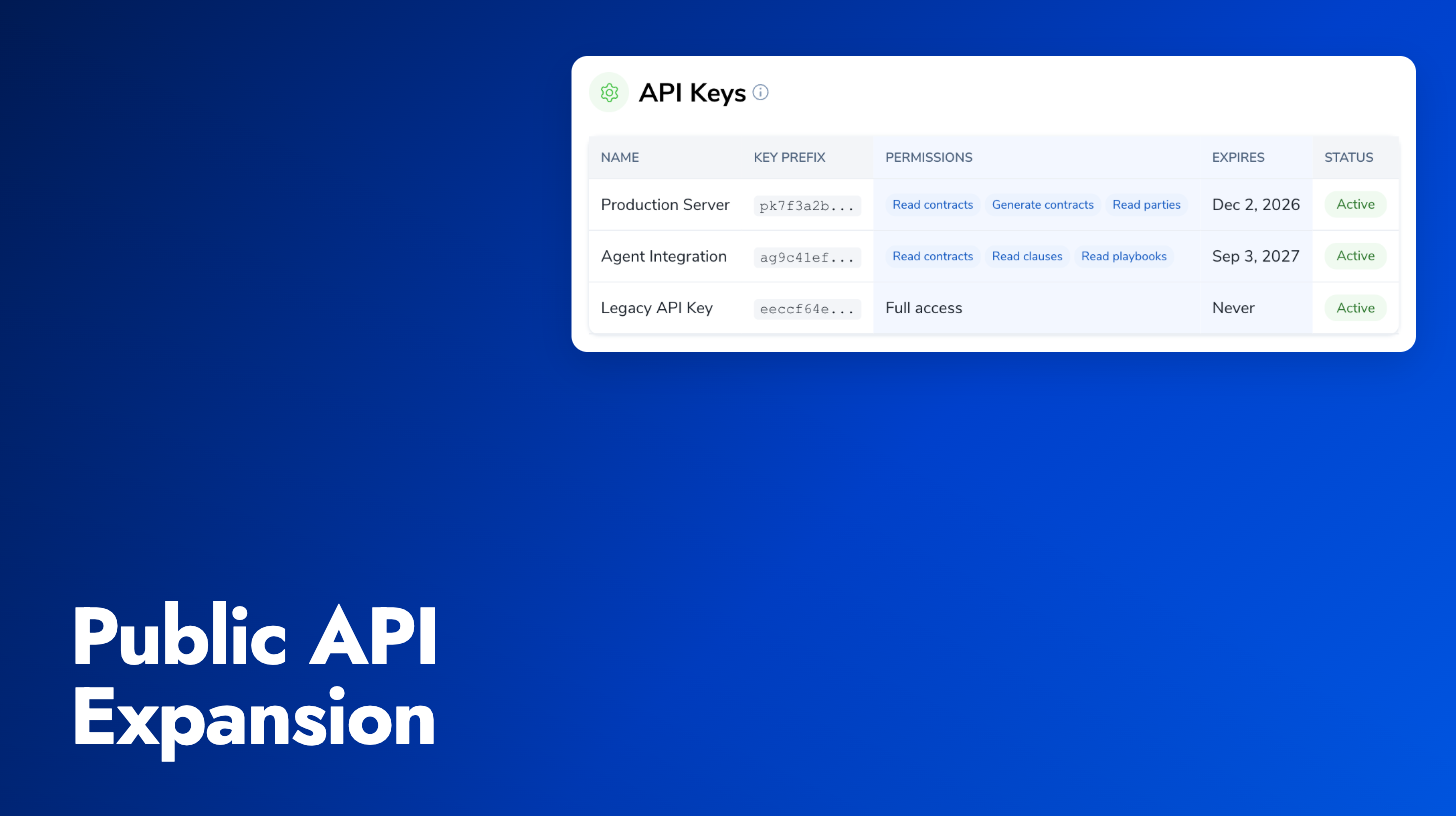
OAuth2 authentication: The Pactly MCP server now supports OAuth2-based authentication, so you can connect from AI tools without managing API tokens manually.
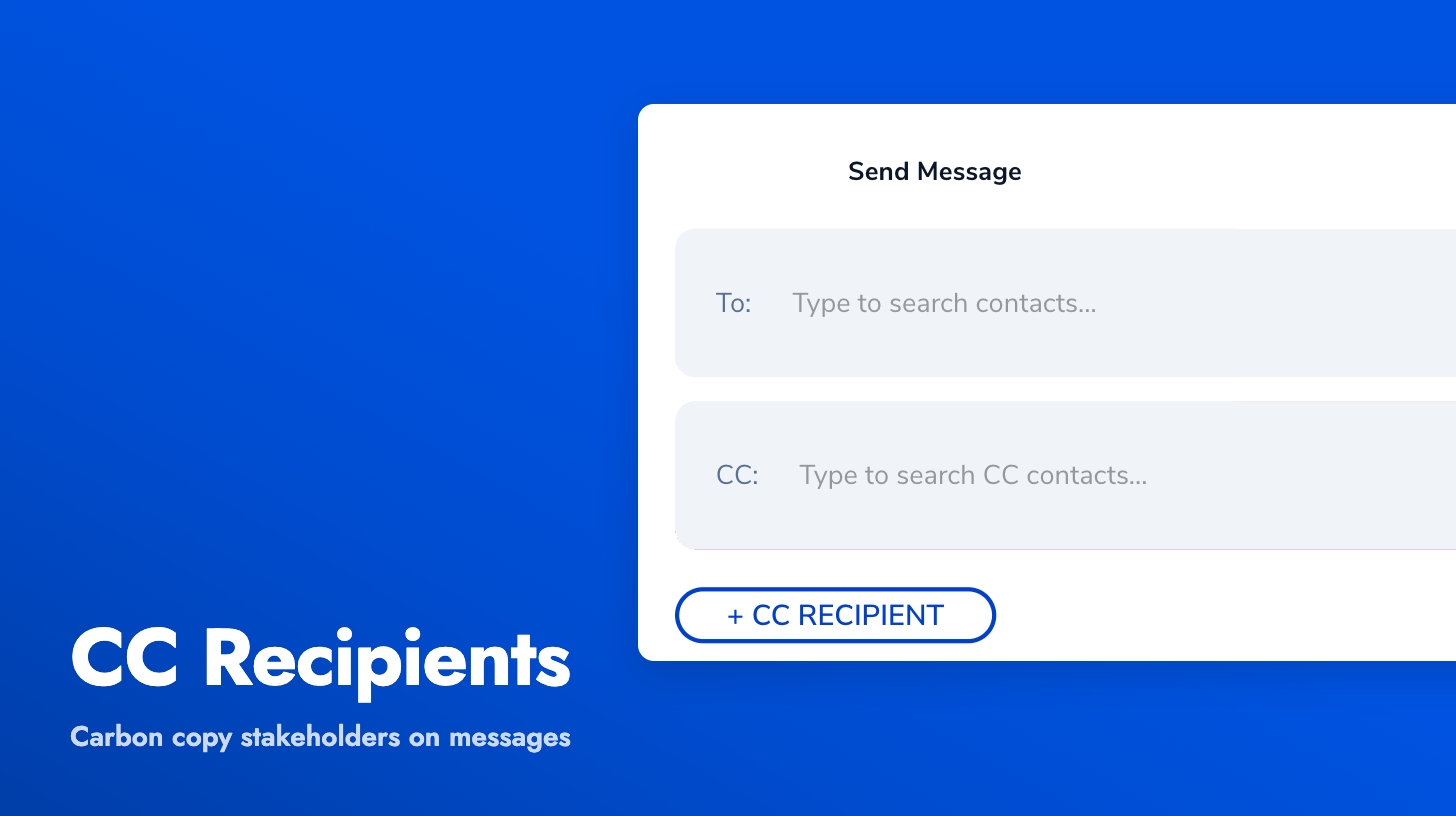
You can now CC additional stakeholders when sending messages from the contract timeline. No more manually forwarding emails or sending separate communications to keep everyone in the loop.
Click “Add CC” to reveal the CC field, add recipients, and send a single email thread with the primary contact in “To” and everyone else in CC. A quick “CC myself” shortcut replaces the old toggle. CC recipients are recorded on the timeline item for a complete audit trail.
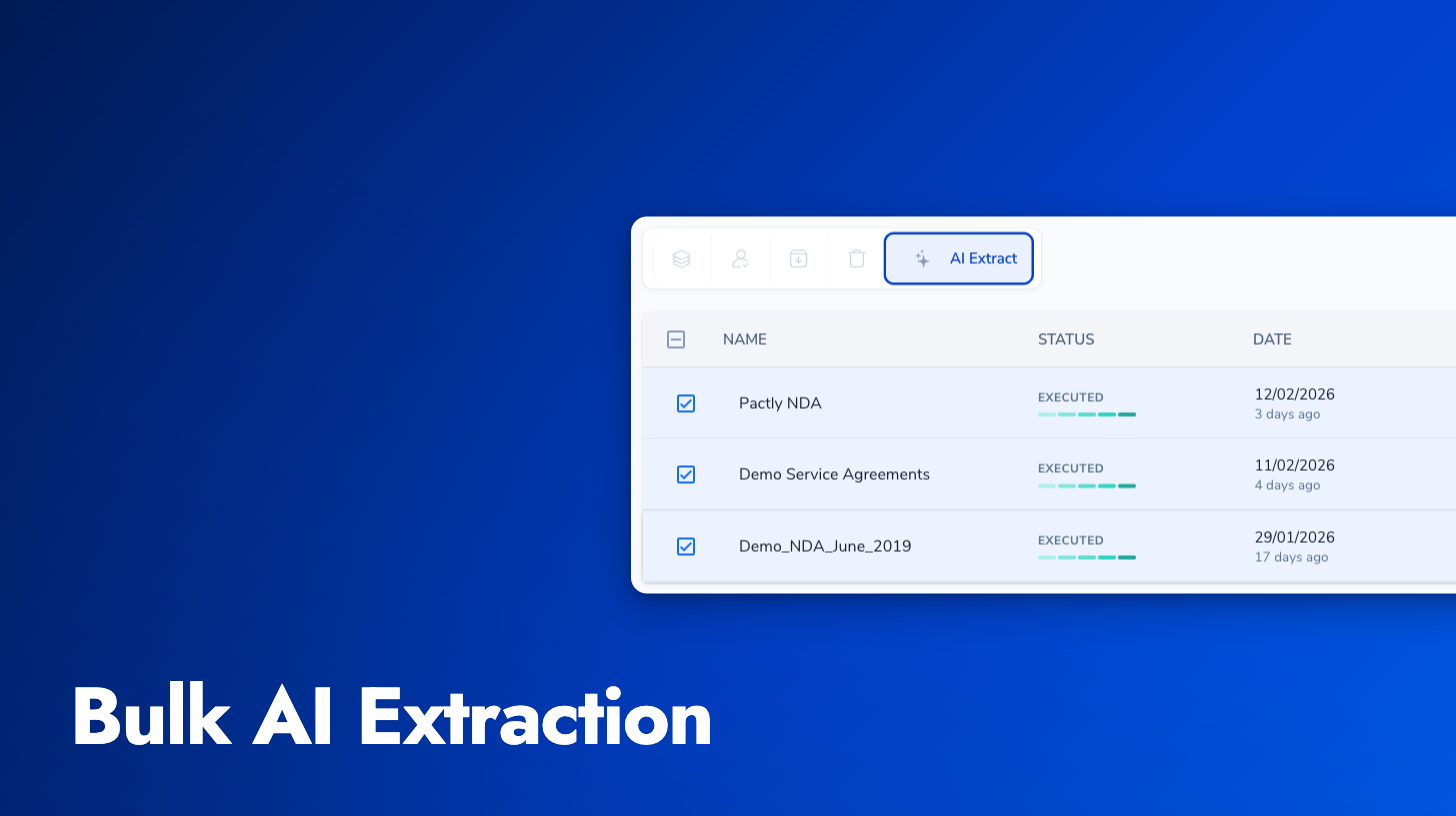
You can now select multiple contracts from the contracts list and trigger AI property extraction for all of them at once.
Select two or more contracts, click the new bulk extraction action, and choose what to extract. Properties extraction is available now, with party and reminder extraction coming soon.
Party search fields in forms now match on abbreviations, individual names, emails, phone numbers, and registration numbers. Previously, only full entity names were searched, which meant users had to know the exact name to find the right party.
Form validation errors now only appear after you’ve interacted with a field or moved past a section. Forms no longer show a wall of required-field errors the moment you open them, making it easier to focus on filling things out one step at a time.
You can now scroll up freely while the AI is streaming a response. Previously, auto-scroll would keep pulling you to the bottom, making it impossible to re-read earlier parts of the conversation. A “scroll to bottom” button appears when you’ve scrolled away, so you can jump back when ready.
Pactly now offers an MCP (Model Context Protocol) server, letting you connect AI assistants like Claude and ChatGPT directly to your contract data.
The MCP server authenticates via your existing Pactly API key and scopes all access to your company’s data. Seven tools are available: search contracts with filters for category, owner, status, and date range; retrieve full contract text and structured metadata; browse playbooks and clause libraries; and discover parties across your portfolio.
This is an early alpha. If you’re interested in connecting your AI workflows to Pactly, reach out to your account manager.