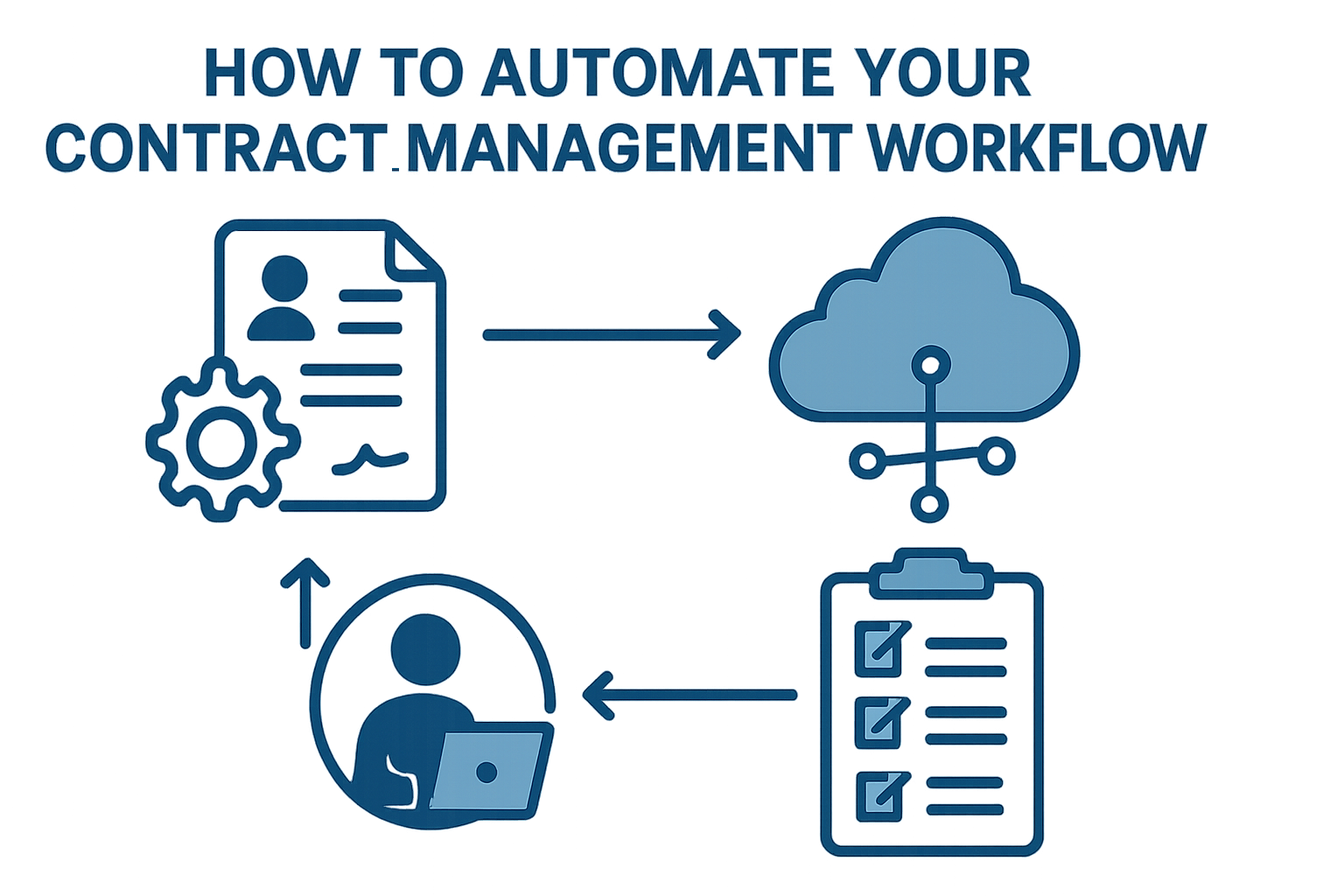
How to Automate Your Contract Management Workflow
In a manual world, a contract is a series of “waiting rooms.”
You wait for the draft to be created, you wait for the redlines to come back, and you wait for a VP to remember to sign an email.
Contract management workflow automation is about blowing up those waiting rooms.
By using technology to handle the repetitive hand-offs, you don’t just move faster—you eliminate the common mistakes that happen when people are rushed.
Here is how to strategically automate your process from intake to signature.
1. Automated Intake and Triage
The biggest bottleneck is often just getting the contract into the system.
If your team is still “requesting” contracts via random Slack messages or emails, you’ve already lost the battle.
The Automation: Use a standardized intake form. When a salesperson fills it out, the system should automatically “triage” the deal. If it’s a standard NDA under $10k, the system can auto-generate the draft. If it’s a $1M master service agreement, it immediately pings your senior legal counsel.
Why it works: It ensures every deal starts with the right level of priority without a human having to play “traffic cop.”
2. Dynamic Document Generation
Stop the “Save As” madness.
Manually editing an old Word document is a common mistake that leads to outdated clauses and “rogue” terms slipping into deals.
The Automation: Use templates with “conditional logic.” When the intake form says the client is based in the UK, the system should automatically swap out the US governing law clause for the UK version.
The Result: You get a pre-approved draft in seconds, ensuring your team stays within the “Gold Standard” language every single time.
3. Automated Approval Routing
We’ve all seen deals stall because a document is sitting in an executive’s “Unread” folder.
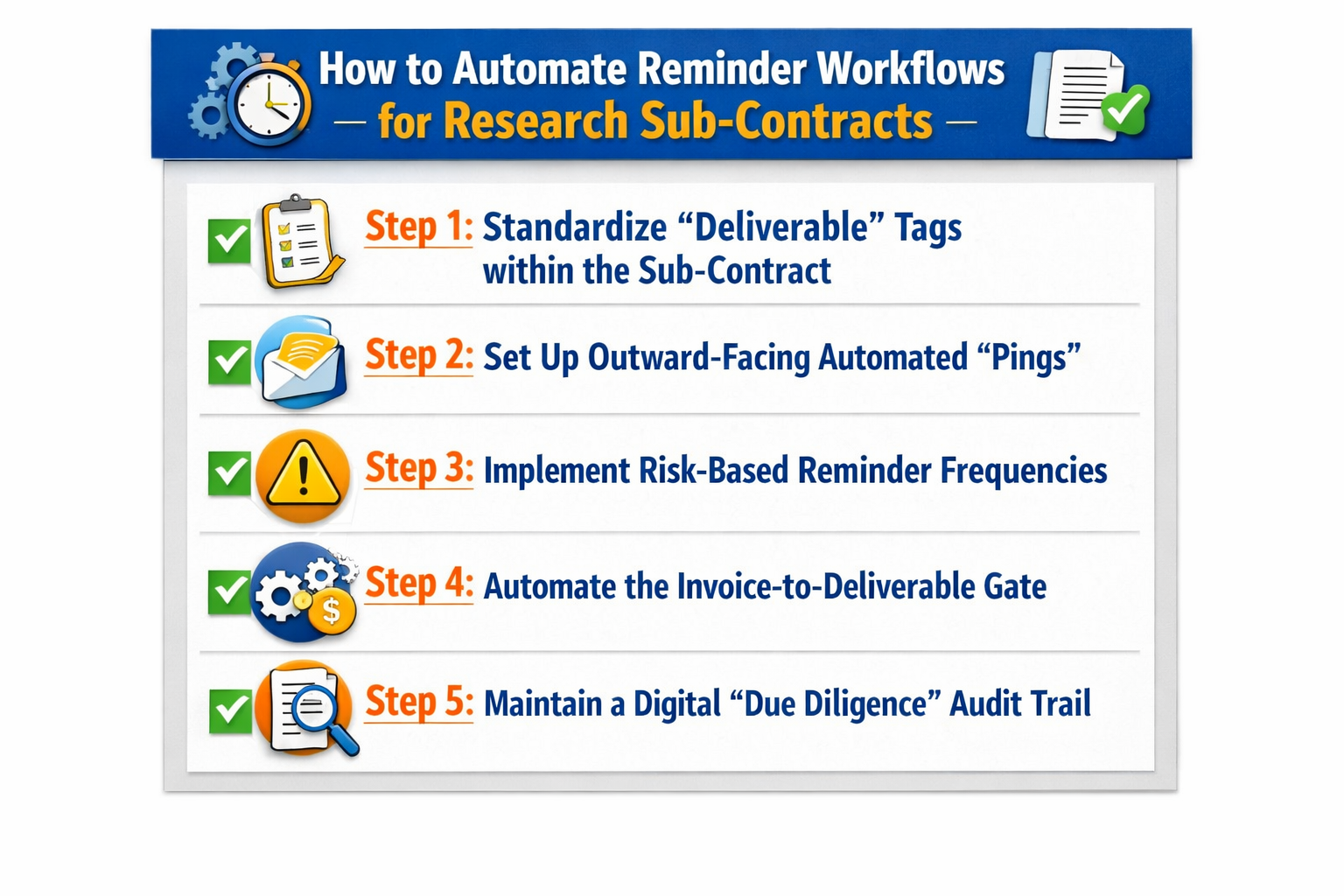
The Automation: Set up parallel approval paths. Instead of the document going to Legal, then Finance, then Sales, the system can send it to everyone at once. If someone hasn’t signed within 24 hours, the system sends an automated nudge.
The outcome: This best practice ensures that the “Approval” stage of your contract review workflow is a moving target, not a roadblock.
4. Seamless E-Signature Integration
The “execution” phase should be the easiest part of the entire journey.
The Automation: Once the final internal green light is given, the system should automatically push the document to an e-signature platform (like DocuSign or HelloSign) and notify all parties.
The Follow-up: Once signed, the system should automatically pull that “Executed” version back into your central repository and file it in the correct folder. No manual uploading required.
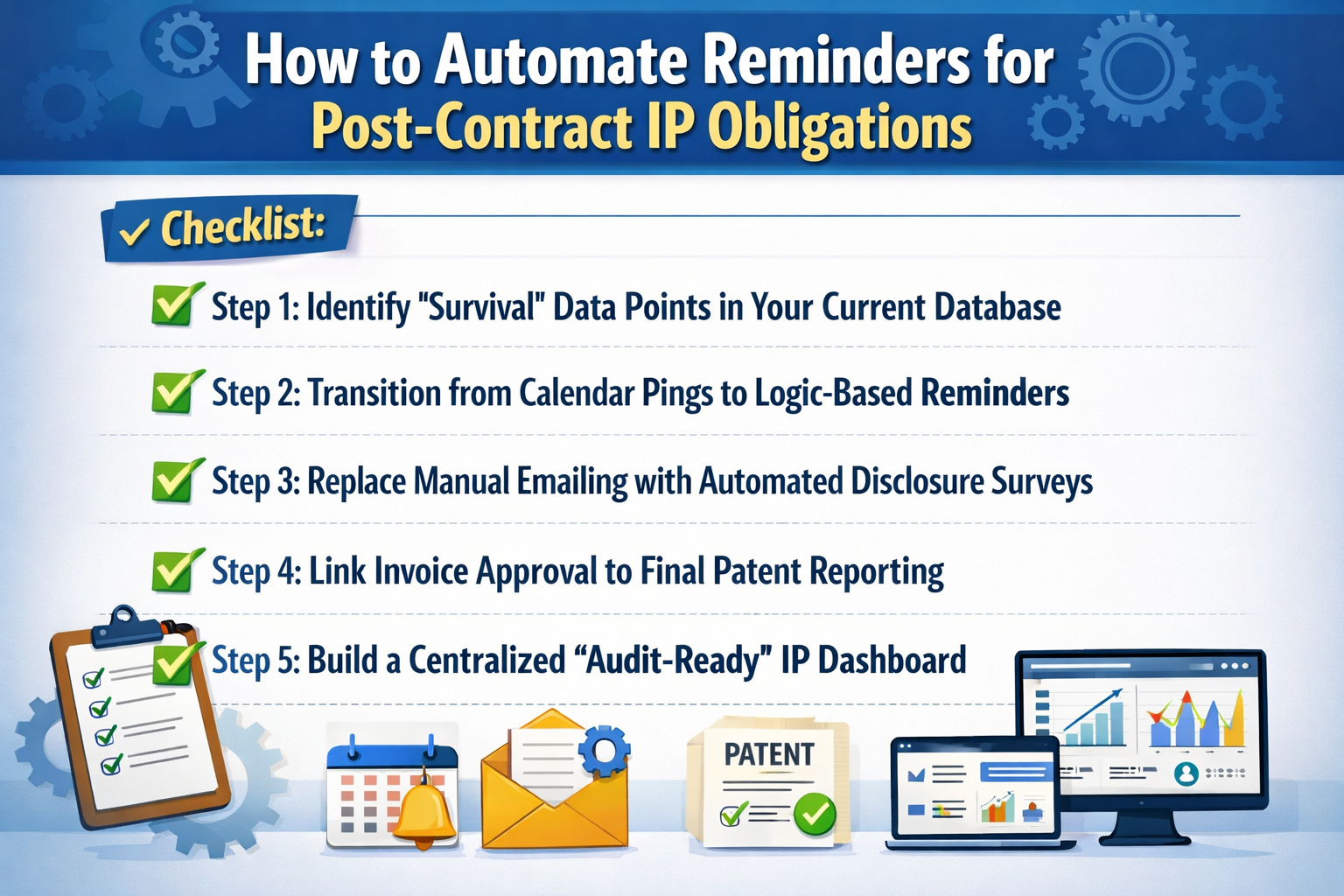
5. Post-Signature Triggers
The workflow shouldn’t die once the contract is signed. This is where most manual systems fail.
The Automation: Use “Contract Intelligence” to set up automated alerts for the life of the deal. If a contract has a price escalation after 12 months, the system should automatically notify your Finance team 30 days in advance.
The Benefit: You move from a reactive “firefighting” mode to a proactive management style where you never miss a renewal or a milestone.
The Bottom Line
Automating your workflow isn’t about replacing your team; it’s about removing the “busywork” that keeps them from doing their best work.
When you use a CLM platform to automate the hand-offs, the notifications, and the data entry, you turn your contract process into a high-speed engine that drives revenue rather than slowing it down.
See it in action
Turn contract chaos into a streamlined workflow
Join legal teams who cut contract turnaround time by 60%. Book a 15-minute demo to see how.