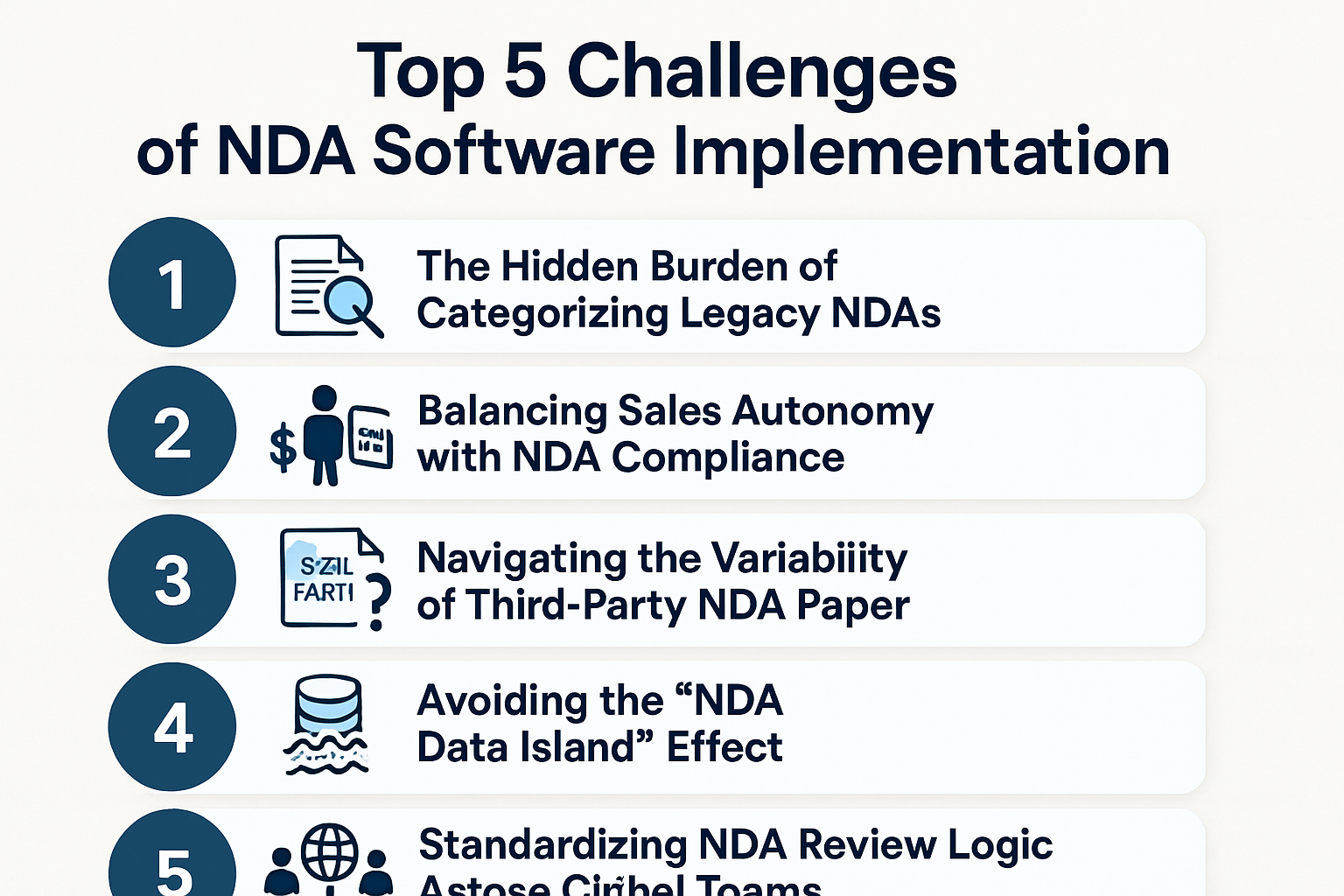
Top 5 Challenges of NDA Software Implementation
Knowing you need to move beyond a manual system to manage NDA risks is a great first step, but the transition itself can be surprisingly nuanced. Because NDAs touch every corner of a business, the rollout often brings up specific challenges that can catch even the most prepared teams off guard.
If you are looking at implementing a system yourself, here are a few areas where the process tends to get a bit tedious—and what to keep in mind to keep your project on track.
1. The Hidden Burden of Categorizing Legacy NDAs
It’s rarely as simple as just moving files from one folder to another. Most companies realize during implementation that their legacy NDAs are a mix of different versions, partial signatures, and expired terms.
- The Reality: Determining which existing NDAs are still legally “live” requires significant manual eyes-on-glass work.
- The Pitfall: Migrating every old PDF without an audit just moves your “digital junkyard” to a more expensive home.
2. Balancing Sales Autonomy with NDA Compliance
NDAs are unique because they are often the only legal document a Sales rep wants to “own” to move faster. Finding a way to give them that speed without losing legal oversight is a delicate balance.
- Watch out for: Low user adoption. If the new NDA process feels like a “Legal hurdle,” your team will quietly revert to their old desktop folders.
- The Goal: Success means making the “correct” way easier than the “wrong” way—integrating the NDA request directly into Slack or your CRM.
3. Navigating the Variability of Third-Party NDA Paper
While we’d all love for everyone to sign our standard template, many partners will insist on using theirs. A NDA software setup that only handles your own templates only solves about half of your actual volume.
- The Bottleneck: Managing the “back and forth” on an external NDA document remains one of the most time-consuming parts of the process.
- Keep in mind: You must plan for these outliers; they are usually where the most significant delays happen.
4. Avoiding the “NDA Data Island” Effect
Because an NDA is almost always the precursor to a larger deal, it shouldn’t live in a vacuum. A common mistake is setting up a great NDA tool that doesn’t “talk” to the rest of your tech stack.
- The Missing Link: If a human still has to manually tell the CRM that the NDA is signed, you’ve left the door open for human error.
- The Result: True efficiency only happens when the NDA status flows automatically into the next stage of the contract lifecycle.
5. Standardizing NDA Review Logic Across Global Teams
If you’re working with offshore teams or regional offices, keeping everyone’s “review logic” for NDA clauses aligned is a massive strategic task.
- Where it gets heavy: Without specific digital guardrails, an NDA reviewed in one region might look completely different from one reviewed in another.
- The Strategy: You have to “hardcode” your company’s specific NDA risk tolerance into the software so the output is identical, no matter who is doing the review.
Closing Thoughts
We hope this has given you a better idea of how to navigate the hurdles of moving your NDAs into a dedicated system.
Once you’ve cleared these initial implementation hurdles and cleaned up the “mess,” you can finally start looking at the exciting part: automating your NDA workflows so the entire process starts running on autopilot.
See it in action
Turn contract chaos into a streamlined workflow
Join legal teams who cut contract turnaround time by 60%. Book a 15-minute demo to see how.