
Admins and managers can now mark contracts for abort, either individually or in bulk from the contracts list. Marked contracts enter a 30-day pipeline: the requester receives an email notification, and after 30 days the contract is automatically aborted unless cancelled.
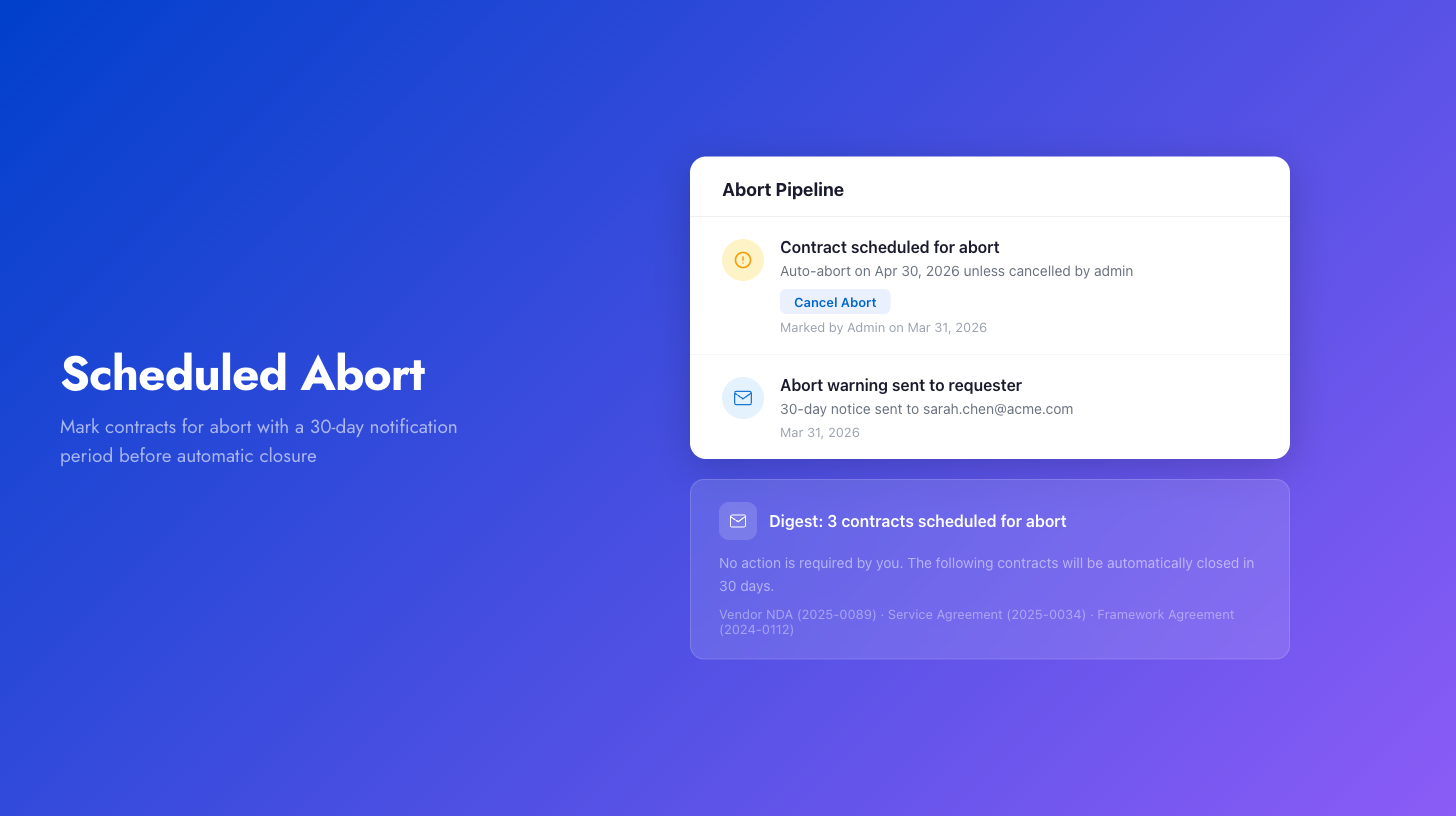
When a contract is marked, a timeline item records the scheduled abort date. Admins can cancel the abort at any time from the timeline, which removes the contract from the pipeline and logs the cancellation.
For bulk operations, requesters with multiple affected contracts receive a single digest email listing all their contracts rather than one email per contract. Automated rules can also be configured to mark contracts matching specific criteria (e.g., unassigned drafts older than 12 months) on a recurring schedule.