
Form field conditions now support date comparisons. You can gate the visibility of a question, or decide which template to generate, based on whether a date field is before, after, on, or equal to a fixed date.
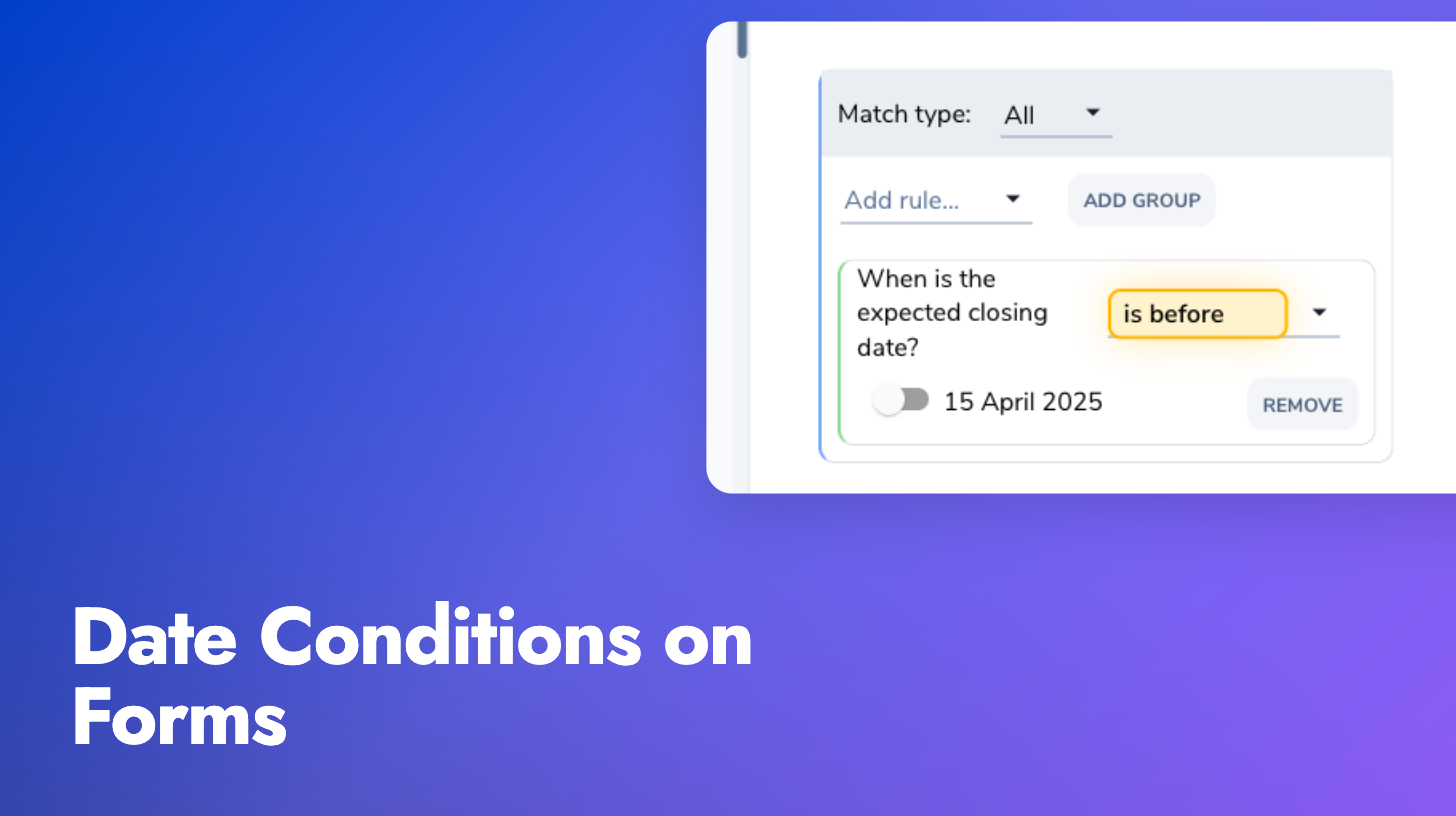
The new operators (is before, is after, is on or before, is on or after, is) work the same way as the numeric comparison operators. Pick a date field, choose an operator, and set the comparison date with a date picker. This unlocks intake gating patterns like “if the agreement start date is before 15 April 2025, suppress this template and route the request to a reviewer”.