
Two changes to make outstanding approvals easier to track and resolve.
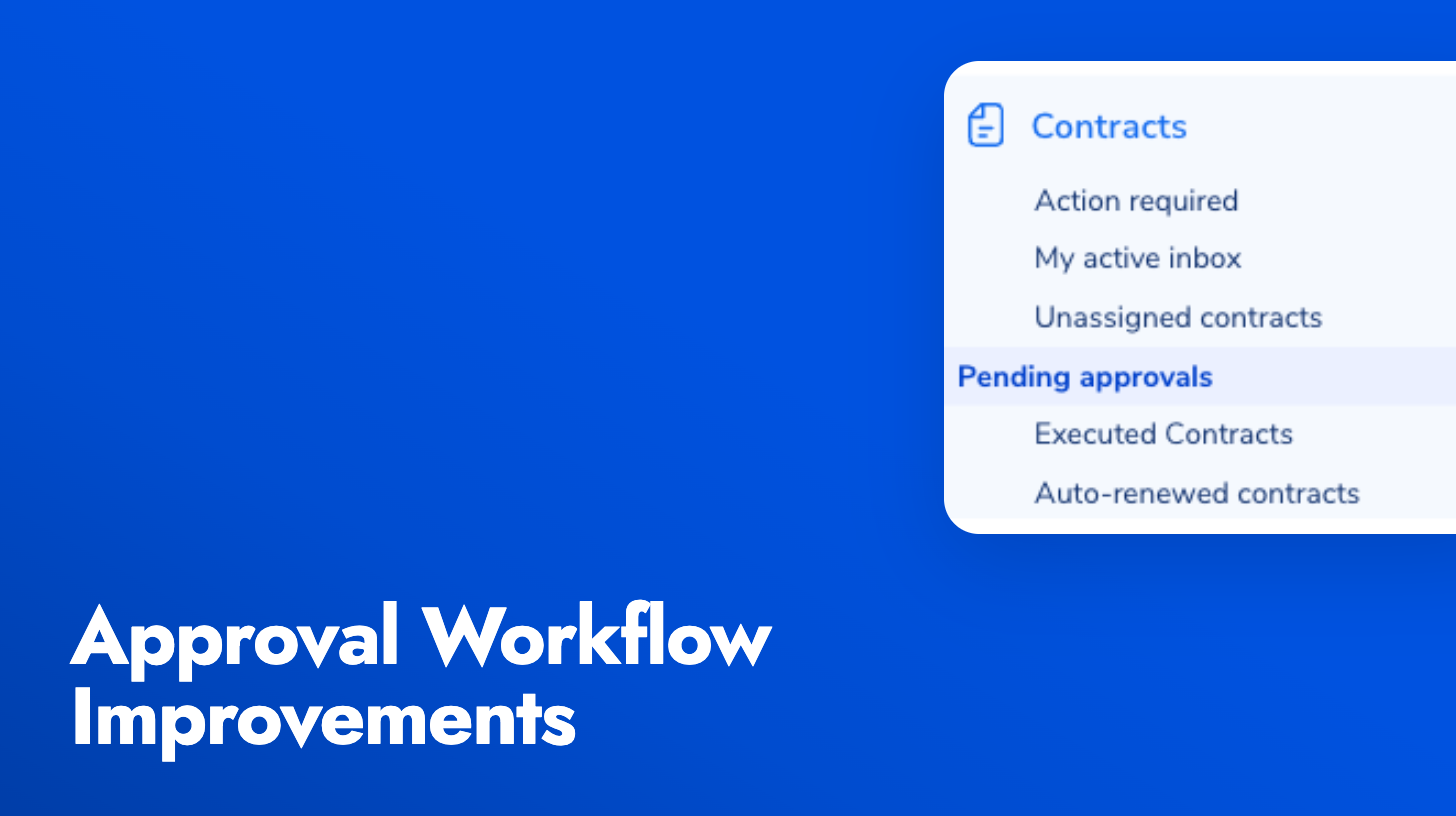
Pending Approvals view: Approvers now get a dedicated default view in the contracts list showing every contract waiting on their decision. Sequential approvals only appear once it’s actually your turn, and the view stays hidden when you have nothing to act on, so it doesn’t clutter the list. Sorted oldest first so the most overdue items rise to the top.
Manual Send Approval Request button: When a workflow doesn’t auto-fire (misconfigured trigger, condition not met, or a previous approval was rejected and needs to be redone), you can now send the request manually from the contract’s approval area. The button uses your configured approvers and fires the same notifications as an automated request.