
Press Ctrl+K (or Cmd+K on Mac) from anywhere in Pactly to open a global search palette. Type a party name, a contract reference, or a term from one of your intake forms, and see matching contracts, parties, and templates grouped by type. Click a result to go straight to that record.
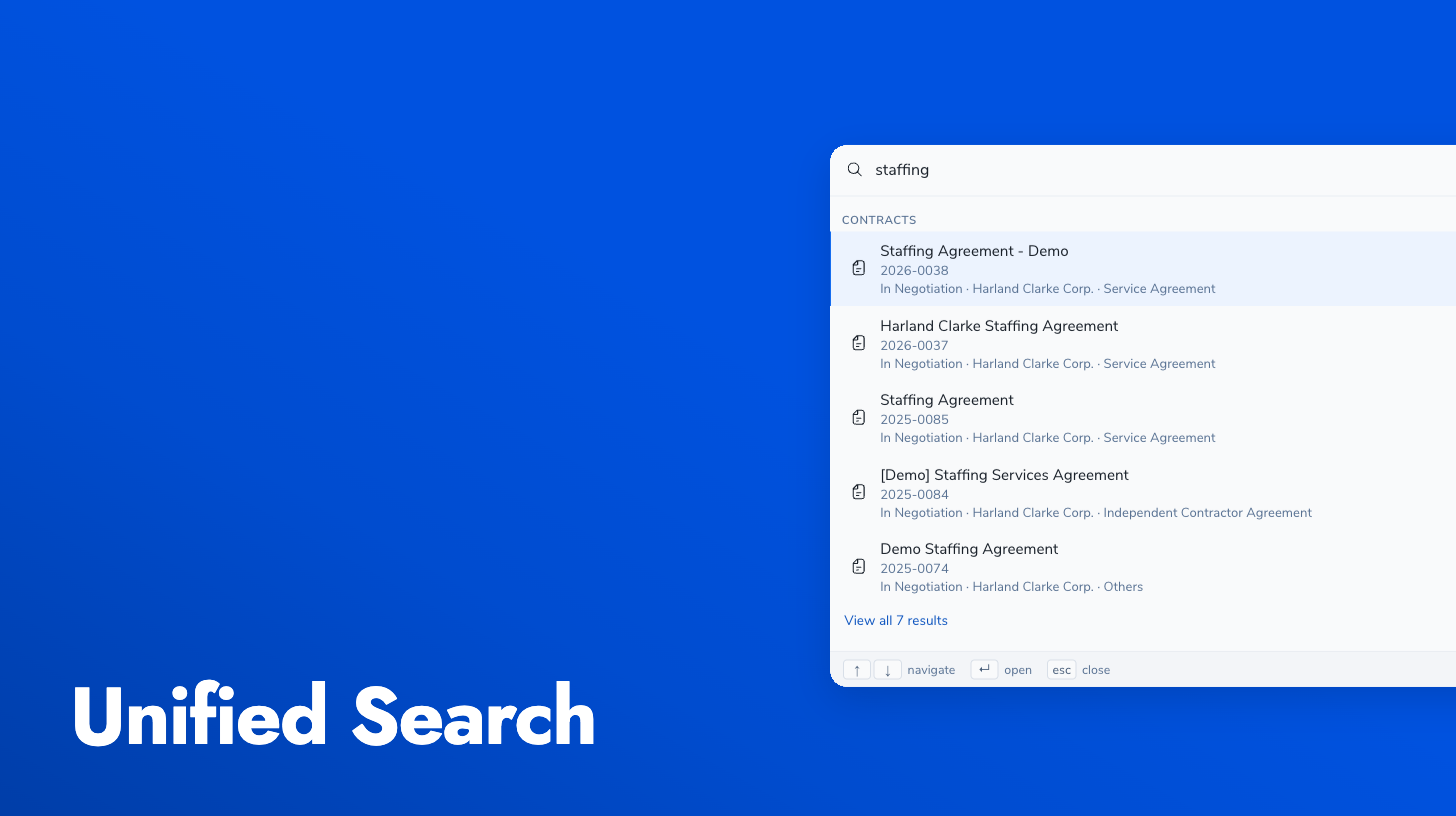
This replaces hunting through per-view filters and manual navigation, which gets slow once you have hundreds of contracts and parties. Search runs across entity types at once, so “Acme Corp” surfaces the party, its contracts, and related templates in one list. Results are tuned for the way people actually search: by entity name, by reference number, or by values that appeared on a form.
Search quality also got a pass this release: typo tolerance, smarter matching, and better recall mean you find the right record even when the query isn’t exact.