
As teams track more and more data on each contract, the property list grows into dozens of fields spread across many groups, and finding a specific one means remembering which group it lives in and clicking through them one by one. The contract Properties tab now has a search box at the top of the sidebar. Type two or more characters and it filters properties across every group at once, matching on property labels, subgroup names, and values.
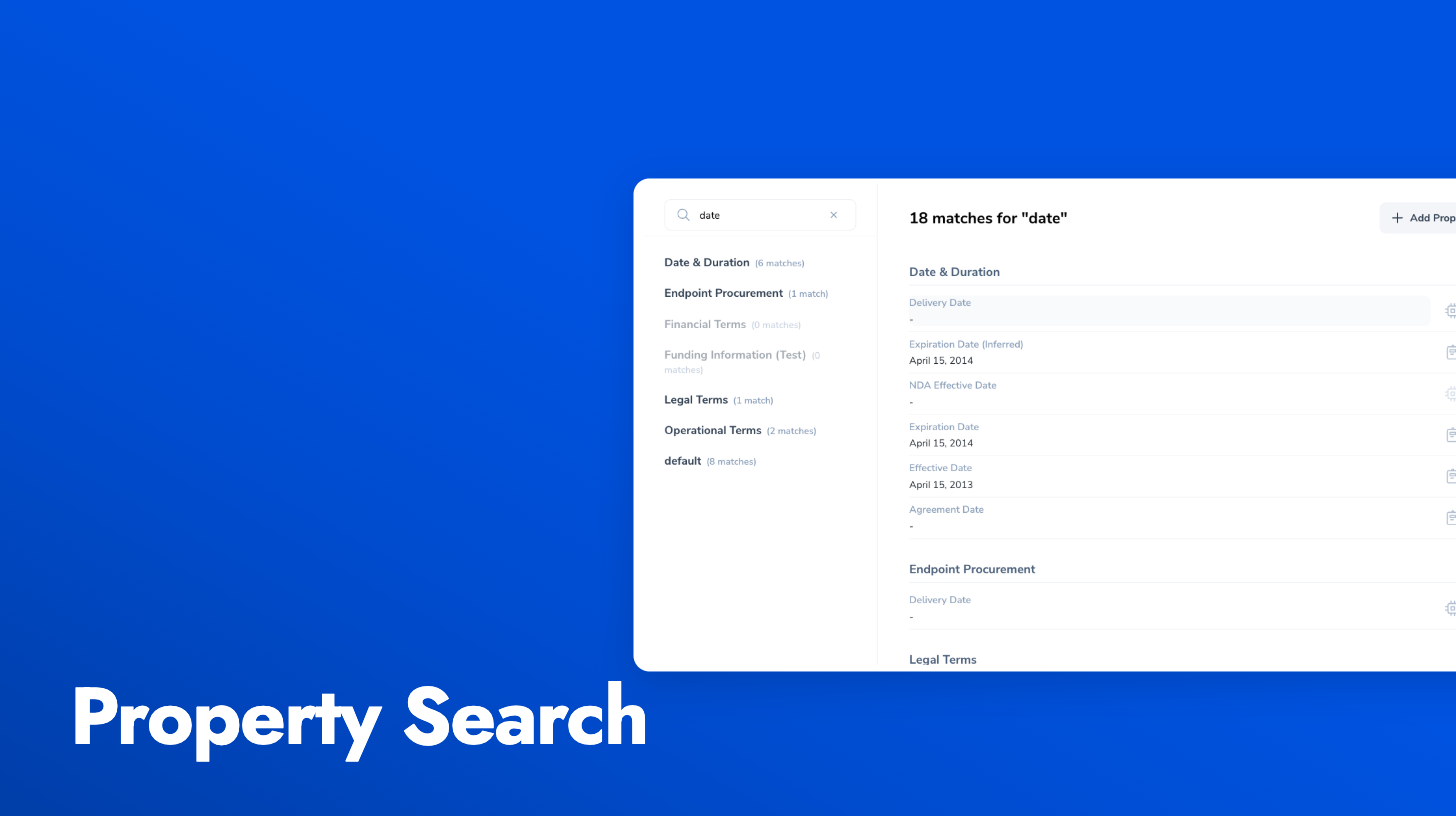
Matching properties appear grouped under their headings with a total match count, and each sidebar group shows how many matches it contains. Groups with no matches are dimmed. Clearing the search restores the normal single-group view. On contracts with a hundred or more properties, this turns a hunt into a single lookup.