
Renewal reminders are driven by your company-wide rules, which works for most contracts, but some deals need their own treatment. You can now edit the reminder schedule and recipients directly on a contract’s Renewal & expiry tab.
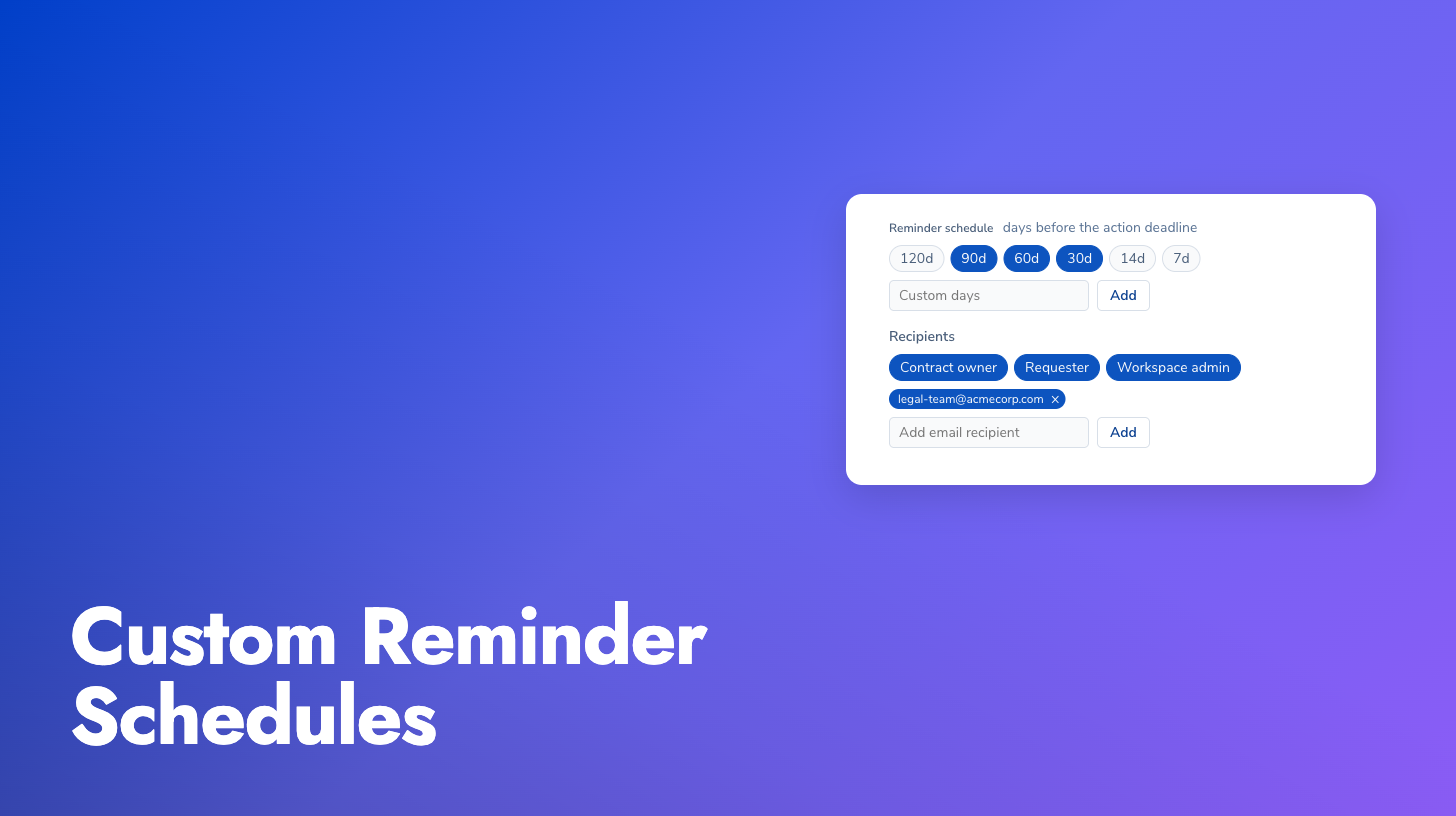
The first edit detaches that contract from the company defaults: it keeps your custom schedule and recipients even if the global rules change later. The tab shows a clear “Customized for this contract” state, and a “Reset to company default” button re-attaches it whenever you want the global rules to apply again. Recipients can be roles on the contract (requester, contract owner) or any email address. The renewal dates themselves always stay live, so if a date is corrected or re-extracted, your custom reminders re-anchor to the new date automatically.
Find contracts with unconfirmed end dates: The “Expiring soon” filter on the contracts list has a new “Needs review” option that surfaces contracts where no end date could be confirmed, for example when it depends on a linked agreement. These are exactly the contracts that silently escape date-based filters, and now you can list them all in one click.