
The workflow editor used to show actions one event at a time, so once your automation grew past a handful of rules there was no way to see everything at once. It’s now a single table of all actions in the view, with search, an event filter, and sorting.
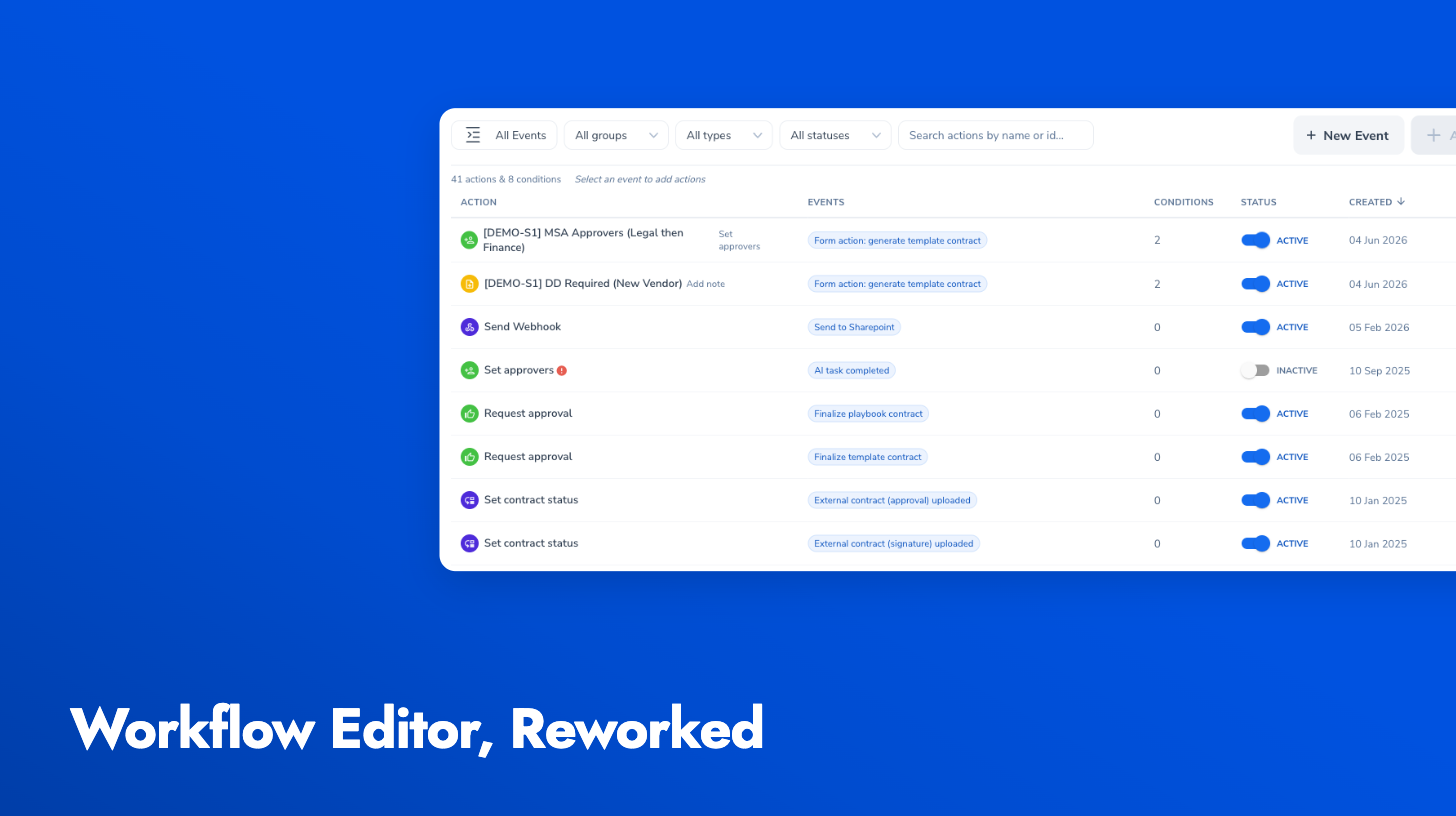
Each row shows the action’s summary: its type, name, conditions, and an active toggle. Click a row to expand the full configuration and rules editor in place. Actions shared across multiple events appear once, with a chip per event, so you can see at a glance where each automation applies. A free-text search finds actions by name or type, and the event filter narrows the table to a single trigger when you want the old per-event view.
Adding an action now starts by picking the event it should respond to, so you’re only offered action types that make sense for that trigger. Custom events can also be renamed inline by clicking their name.