
Reviewing a contract in a Project’s document preview, you can now search inside it. Press Ctrl-F (Cmd-F on Mac) or click the search icon, type a keyword, and Pactly highlights every match and moves you between them with the arrows or Enter. A counter shows where you are, and Escape clears it.
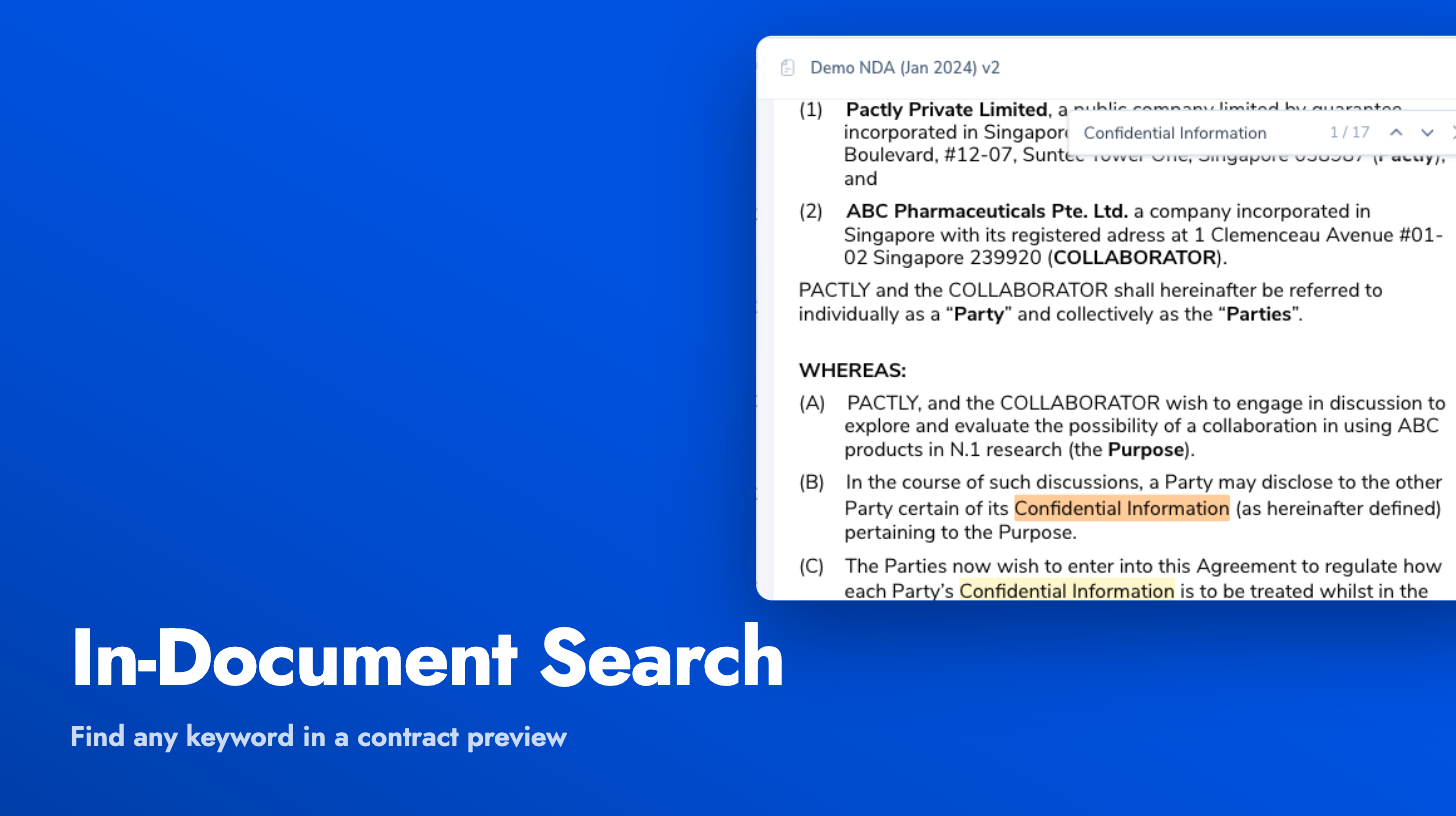
It works on both kinds of preview: contracts converted from Word, and PDFs rendered with their text layer, including scanned PDFs that have been run through OCR. Matches are punctuation-tolerant, so a search still lands even across smart quotes and different dash styles. If a scanned PDF has no readable text at all, the search tells you so rather than coming up empty.