
You can now protect a signing link with an access code. Open a recipient’s settings in the signing panel, switch on the lock, and set a code. When that recipient clicks their link, Pactly asks for the code before showing anything: no document, no fields, no contract details until they get it right.
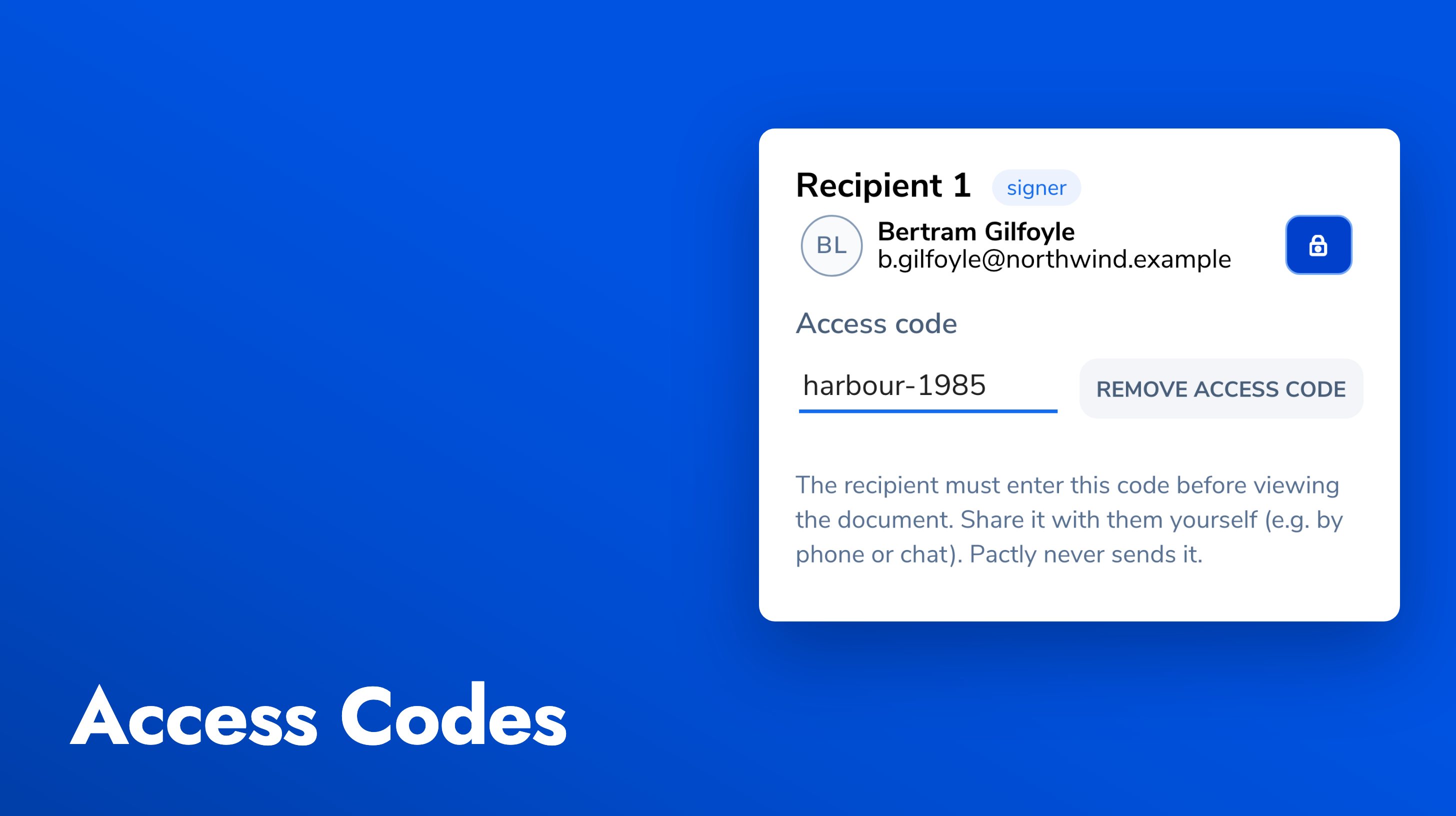
You give the code to the signer yourself, by phone or chat or a separate message, which is what makes it a second factor: knowing the email is no longer enough. Codes are set per recipient, so one signer on an envelope can be gated while another is not, and you only turn it on for the sends that warrant it.
After three wrong attempts the recipient is locked out for a period and told when they can try again. Every submission, successful or not, is written to the envelope’s audit trail with a timestamp and appears on the audit certificate, so the evidence of who was challenged and when travels with the signed document. Codes are stored hashed, never in plain text, and are never shown back in the app.