
A contract’s approval chain used to live only in the app, which was awkward when someone outside it needed proof the agreement had been signed off. You can now download that chain as a PDF from the approval card on the contract timeline: approver names, their decisions, timestamps, the order they came in, their comments, and any rows a reassignment or removal invalidated, with the reasons given.
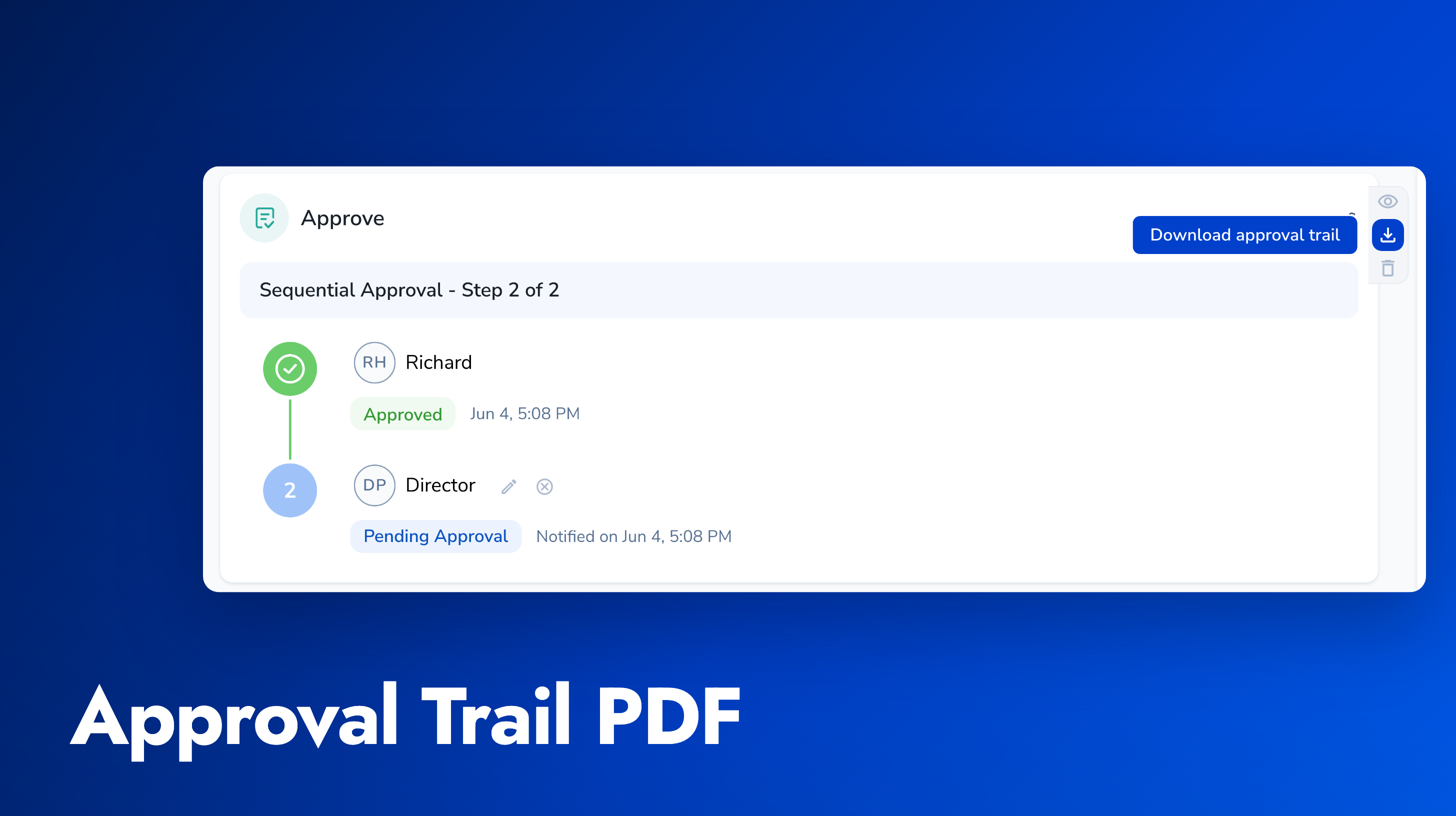
Attach it to a signing request. When you send through Pactly E-Signatures, tick Attach approval trail and Pactly generates the same document and attaches it to the recipient emails, so there is no download-and-re-upload loop. The option only appears once the contract’s latest approval cycle is approved, and it is off by default on every send: it is a deliberate choice each time, never a company-wide setting.
The copy that goes to signers is trimmed for external eyes. It carries the approver names, decisions, dates, and sequence, and leaves out approver comments, removal reasons, and email addresses. Combined with per-recipient attachment visibility, you can also decide exactly which recipients receive it.