
Some form questions ask for wording that most people cannot draft from scratch: standard terms to note, a confidentiality header, the clause your legal team always wants on a particular kind of agreement. There is now a company snippet library for exactly this. Go to Settings → Snippets, save each approved wording with a name, a short description, and any tags you want to group it by.
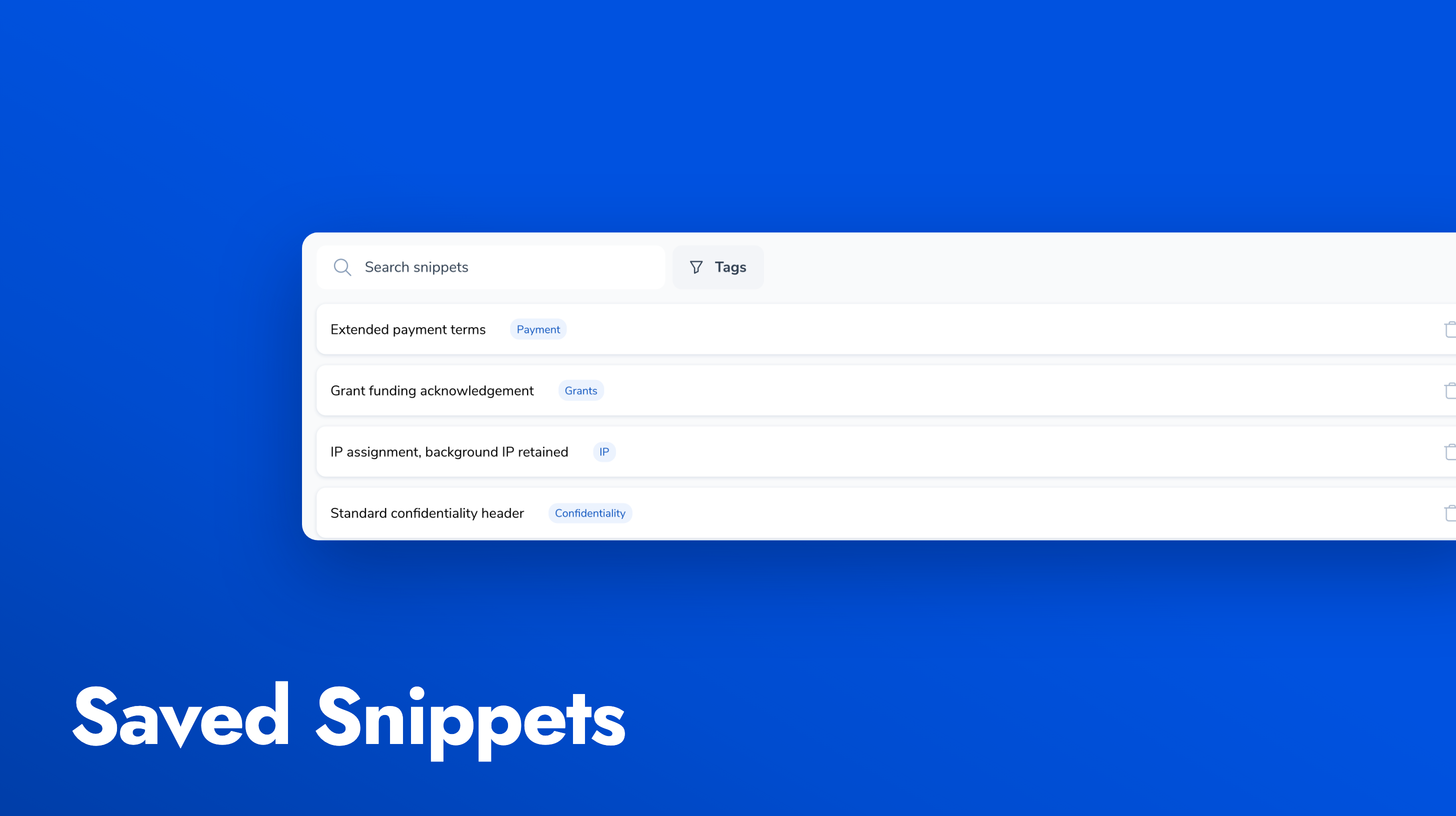
On any rich text form field, switch on Offer saved snippets on this field. Leave the tags empty to offer the whole library, or pick tags to narrow it to the ones that belong on that question. The person filling the form sees a Use snippet button beside the question, picks from the list, and the wording drops into the editor fully editable, so they can adjust it to their situation rather than starting from a blank box.
The library has search and a tag filter, so it stays usable as it grows, and it works on public forms as well as internal ones. Changing an approved wording is a snippet edit, not a form rebuild.