
Emails forwarded into a contract arrive with everything the chain picked up along the way: the documents that matter, plus signature logos, letterhead and tracking pixels. Until now, attachment extraction was all or nothing, set once for the whole company, and it skipped images entirely. Now every email event on the timeline carries a paperclip showing how many files came with it. Open it, tick the ones you want, and choose Copy to contract attachments.
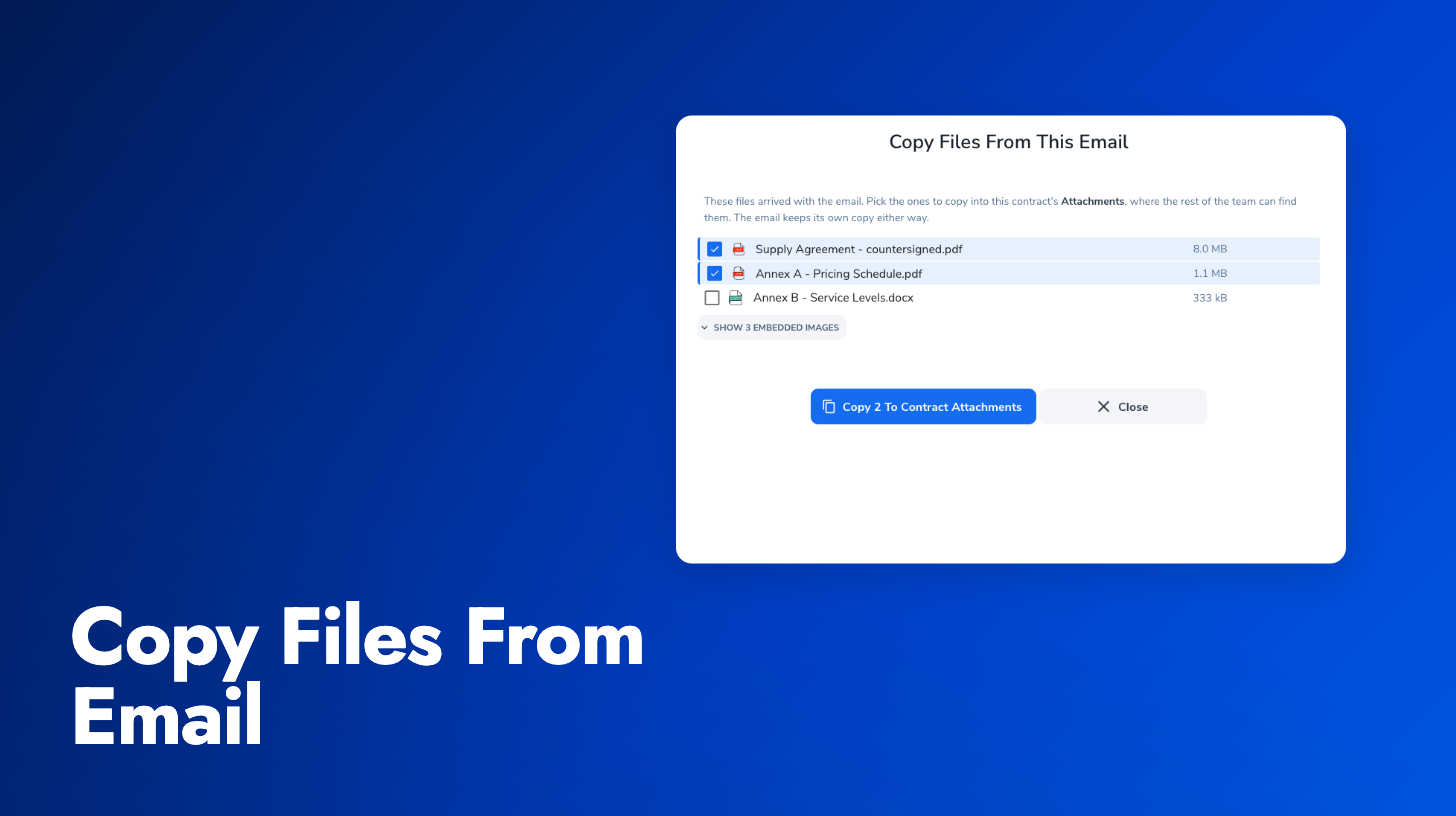
The list puts documents above images and the largest file first, and on a long email it folds the inline images behind a Show images link. Nothing is filtered away or deleted, so the odd image that turns out to matter is one click away. Automatic extraction still works as before for companies that have it on; the picker covers everything it skips. The paperclip appears on emails captured from this release onward. The email-in guide covers both the picker and automatic extraction.
Also in this update:
Email conversations grouped: Consecutive emails in the same thread now appear as one expandable conversation on the timeline, so a long back-and-forth reads as a single item with a count instead of a dozen separate cards. Nothing is hidden. Expand the group to see every message.
Shorter email-in addresses: New contract email-in addresses drop the type token, so an address now reads acme-2026-0005 rather than acme-t-2026-0005 before the @. Existing addresses in signatures, address books and CC threads keep working.