
Contracts generated from a template needed their signature fields placed by hand on every request. Now you can type signing tags such as {{signature:1}} and {{date:1}} into the Word template, and every contract generated from it arrives at signing with its fields already in place.
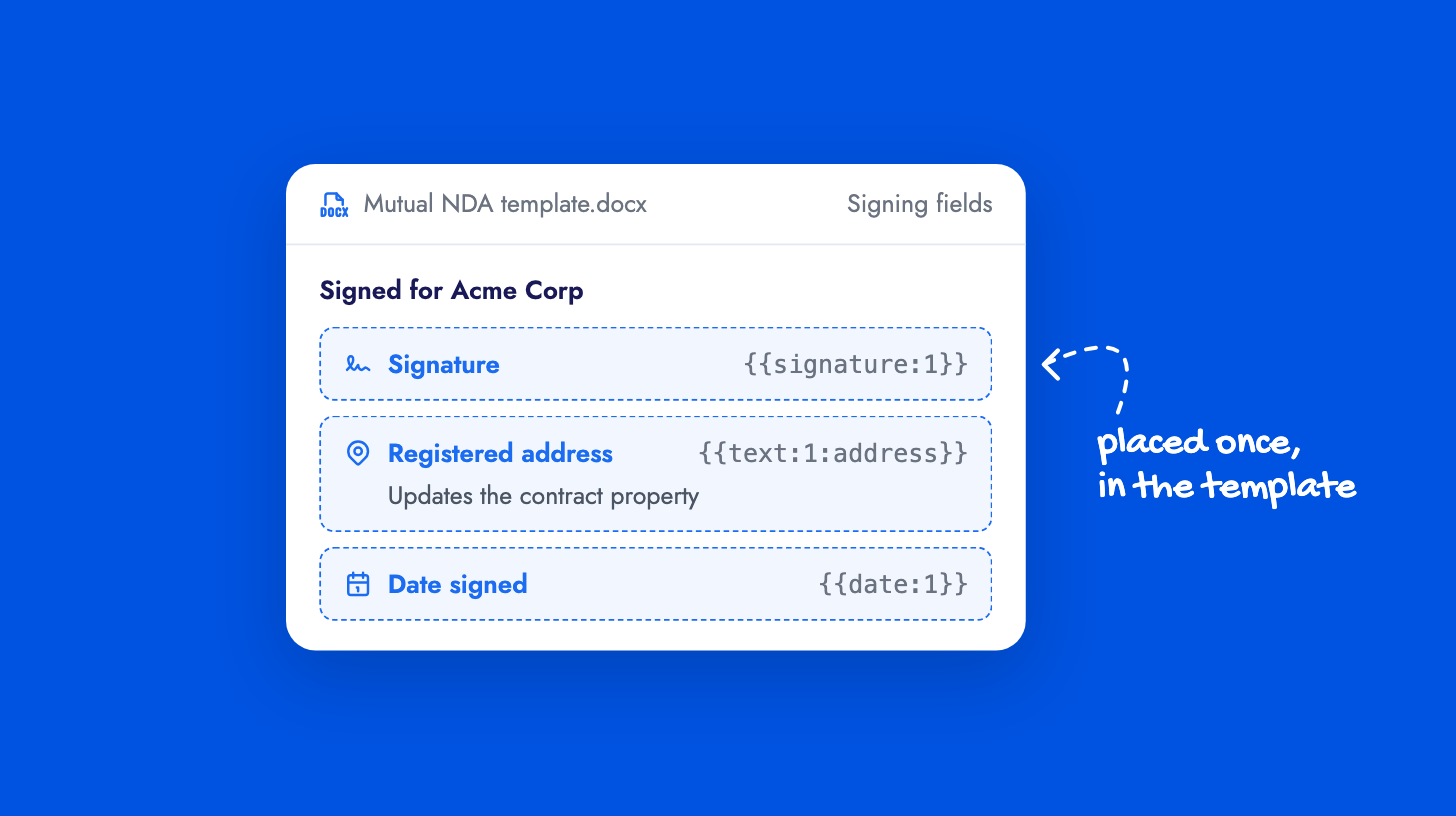
Admins set each field’s label, size and required status once under Manage Templates → Signing fields. Text, checkbox and automatic date fields can also update a contract property when signing completes, so details like the other company’s registered address land on the contract without anyone retyping them.
The signing tags guide lists every tag.