
Assist can now work with your Projects. Ask about a project by name from anywhere in the web app, and Assist reads its saved answers and checks the source documents behind them.
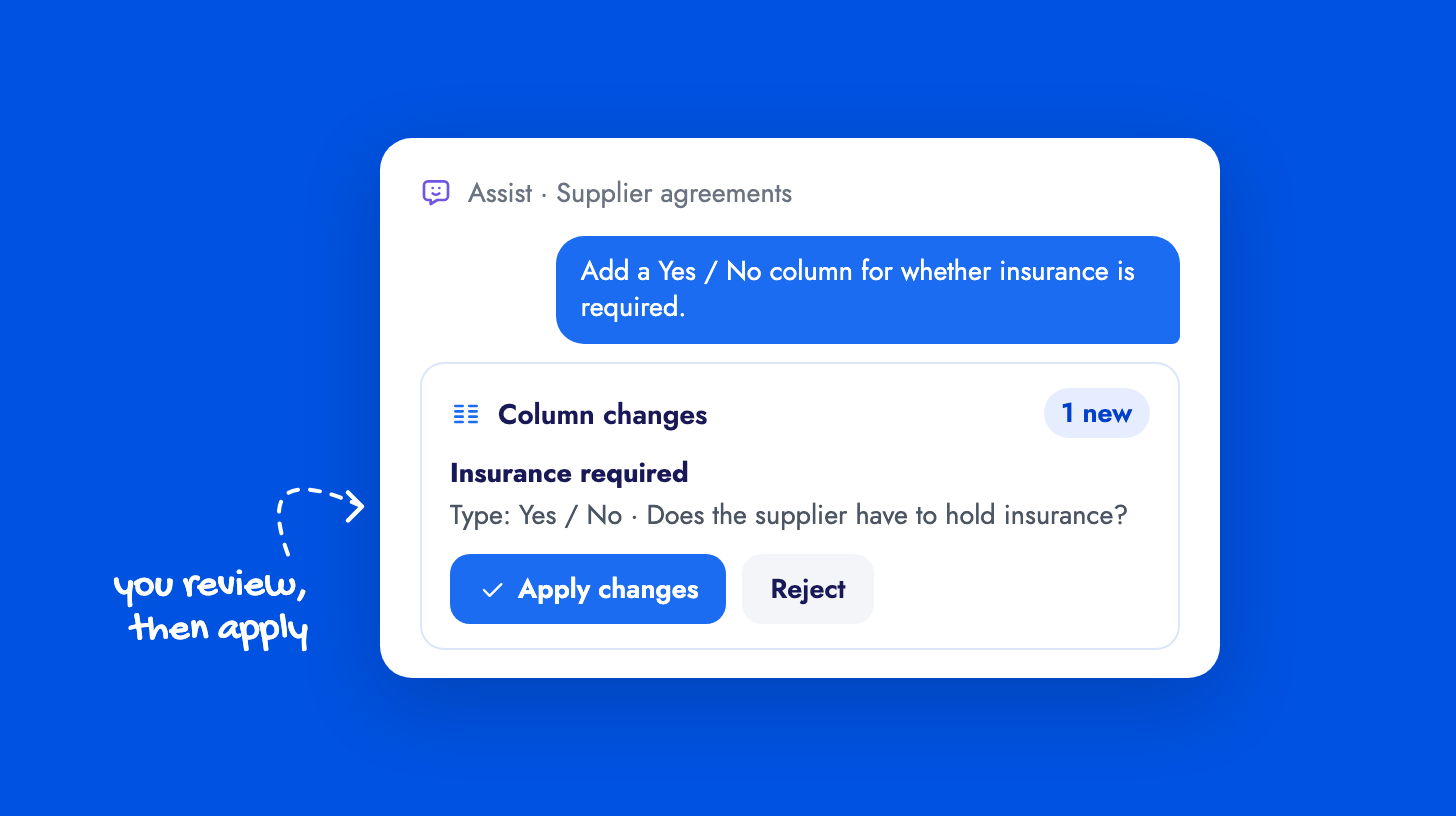
You can also describe the column you want, for example “Add a Yes / No column for whether insurance is required”, and Assist proposes it in a Column changes card for you to apply or reject. Applying changes column settings only, so saved answers and your manual edits stay as they are.
Assist sees only the projects and documents you can already open. The AI Assist guide covers working with Projects.