
Until now, a file added to a Pactly E-Signatures request could only ride along in the recipient’s email. If an annex, schedule or exhibit had to be inside the executed document, you pasted it into the contract by hand or used a third-party provider. You can now add those files to the signing request itself. They are combined with the contract into a single PDF, and that is what every recipient signs.
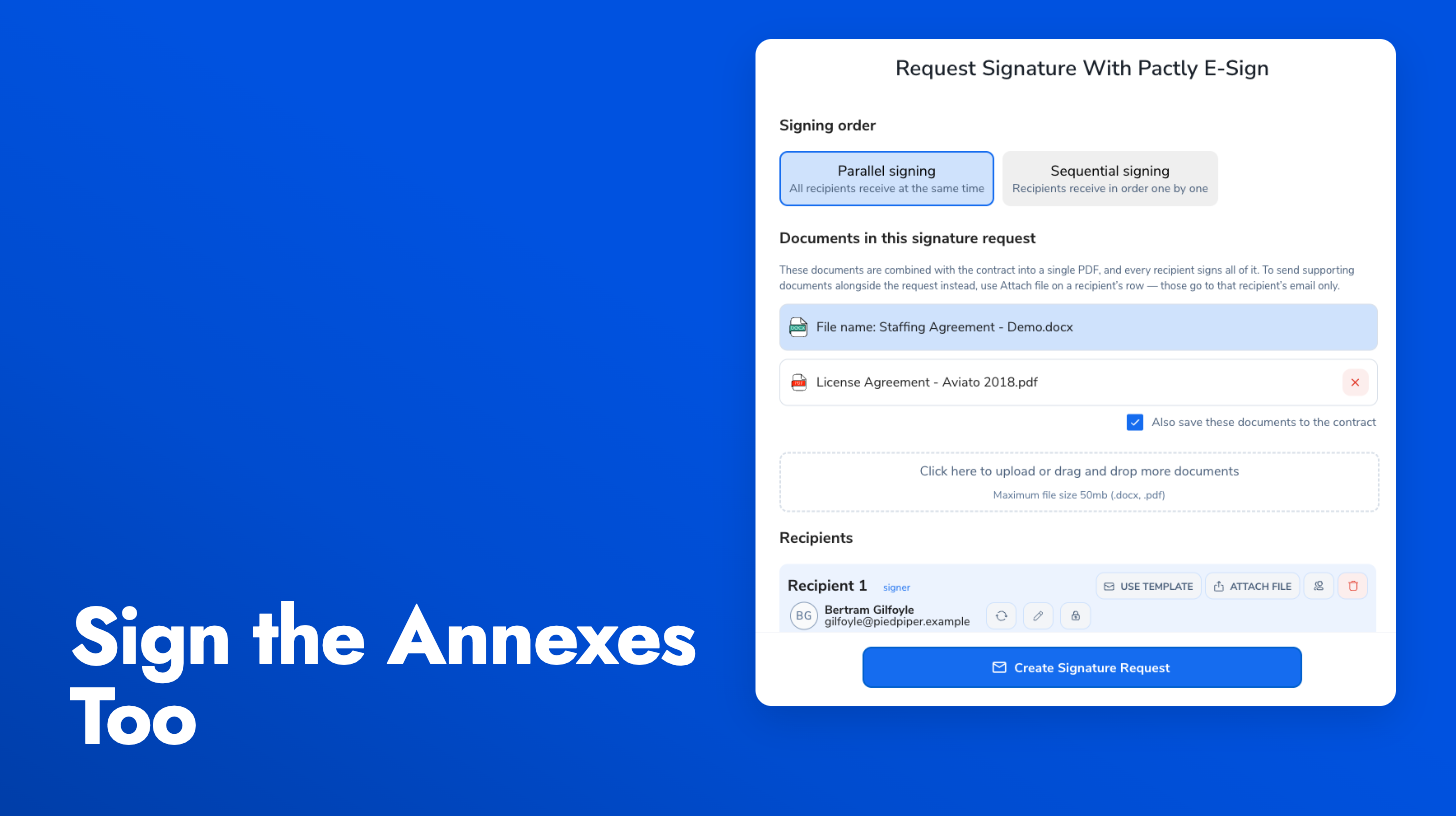
Two ways to add a file, kept distinct: Documents added under Additional documents in the signing panel are merged into the signed PDF, so the signing page renders them, the executed document contains them, and the audit report covers them. Files attached on a recipient’s row still go out with that recipient’s email only and stay out of the signed document, which is the right choice for a reference document you do not want signed. The review step before sending lists which files are being signed and which are emailed only.
Fields on merged pages: Field placement now knows about the merged pages, so you can place signature and form fields on an annex the same way you place them on the contract. Drag the documents into the order you want them to appear before you send. The signature request guide walks through the full send flow.