
Import a folder: The bulk importer now takes folders as well as files. Choose Add folder or drop a folder onto the import area, and Pactly walks every subfolder and lines up the PDF and Word files it finds in the staging table, with the same per-file checks as before. A historical archive organised by year or by counterparty no longer has to be opened one folder at a time.
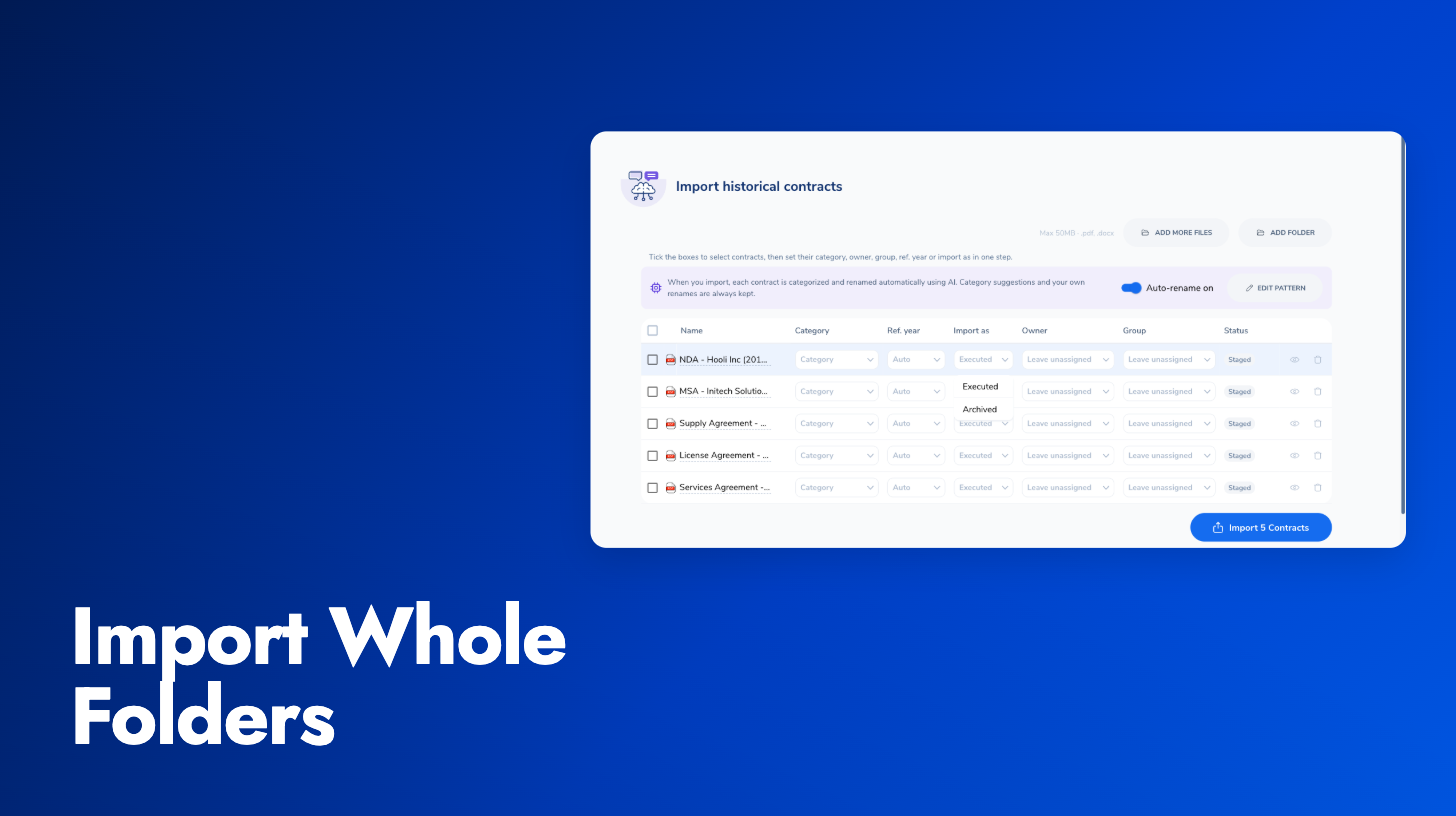
Import as Archived: Old archives are mostly expired or inactive agreements. A new Import as control, available per row and in the bulk-apply bar, lets you land those contracts as Archived instead of Executed, so a backfill does not clutter the active repository and you do not archive hundreds of contracts by hand afterwards. AI classification, renaming and reference year handling work the same either way, and the archive is recorded on each contract’s timeline.
The staging queue holds up to 500 files per import, and Pactly tells you when files were skipped so nothing drops silently. The whole flow is documented in Import Historical Contracts.