
Ctrl+K (Cmd+K on Mac) reached contracts, parties, forms and templates. It now reaches settings too. Type the name of a setting, a section heading or a tab, such as “SSO”, “renewal rules” or “custom logo”, and the matching settings pages, boxes and tabs appear at the top of the results before the record matches load. Selecting one takes you to the page and scrolls to that section, opening the right tab first when the setting lives on one.
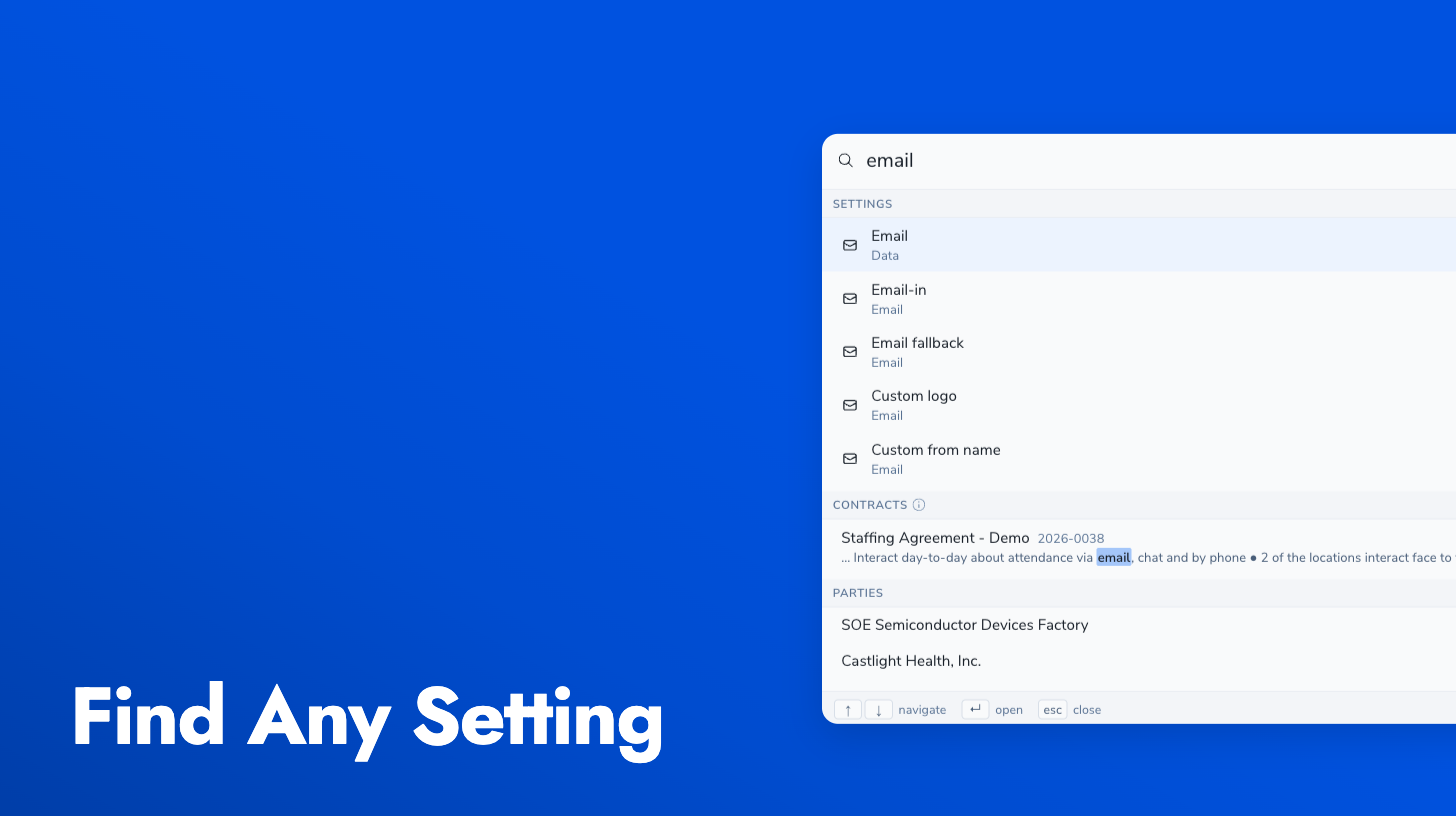
Settings results appear for administrators, since settings are an admin surface. Master-admin-only areas and features your company has not enabled stay out of the list. More on the palette is in the quick search guide.