
Projects could only export to Excel, which carries the values but loses the colour pills, checklist badges and column widths that make the grid easy to scan. You can now export a Project as a PDF that looks like the grid on screen, ready to file as a fixed review record.
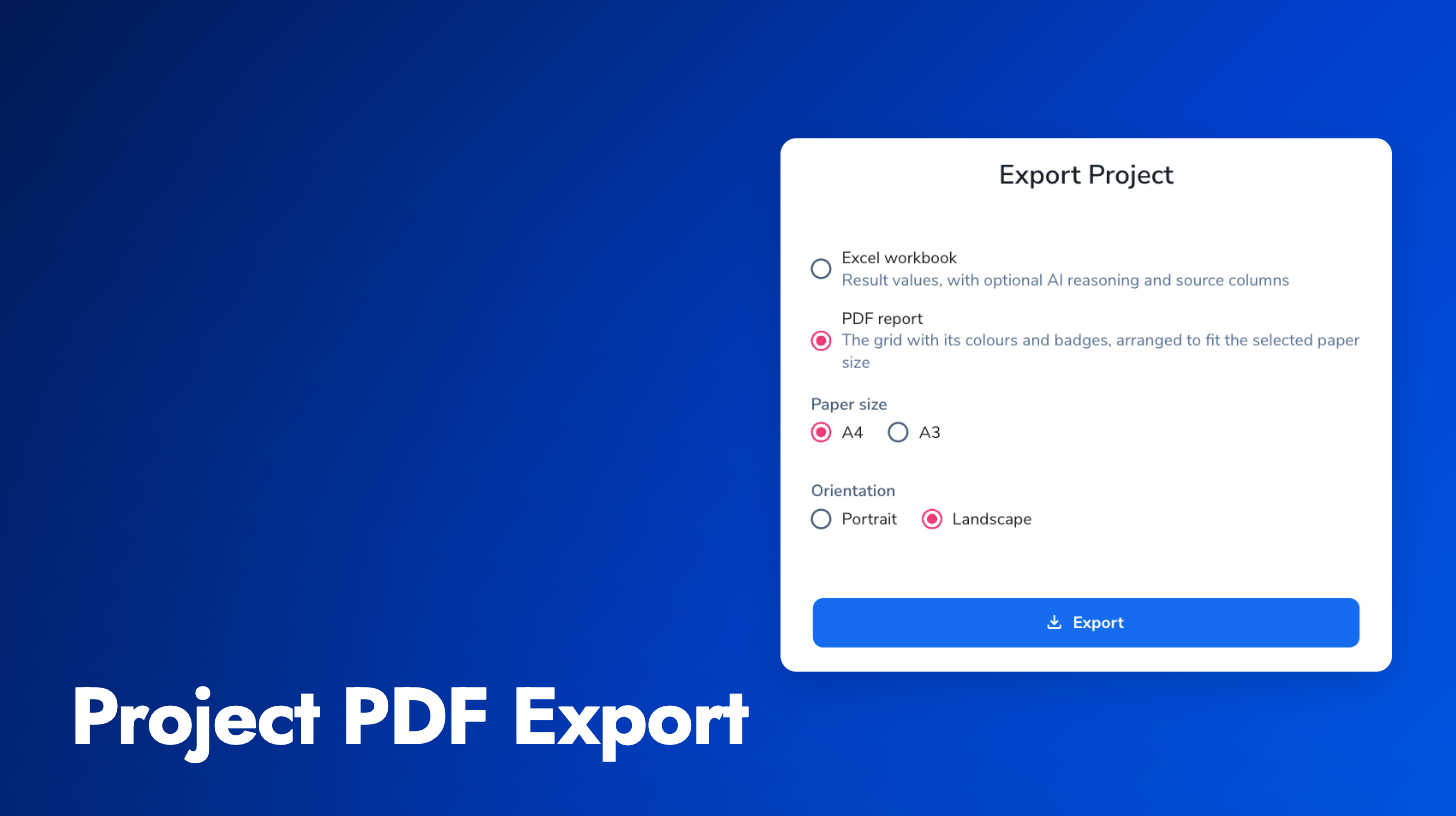
Choose PDF in the export dialog, then pick A4 or A3 and portrait or landscape. Saved column widths are kept. When the grid is wider than the page, Pactly splits it into column groups on separate pages and repeats the Contract column and the headers on each one. Yes/No columns print in a compact width to save space.
PDF export handles Projects of up to 20,000 result cells. Excel export is unchanged, keeps its AI reasoning and source reference options, and has no size limit. The export guide covers exporting from a Project.