
Word comments and tracked changes used to pass through finalization untouched, then show up in the summary and approval views that follow. When you finalize a Word document that still contains either, Pactly now asks what to do with them. Delete comments and Accept all tracked changes are separate choices, both start unchecked, and only the ones relevant to the document appear. A clean document finalizes without the extra step.
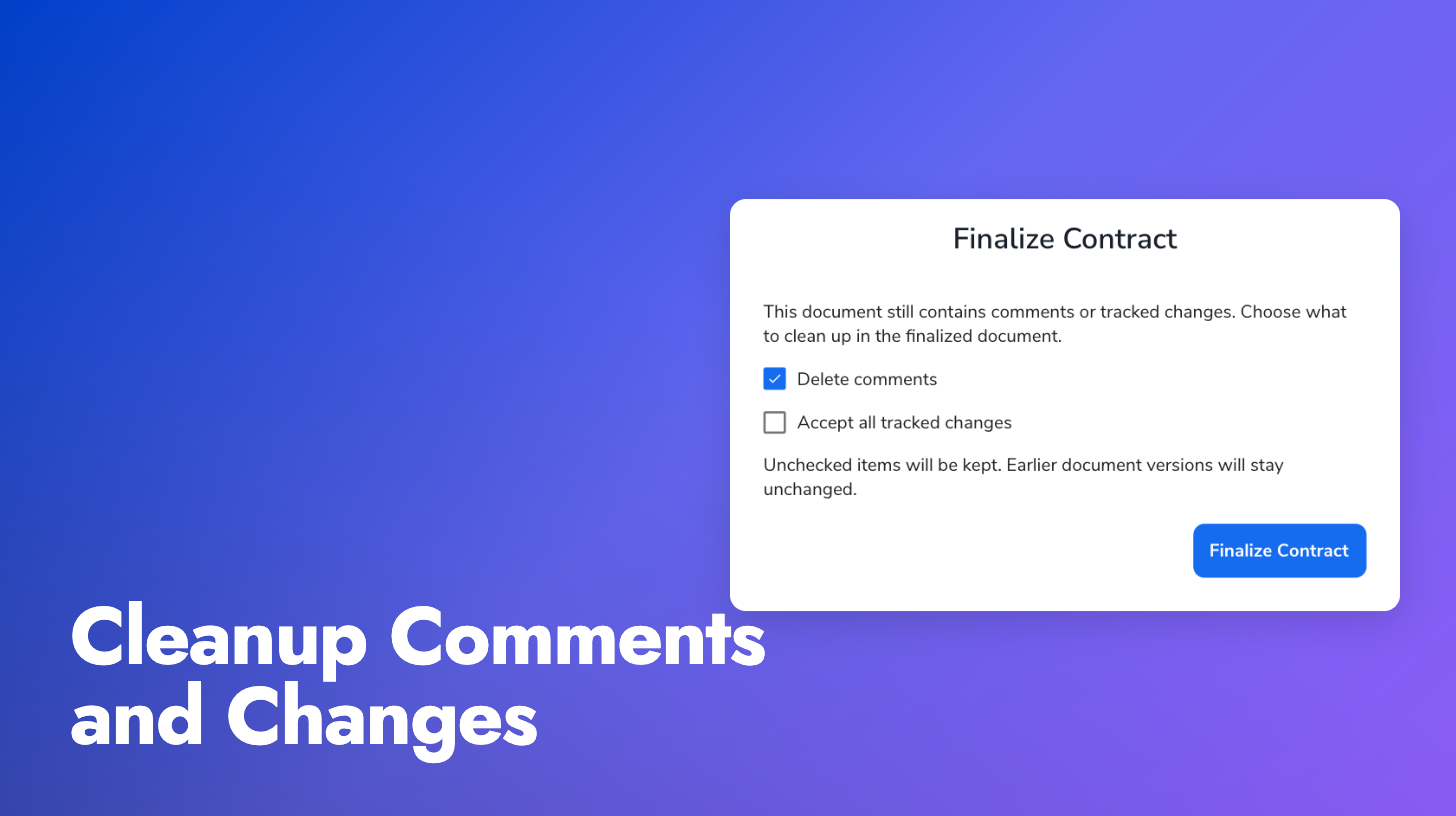
Cleanup applies to the finalized copy only. Earlier versions stay as they were, and in the Word add-in your open document is left alone. Anything you keep stays in the document through approval.
Comments hidden in the viewer: The document viewer now hides Word comments until you click the comments button beside search. Hiding changes the view only and removes nothing from the document.
Before signing: Pactly E-Signatures warns you when the document still contains comments or tracked changes, then removes them from the signing PDF as before. Review the PDF before sending.
The finalization guide covers the cleanup step.