
When a variation extends a contract or a termination ends one early, someone had to find the original record, add the relationship by hand, then open the original and change its date. In practice the link got made and the date did not. Now, when a variation or termination agreement is executed, whether finalized in Pactly, uploaded as a signed copy or imported as executed, Pactly reads it, finds the original contract it refers to and extracts the date it changes.
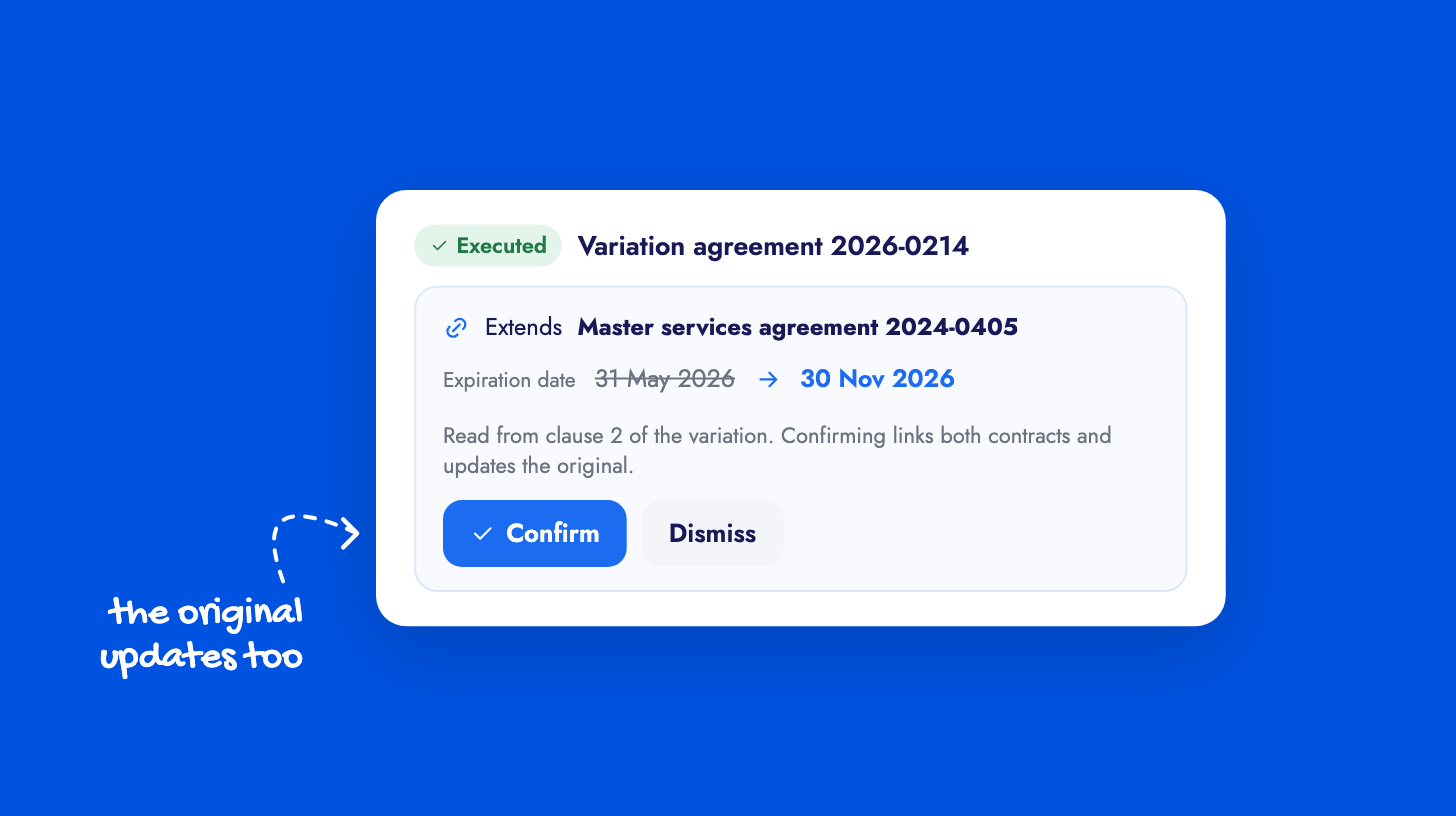
The suggestion appears on the executed agreement’s timeline and in its Relationships tab, with an attention dot on anything still awaiting a decision. You see the original contract, its current date and the proposed new one, and confirm or dismiss. Confirming links the two contracts and updates the original’s expiration or termination date, with the change recorded on both timelines. A missing or ambiguous match produces a suggestion you can resolve by hand, never a change to another contract. Where the original is a contract you cannot open, Pactly shows its reference only and asks you to contact an admin.
Termination detection needs your company to nominate which property holds the termination date. The date changes guide covers the flow and the setting.