
A Projects row read exactly one document, so when the facts you needed lived across a main agreement and a separate schedule or side agreement, you had to pick one or merge the PDFs by hand. Each row now has an Add supporting document action that opens the usual document picker, with search and upload, and attaches the chosen documents to that row.
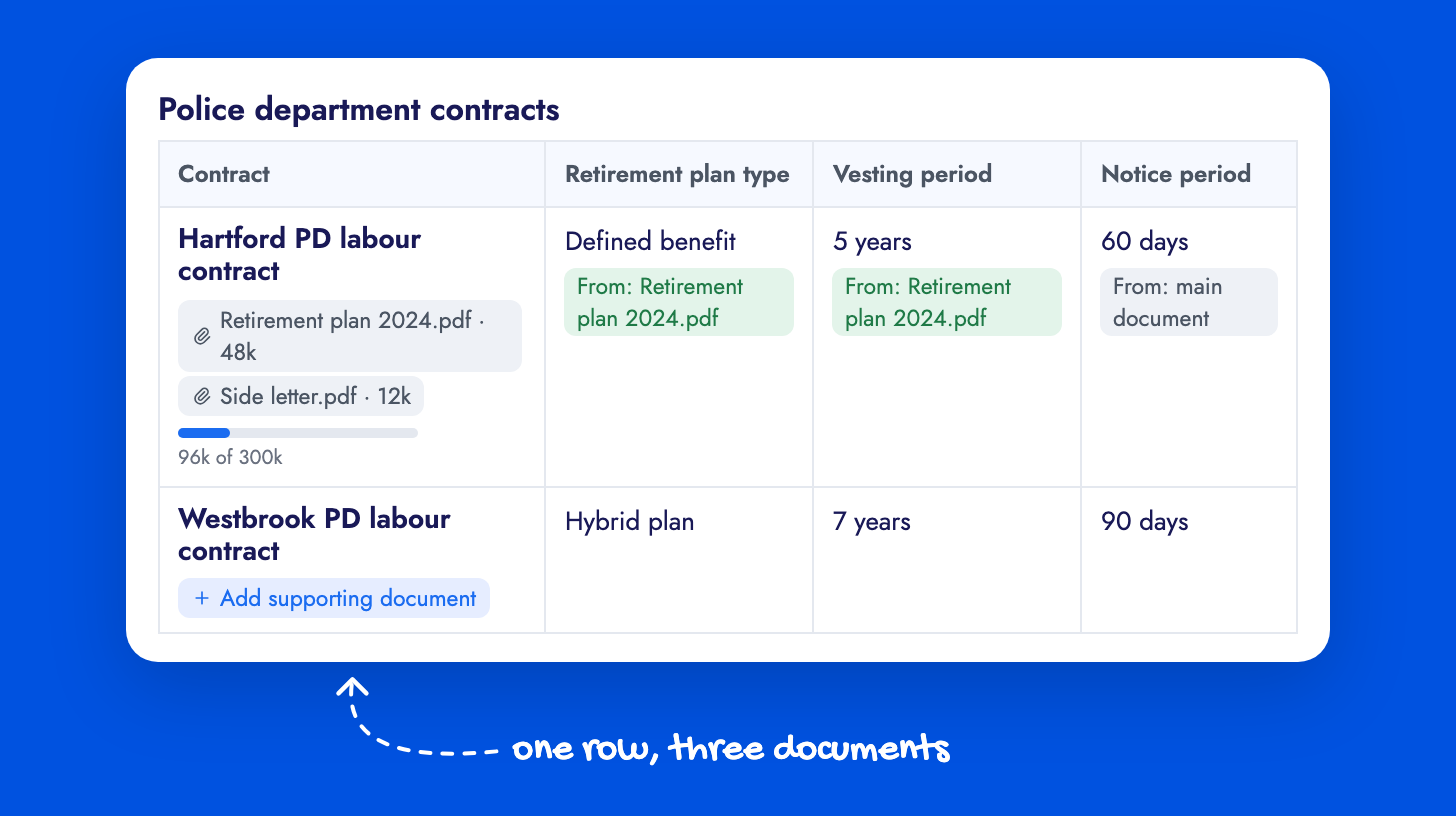
Supporting documents show as pills under the row name, each with its size and a preview and remove action, and a size meter shows how much of the row’s budget is used. When the row runs, extraction reads the main document and all supporting documents together and fills each cell from whichever document holds the answer. Each cell records its source: the cell popover shows From: document name and View Source opens that document at the quoted passage. Adding or removing a supporting document marks the row’s extracted cells as outdated so you know to run it again.
Supporting documents do not count toward your document allowance. The contract analysis guide covers setting up rows.