
Screening a contact used to leave a flag on the record, and not much else. Now every contact in the Contact Book has a Compliance tab, so you can run sanctions and adverse media checks and see what each one found, and what your compliance officer decided and why, in one place.
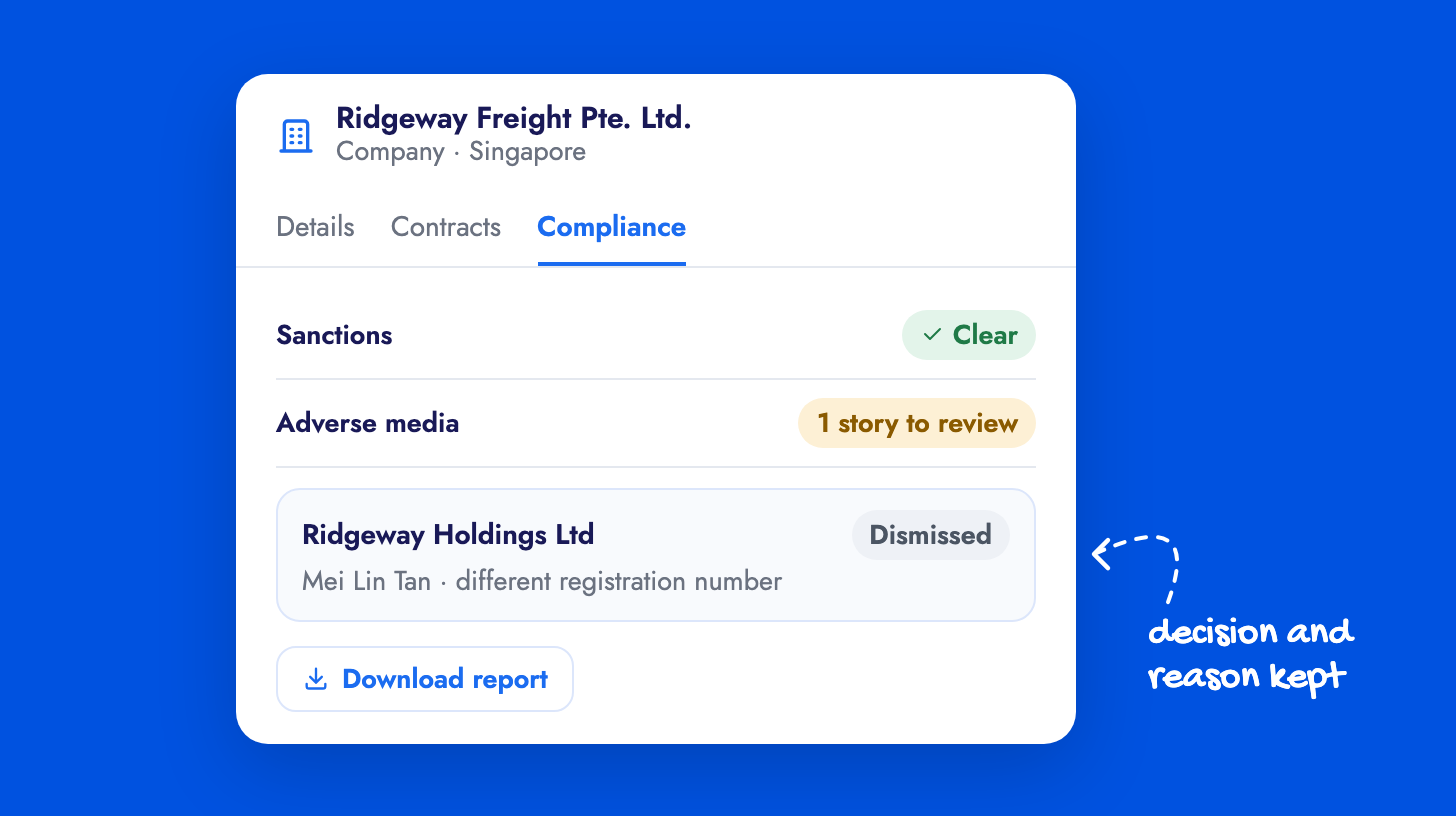
Each possible match opens beside your own record, so your officer can compare the details and confirm or dismiss it with a reason. When someone asks for the paper trail, Download report gives you a due diligence PDF for any check, with its sources and the officer’s decisions. Downloading it doesn’t run a new check or use credits.
Admins set this up under Settings → Screening. The managing contacts guide covers the contact panel.