
Some agreements call for a company stamp beside the signature. Pactly e-Sign now has a Company stamp field at the bottom of the field list. Place it, size it, assign it to a signer and mark it required or optional. Every signer still adds a personal signature.
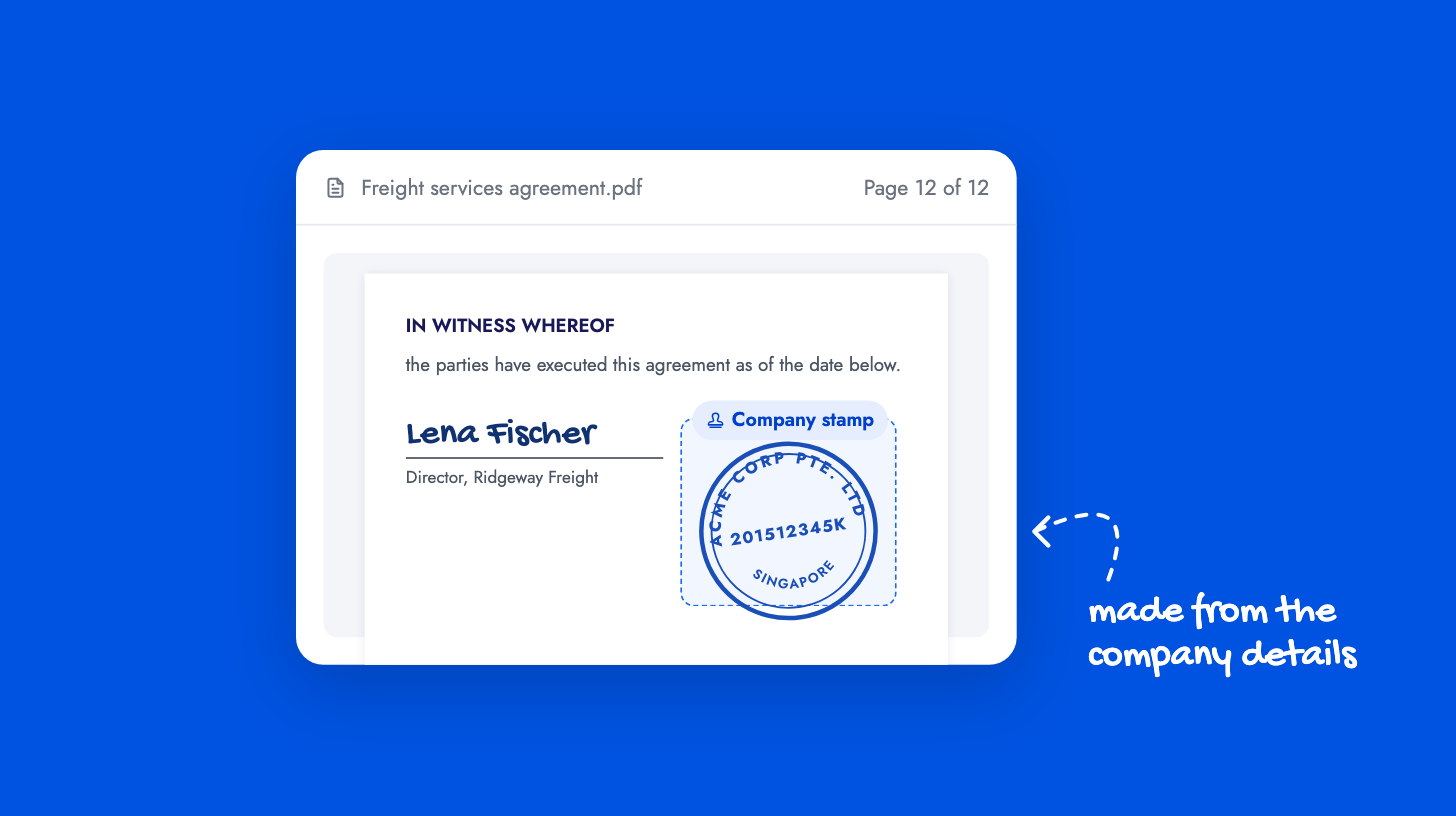
The signer chooses the stamp when completing the request. They can upload a PNG, JPEG or WebP image, or generate one from their company name, registration number and an optional line of bottom text. Generated stamps come as a circle, oval or rectangle in blue, red or black. Signed-in Pactly users get their own company details prefilled and can save a stamp for later requests. External signers enter their own details.
The applied image is captured with the request, so later edits to a profile or saved stamp never change an executed document. The signature request guide covers stamp placement, and completing a request covers what the signer sees.