Field Mappings and Naming
When a requester fills out a form and submits it, their answers need to end up in the right places on the generated contract. Without field mappings, someone would have to manually copy the governing law, effective date, and party name from the form submission into the contract record. Mappings automate this.
A field mapping connects a form field to a contract property. The property is the bridge: once a form value lands on a property, that same property can fill a variable in the document text, drive filtering and reporting, and be amended later by whoever owns the contract. This article covers field mappings first, then naming tokens, a separate feature for auto-generating entry titles, contract names, and file names.
Field Mappings
Section titled “Field Mappings”How mappings work
Section titled “How mappings work”Each form field can be linked to a contract property of a compatible type. When the form is submitted and a contract is generated, the field’s value is written to that property automatically. From there the value can flow into the document text, be used in naming, and be amended later by the contract owner:
The property fills the matching variable in the generated document, so the value appears in the contract text.
The value can be used as a naming token to build the entry title, contract name, or file name.
The contract owner (or anyone with access) can change the property afterwards, like any other property.
The property is the bridge The one place the value can change later
The property is the single place the value lives. Whatever the requester typed becomes the property’s value on the generated contract, the document picks it up wherever the matching variable appears, and the contract owner can change it afterwards like any other property.
Form field and property types must be compatible
Section titled “Form field and property types must be compatible”The field’s type and the property’s type have to match. The Contract property selector only lists properties that are compatible with the field you are editing, so you cannot map a date field to a text property by mistake. The pairings are:
| Form field type | Compatible contract property |
|---|---|
| Text | Text or multi-line |
| Number | Number |
| Date | Date (or text) |
| List (dropdown) | List or multi-option |
| Party | Party |
| User | User |
| Checkbox | Yes/No |
If a field type isn’t shown above (for example file upload or signature), it has no contract property mapping.
Setting up a mapping
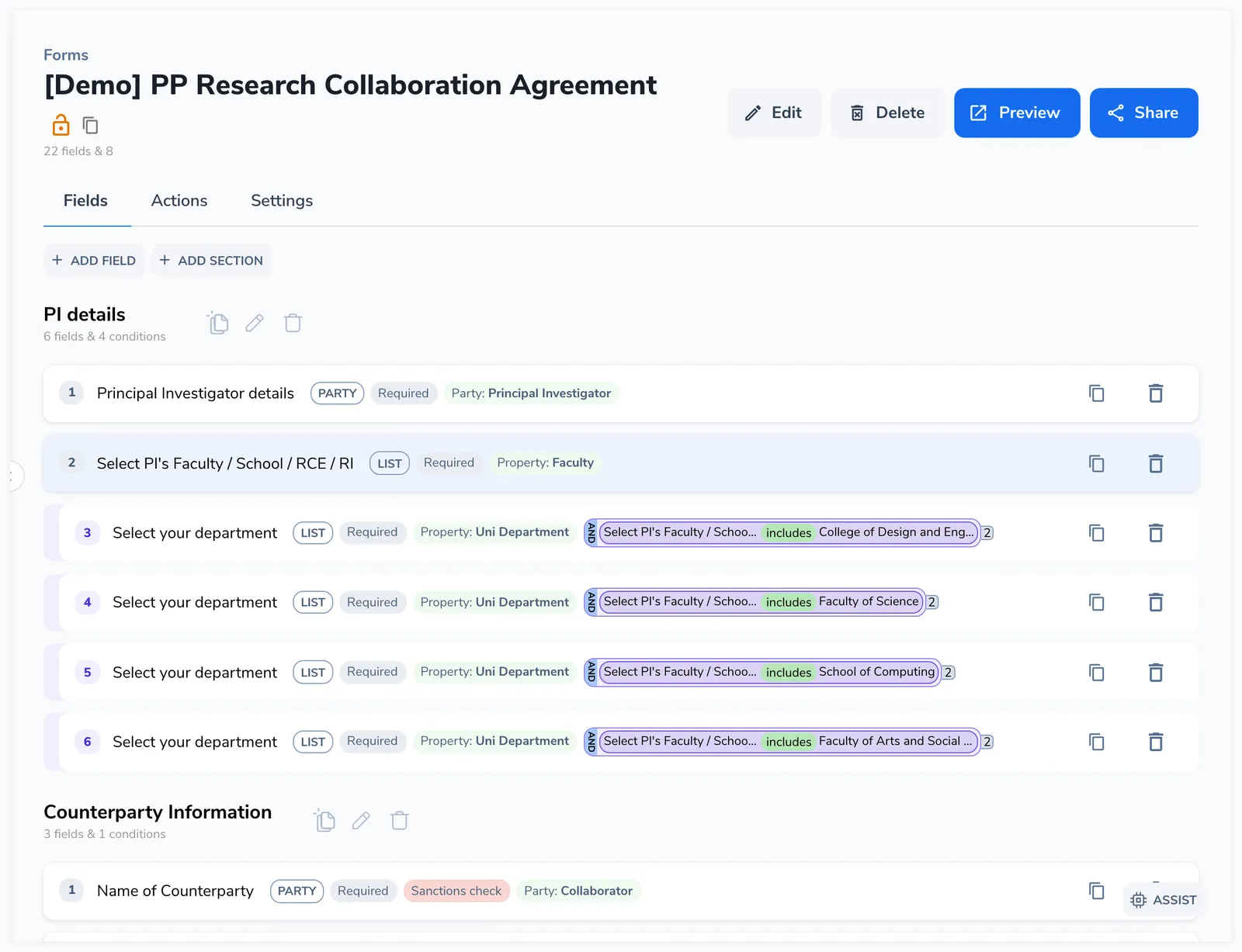
Section titled “Setting up a mapping”In the field editor, each field has a Contract property selector. Click it to see the list of compatible contract properties. Select the property this field should map to.
The mapping is per-field, not per-action. If your form has multiple actions that generate different contract types, the same field mapping applies to all generated contracts.
Party field mappings
Section titled “Party field mappings”Party fields do more than map a single value. When a party field is submitted:
- The party record is created or linked in Pactly (either a new party is created or an existing one is matched)
- The party is assigned roles on the generated contract (for example counterparty, signer, our representative)
A party field can also feed a template party, so the party’s details (name, address, signatory) populate the matching placeholders in the generated document. This is configured within the party field settings, not through the standard contract property selector.
Reverse mappings
Section titled “Reverse mappings”For form sequences only. Reverse mappings pre-fill form fields with values from an existing contract’s properties. This is useful when a later form in a sequence needs to display or confirm data that was set by an earlier form.
Enable “Use reverse contract property” on a field and select which property keys to pull from. The field will be pre-populated with the current value of that contract property.
Naming Tokens
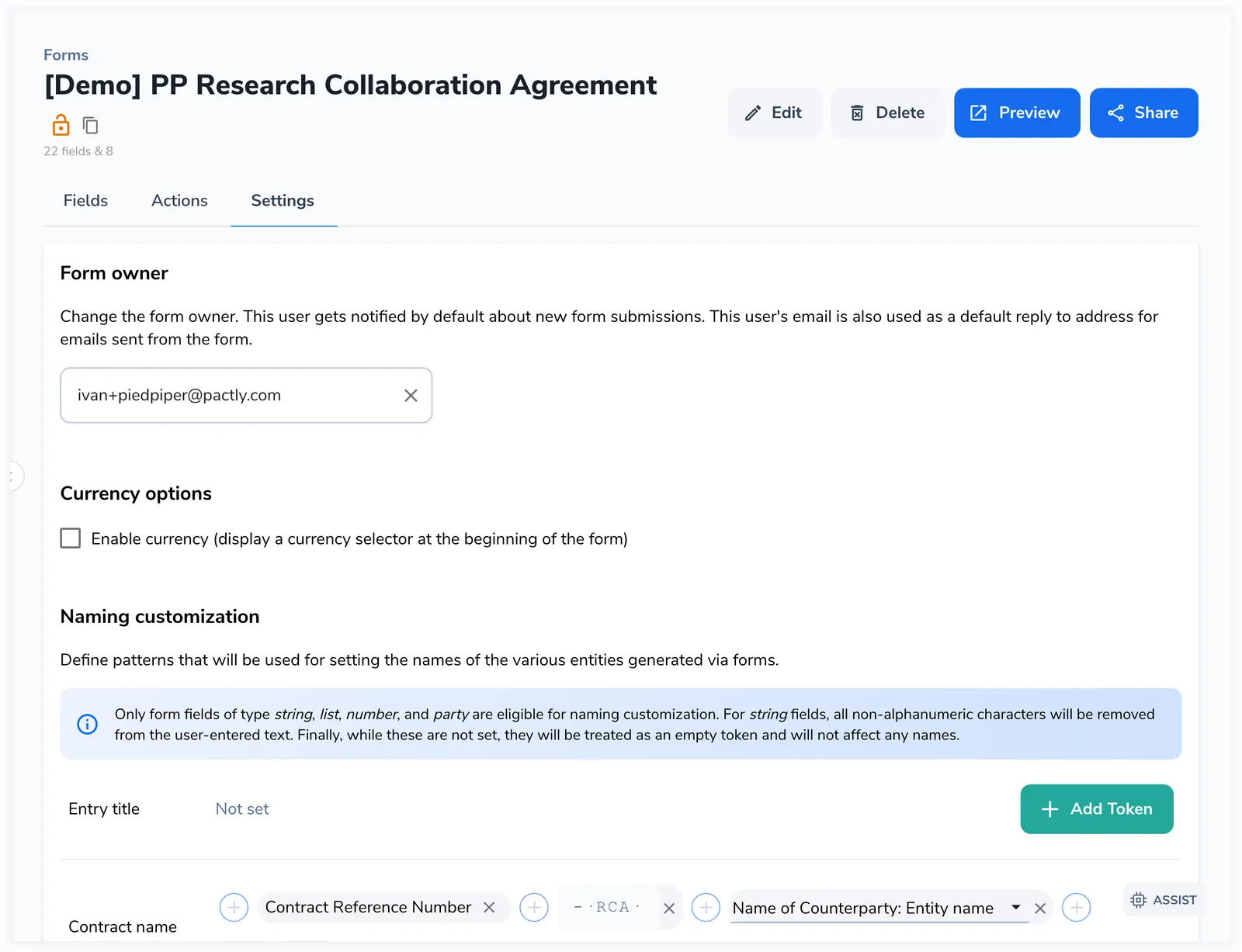
Section titled “Naming Tokens”Naming tokens are a separate feature from field mappings. Instead of populating the contract record, they build readable names from form data. You assemble a name out of token pills, and each token is replaced with its value when the form is submitted:
- Value tokens
Insert a predefined value: submitter email, form name, date, template name, contract reference, or category.
- Field tokens
Insert what the requester entered in a form field. Works with text, list, number, and party fields.
- Input tokens
Insert fixed text you type, such as a separator (" - ") or a fixed prefix.
- Party block tokens
Combine several party attributes with a separator, e.g. first + last name as "John Doe".
Tokens join in order, left to right, and each is replaced with its value when the form is submitted. Tokens come from four kinds.
Forms can auto-generate three names this way:
| Name | Where it appears | When it’s generated |
|---|---|---|
| Entry title | The form submission record in the entries list | At submission time |
| Contract name | The contract record in the repository | After contract generation |
| File name | The generated document’s file name | After contract generation |
Configuring naming patterns
Section titled “Configuring naming patterns”In the form builder’s Settings tab, you’ll find a naming field for each name. Click between tokens to insert new ones, and drag tokens to reorder them. Each naming field supports up to 60 tokens.
Token availability
Section titled “Token availability”Some value tokens depend on a contract that doesn’t exist yet at submission time, so they aren’t offered for the entry title:
| Token | Entry Title | Contract Name | File Name |
|---|---|---|---|
| Submitter Email | Yes | Yes | Yes |
| Form Name | Yes | Yes | Yes |
| Date of Creation | Yes | Yes | Yes |
| Category Abbreviation | Yes | Yes | Yes |
| Template Name | No | Yes | Yes |
| Contract Reference Number | No | Yes | Yes |
| Contract Category Label | No | Yes | Yes |
| Custom text (input) | Yes | Yes | Yes |
| Form field values | Yes | Yes | Yes |
| Party block | Yes | Yes | Yes |
The entry title is generated before a contract exists, which is why the template name, contract reference, and category label tokens aren’t available for it.
How names are processed
Section titled “How names are processed”When the name is built, each token is replaced with its value and the values are joined with no separator between them, so use a custom-text token for any separator you want. Consecutive separators (hyphen, underscore, space) collapse to one, leading and trailing separators are trimmed, and the result is truncated to 256 characters.
Below the file name field, a Copy from Contract button copies the contract name’s token sequence into the file name, so the file name matches the contract name without rebuilding it.
Mapping Errors
Section titled “Mapping Errors”The form builder checks for mapping issues and shows a Review Mapping Errors button when problems are found. Common errors include:
- A required contract property has no field mapped to it
- A field is mapped to a property that doesn’t exist on the target template
- A party field has no roles assigned
Fix these before sharing the form to ensure contracts are generated with complete data.