1
Open the contract with pending signatures
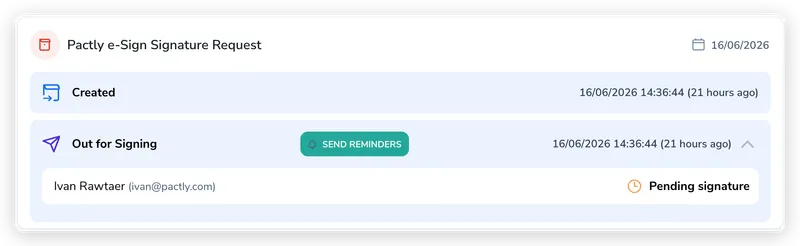
Open the contract that is Pending Signature. On the Timeline tab, find the Pactly e-Sign Signature Request entry. The Out for Signing row lists each signer and shows who is still Pending signature.
When signers haven’t completed their signature requests, you can manually trigger a reminder email to prompt action. This guide shows you how to send a reminder from the contract timeline.
Open the contract that is Pending Signature. On the Timeline tab, find the Pactly e-Sign Signature Request entry. The Out for Signing row lists each signer and shows who is still Pending signature.
Click Send Reminders on the Out for Signing row. Who is nudged depends on the signing order: for parallel signing, Pactly emails every signer who has not yet completed their signature; for sequential signing, it emails only the next signer in line, since later signers cannot act until the ones before them finish.
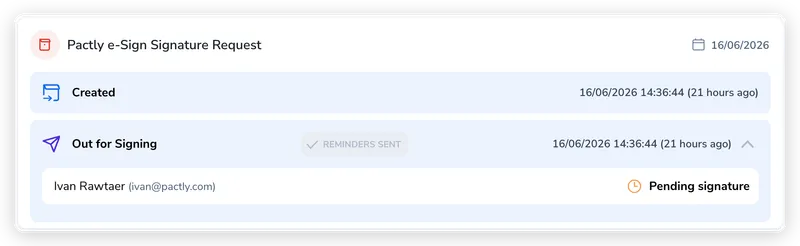
The button shows Sending reminders while Pactly waits for the email service, then Reminders sent when the service confirms acceptance. If the emails cannot be confirmed, Pactly shows a warning. Check with the recipients before trying again, since an unconfirmed email may still arrive. Each signer keeps their original signing link.
You do not have to do this by hand every time. An administrator can turn on automatic reminders for the whole company, so Pactly emails signers who have not acted on a schedule, and you only step in when you want to nudge someone sooner. See Pactly e-Sign Settings.