1
Open the email
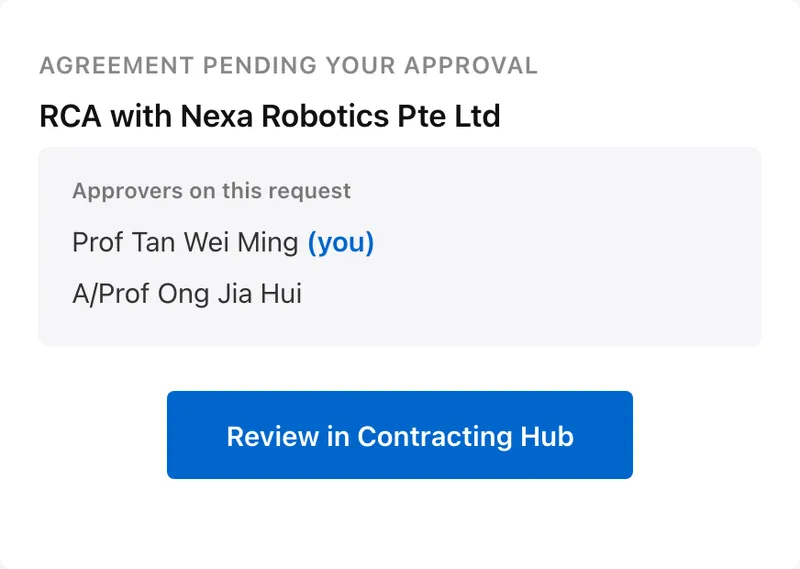
It is titled "Agreement pending your approval" and names everyone on the request. Click Review in Contracting Hub, then sign in with your NUS account.
Everything waiting on you sits in one place, and you sign in with your NUS account. There is nothing to install.
It is titled "Agreement pending your approval" and names everyone on the request. Click Review in Contracting Hub, then sign in with your NUS account.
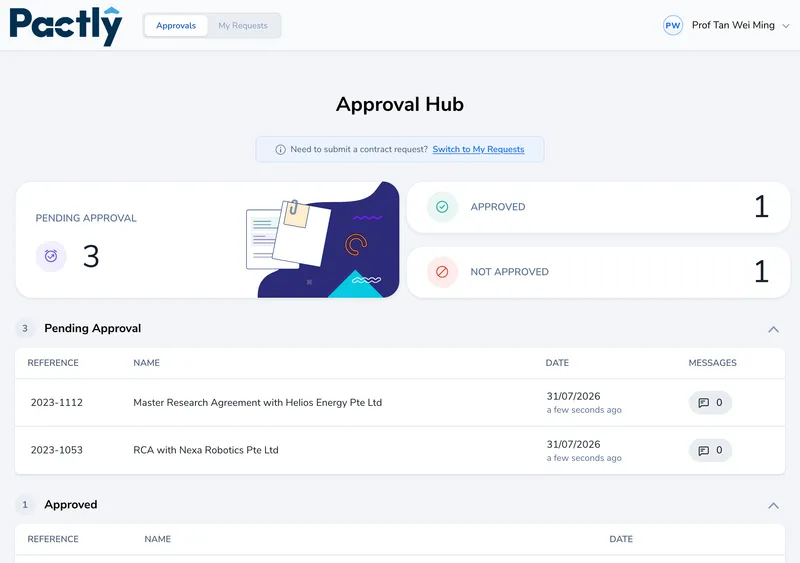
The Approval Hub lists everything pending, with counts for approved and not approved across the top.
Summary is the agreement summary written for the decision: the funding table, the contract details, and the case officer notes. Contract is the document itself. Then Approve, or Reject with a reason so the case officer knows what to fix.
