1
Check the funding figures
On the Properties tab, click View All Properties and open Funding Information. These figures decide which approvers the case goes to, so a wrong one sends it to the wrong people.

You do not send a case for approval. You finalise it, and the approval runs itself from there.
On the Properties tab, click View All Properties and open Funding Information. These figures decide which approvers the case goes to, so a wrong one sends it to the wrong people.
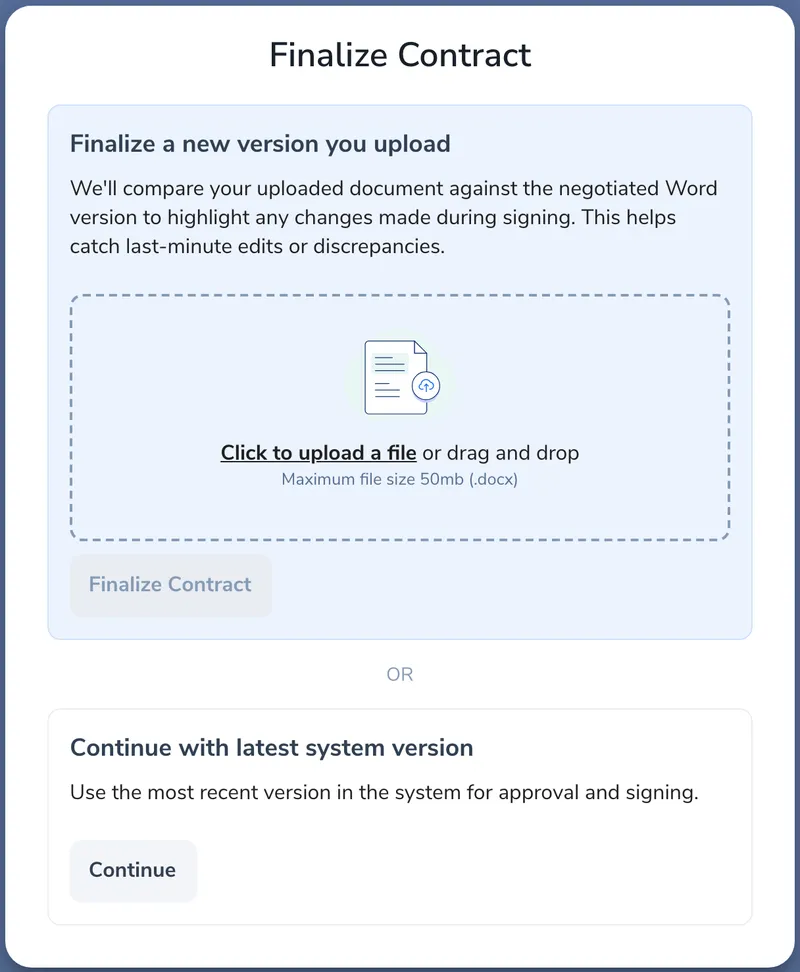
Click Finalize, then Continue to use the latest version, or upload a new one. Finalising is what assigns the approvers and signers and starts the agreement summary.
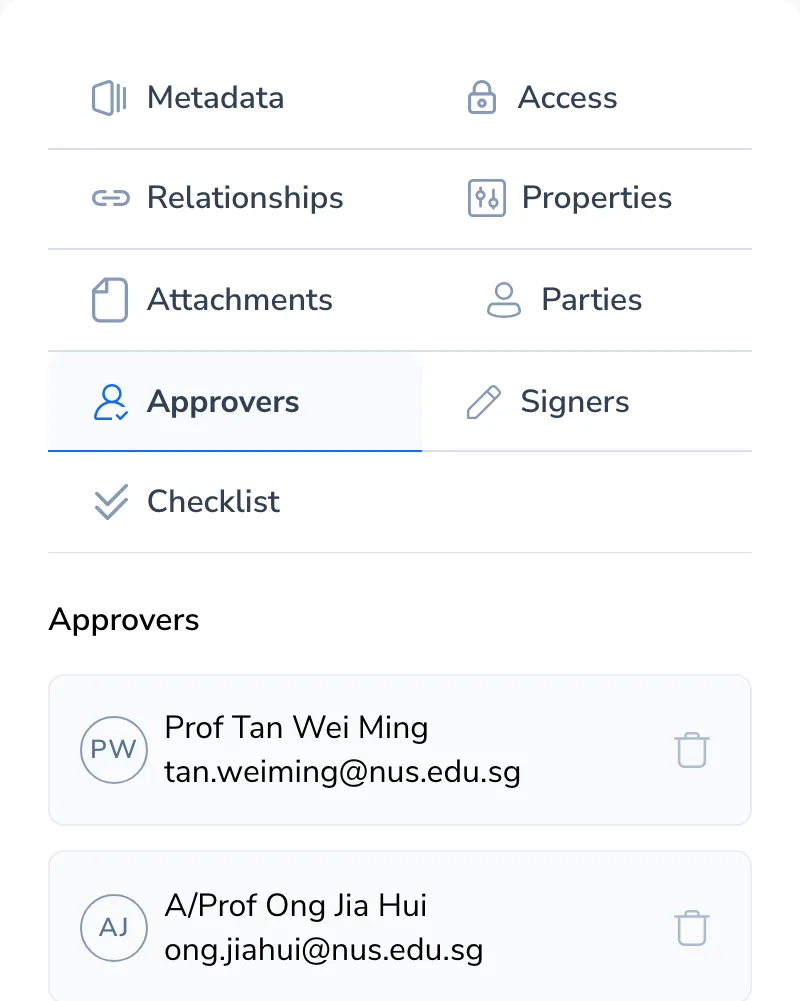
Open the Approvers tab. Do this now, not later: once the forms are done the request goes straight out, and changing the chain after that is an IEP job.
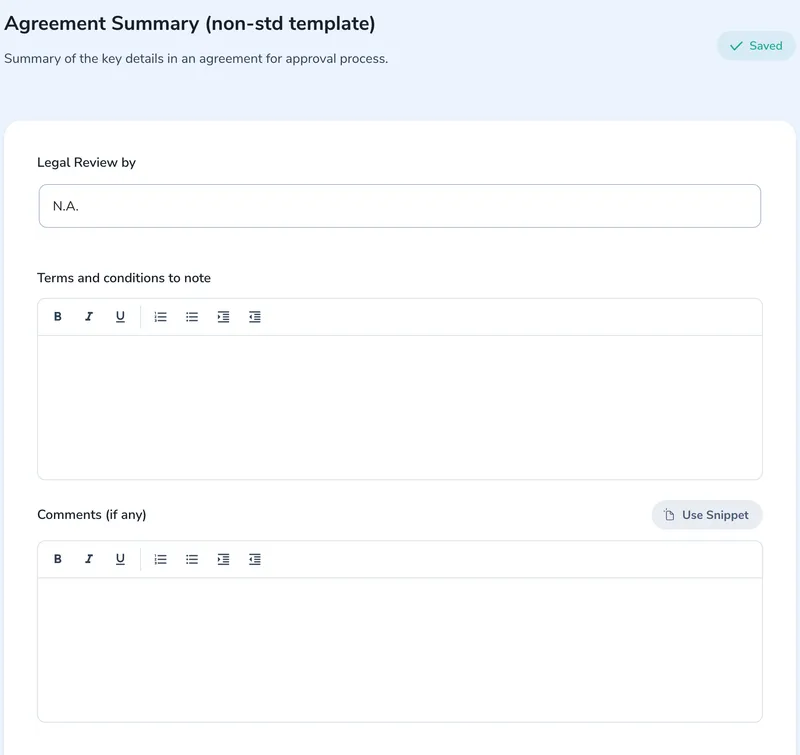
Straight-through cases generate it automatically. On a gated or negotiated case the form comes to you, and nothing moves until you submit it.
The PI gets the PI Acknowledgement Form. When they acknowledge, the case moves to Pending Approval and the first approver is emailed, then each one after that as their turn comes. Approvers get a reminder every Wednesday until they act.
Once everyone has approved, the case moves to Pending Signature and is ready for e-signature.
| What is wrong | Who fixes it |
|---|---|
| Wrong approver, or one is away | Ask IEP to reassign, remove, or add someone |
| The submitted agreement summary is wrong | Ask IEP to cancel the request and re-send the summary. You complete it again and the PI re-acknowledges |
| The case comes back Not Approved | Yours. Read the reason on the timeline, fix it, and finalise again |
| More than one PI has to acknowledge | Add each PI to the case as Our Representative, then ask IEP to add a form for each of them |
The rule of thumb: anything that changes the approval chain belongs to IEP. Everything else on the case is yours.