1
Open the agreement and go to Properties
Everything about funding lives on the Properties tab, alongside the other groups of fields tracked on the agreement.
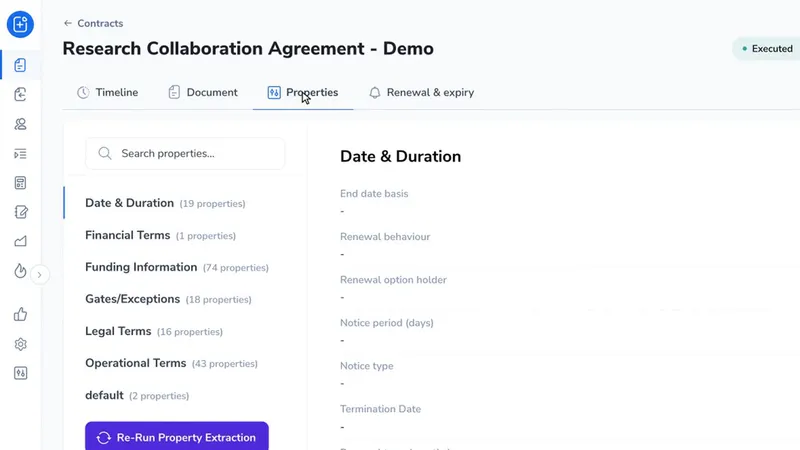
Funding Information records what each collaborator brings to an agreement. Every agreement now opens with eight collaborator placeholders ready to fill, and when an agreement has more than that you add the next one yourself. There is no need to contact Pactly.
Everything about funding lives on the Properties tab, alongside the other groups of fields tracked on the agreement.
Pick Funding Information from the list of groups down the left. The first block is NUS Contributions, then one block per collaborator.
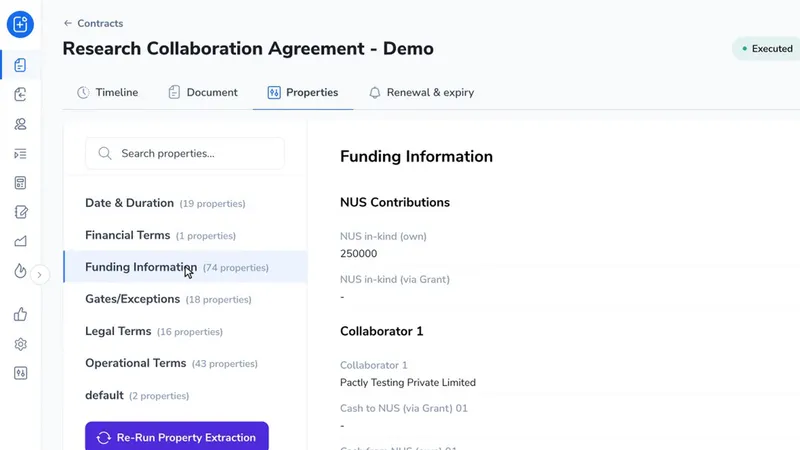
Each placeholder carries the collaborator name and the ways money can move for that collaborator. You fill in only the lines that apply and leave the rest empty.
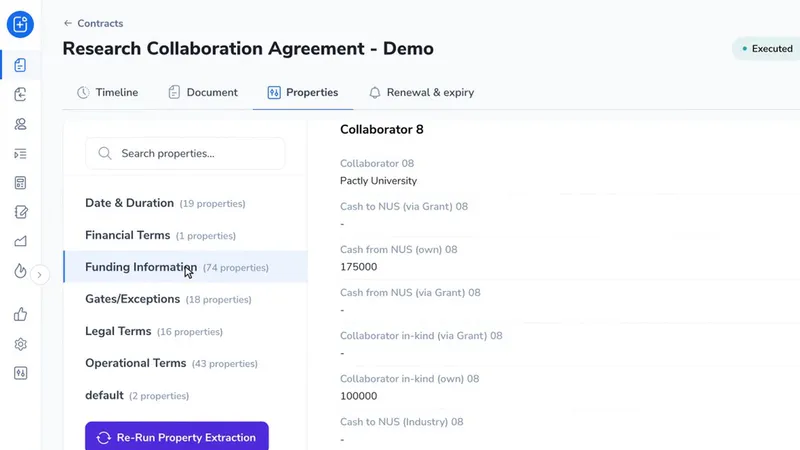
When an agreement runs past the eight placeholders already there, this is where you add the next one.
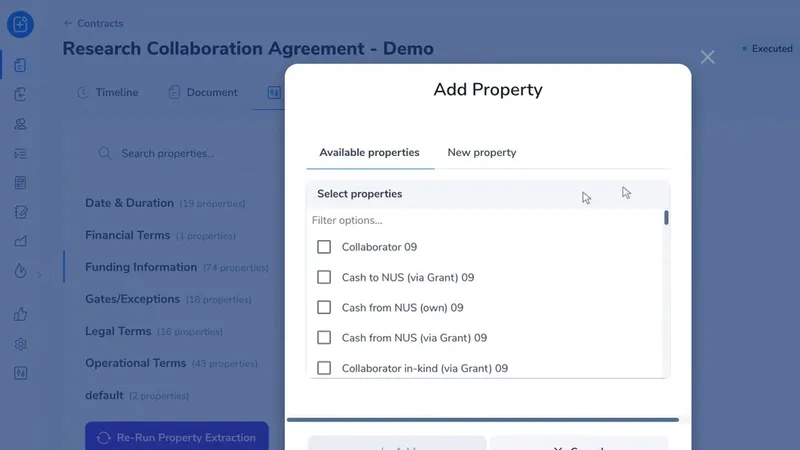
Type 09 for the ninth collaborator, 10 for the tenth, and so on. Everything belonging to that collaborator comes up together, with the collaborator name at the top.
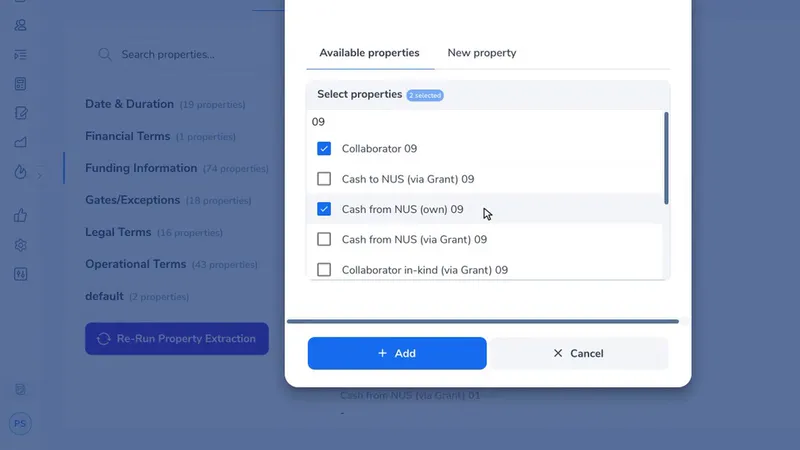
Tick the collaborator name first, then only the contribution types that describe this partner. There is no need to add every kind of funding for every partner.
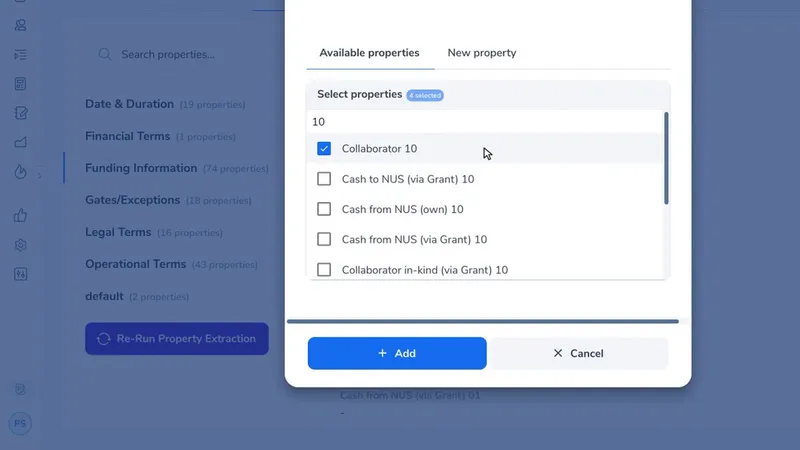
Everything you have already ticked stays ticked, and the counter at the top keeps a running total. Search the next number and carry on.
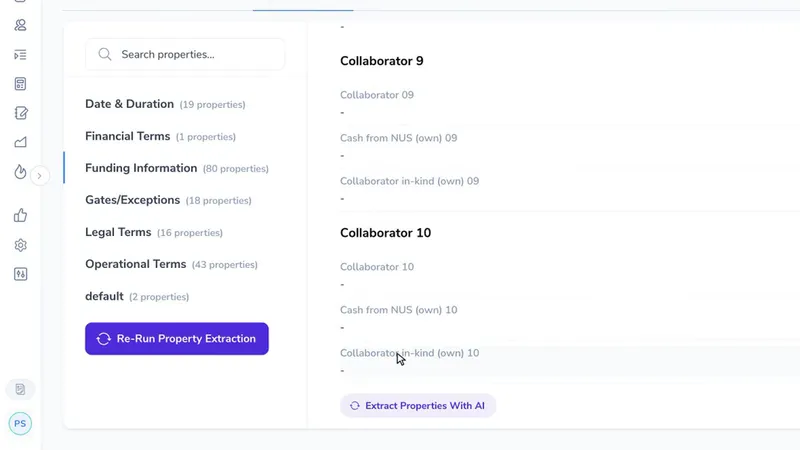
The new placeholders appear in order, directly after the collaborators already on the agreement.
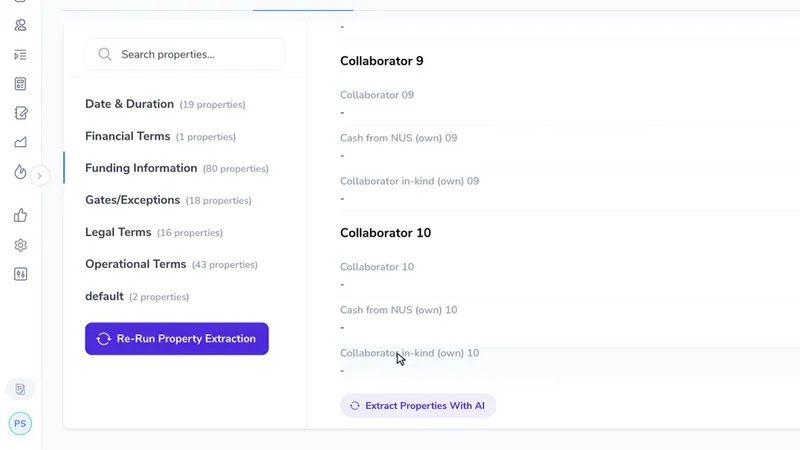
Every line belonging to one collaborator carries the same two digit number. Type that number on its own and you get exactly that collaborator and nothing else.
Typing a single digit is less precise. Searching 9 also matches 19 and 29, because each of those contains a nine. Searching 09 returns only the ninth.
Each collaborator has nine lines available and they are not a checklist. Each one is a different way a contribution can reach or leave NUS, so take the ones that describe this particular partner and leave the others alone.
A partner contributing only staff time needs its in kind line and nothing more. A partner paying into the project through a grant needs the matching grant line. Adding all nine for every collaborator makes the agreement longer to read and the funding report wider, with no gain.
You do not have to repeat the whole process for each collaborator. While the Add Property window is open, search for the next number and carry on ticking. Select Add once at the end and all of them are created together.
For an agreement with a dozen partners this turns a dozen trips into one.
Placeholders run from one to thirty.
The first eight are created on every agreement automatically. Nine to thirty are ready and waiting but are added only when you ask for them, which means they cost nothing on the agreements that never need them. An agreement with a single collaborator is no heavier for the other twenty nine being available.
The funding report currently carries columns for the first five collaborators only. Columns for six through thirty are being added, and they will sit after the existing ones, so nothing you map today moves position.
Figures recorded against collaborators six and above are stored correctly on the agreement and are safe. They simply do not appear as columns in the report yet.
If the contact you want does not appear when you pick the collaborator name, reload the agreement page and try again. The picker offers the contacts already loaded in your browser, and on an account with several thousand contacts the one you want is not always among them yet.